Debugging your scripts 71
To activate the Debugger from a remote location:
1 Open the Flash authoring application.
2 In a browser or in the stand-alone player, open the published SWF file from the
remote location.
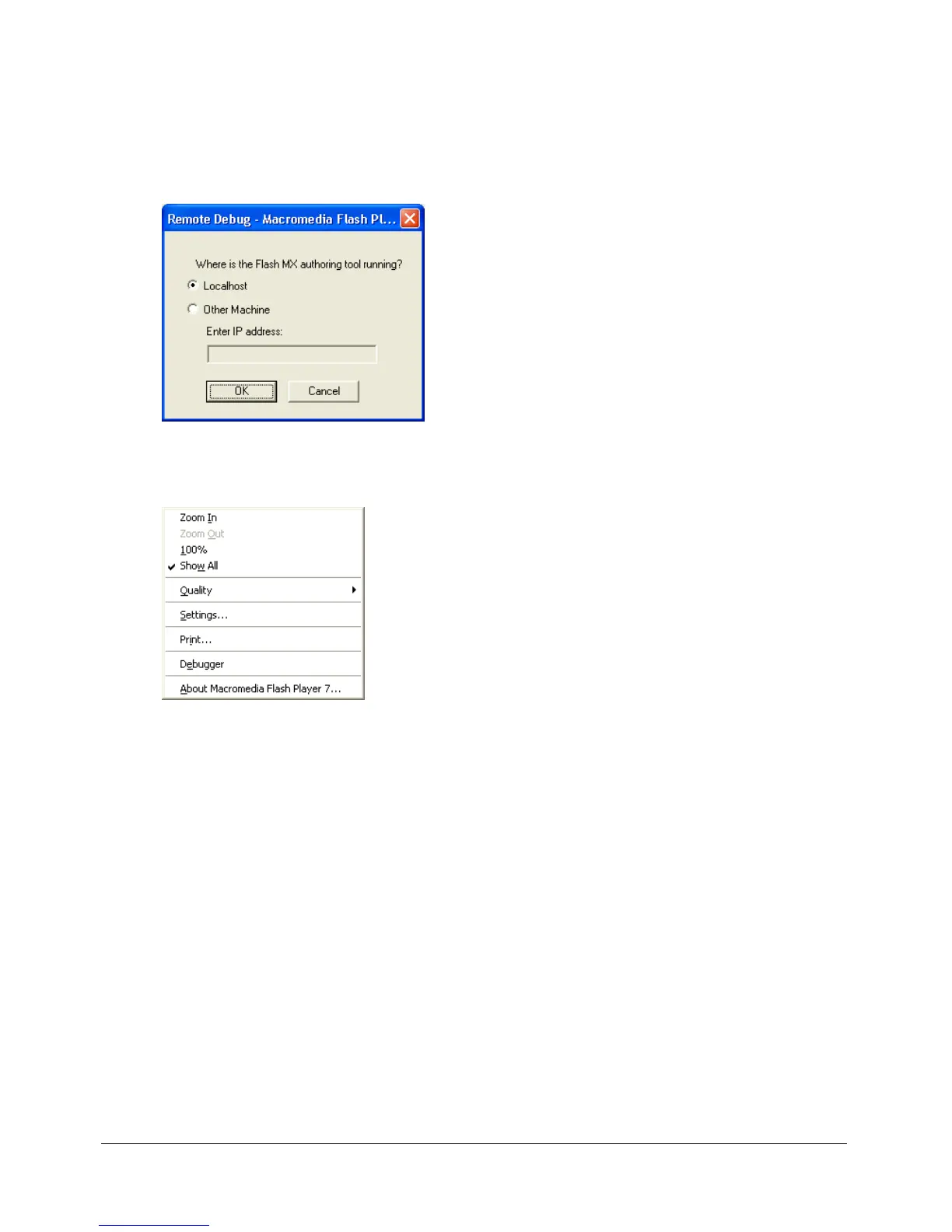
The Remote Debug dialog box appears.
If that dialog box doesn’t appear, Flash can’t find the SWD file. In this case, right-click
(Windows) or Control-click (Macintosh) in the SWF file to display the context menu, and
select Debugger.
3 In the Remote Debug dialog box, select Localhost or Other Machine:
■ Select Localhost if the Debug player and the Flash authoring application are on the
same computer.
■ Select Other Machine if the Debug player and the Flash authoring application are not
on the same computer. Enter the IP address of the computer running the Flash
authoring application.
4 When a connection is established, a password prompt appears. Enter your debugging password
if you set one.
The display list of the SWF file appears in the Debugger.



 To Next Page