Maintenance - The probe 32
Note ·
Remember to clean the cleaning wire, especially when it protrudes from the probe tip. This is impor-
tant to prevent e.g. vernix from reentering the channels.
• Make sure that the sound channels are completely dry before you fit the tip back onto the probe
body, or use a spare probe tip.
Caution · Even the slightest amount of moisture may dissolve any residual cerumen and thus contaminate
the sensitive parts in the body of the probe.
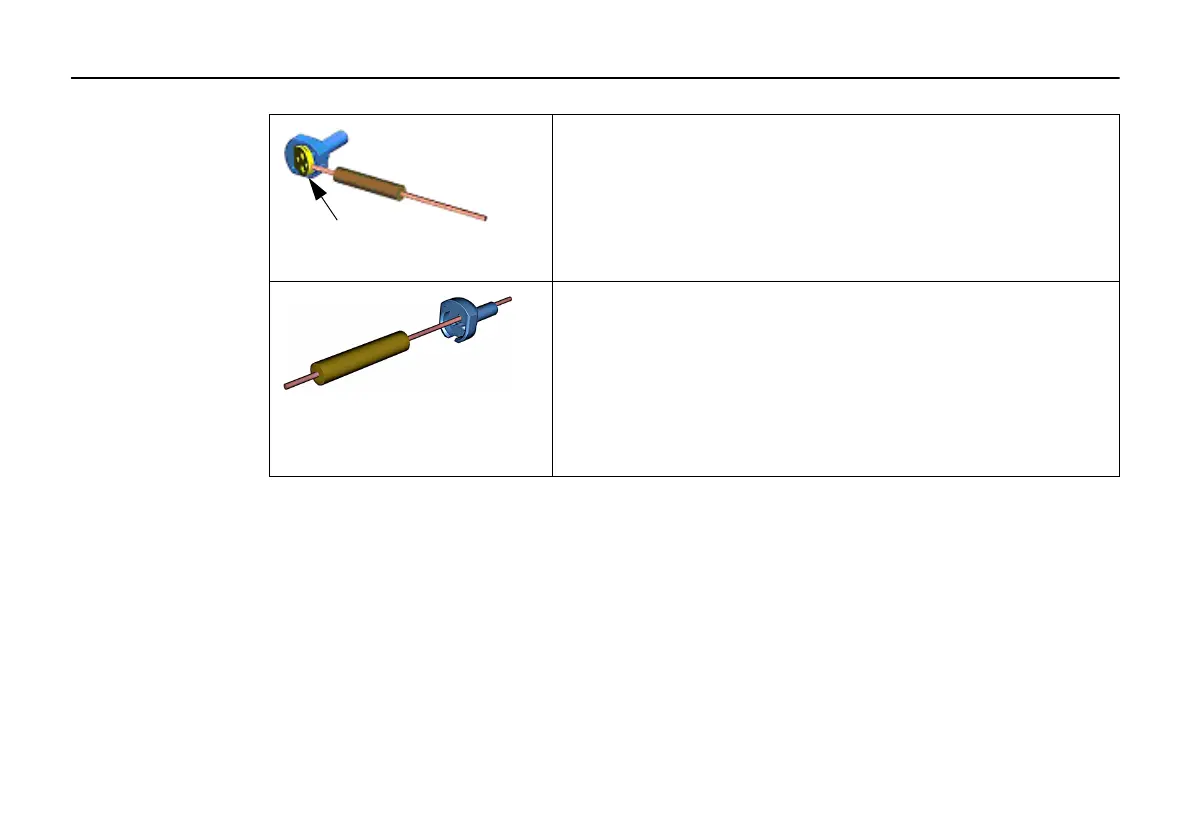
• Use the cleaning wire (C) to take out the acoustic filter disc
from the probe tip.
• Use the cleaning wire (C) to clean the sound channels of the
probe. Always clean from the rear.



 To Next Page