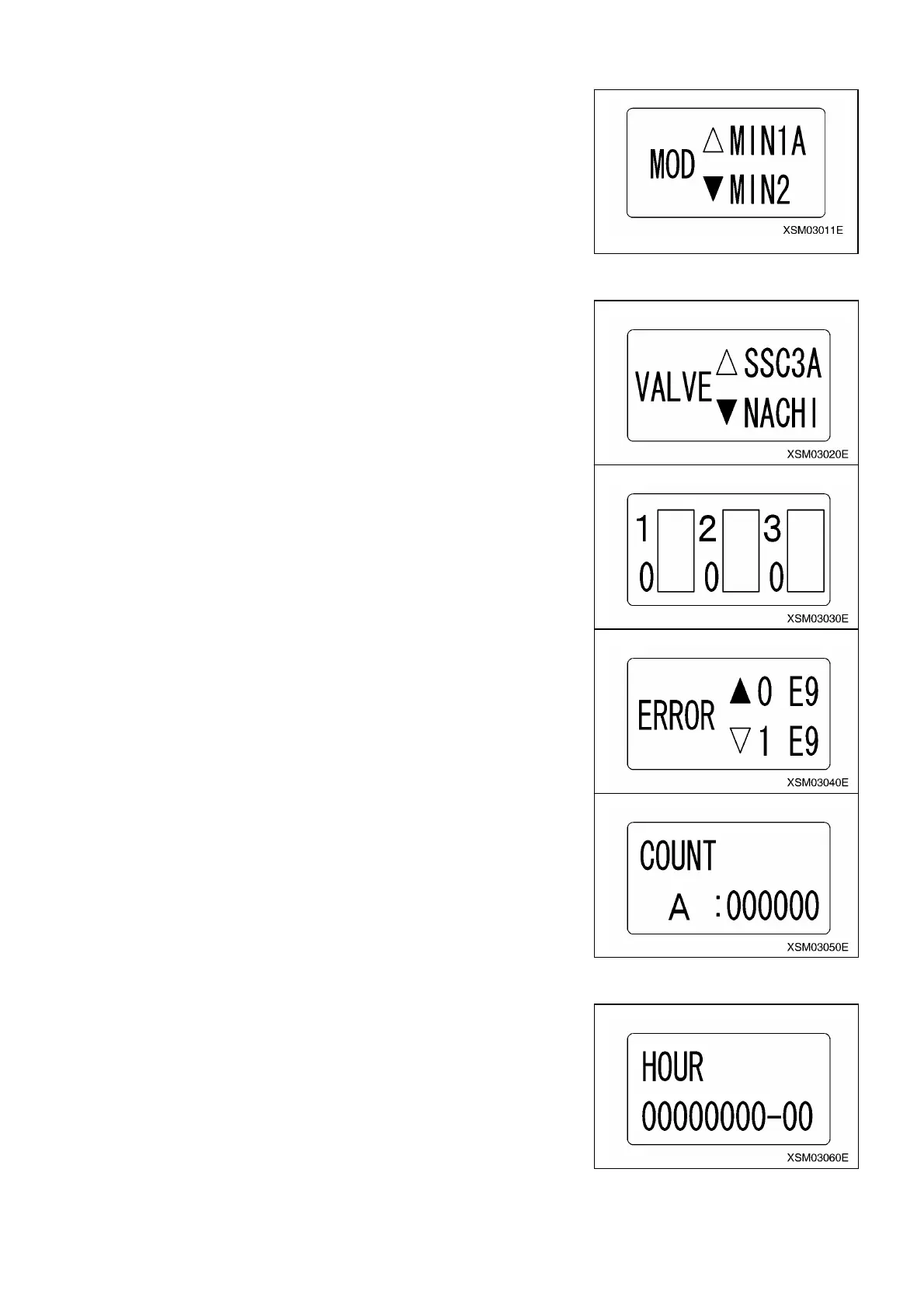
2. Items for setting the initial mode for maker:
(1) Model
For selection of model.
㨯 CAB: Track crane
㨯 MIN 1: MC-104C, MC-235C, MC-285C
㨯 MIN 1A: Not used.
㨯 MIN 2: MC-305C, MC-305C-2, MC-405C
㨯 MIN 2A: MC-583CF
㨯 LC: Not used.
(2) Valve
For selection of valve.
There are 3 selections of “NSS50”, “SSC3A” AND “NACHI”.
㨯 NSS50: MC-104C, MC-235C, MC-285C
㨯 SSC3A: Not used.
㨯 NACHI: MC-305C, MC-305C-2, MC-405C
If a use valve is chosen and a D (setting) Button is pushed, it will change to the
screen of the right figure.
㧖At the time of factory shipment, this is set at 0.
(3) Error
The error generated in the past can be called.
It has memorized by the past 8 times.
*At the time of shipment, although the error may be displayed, the time of
manufacture, and since it is alike and is displayed with the operation check at the
time of shipment etc.. If it is operating normally now, it does not have a problem.
(4) Number of Times of Operation
The number of times of operation of each old operation button is known.
It counts only at the time of operation in crane mode etc., and the operation at the
time of setting mode is not counted.
Left=A, Right=B, Extend=C, Retract=D, Hoist=E, Lower=F, Boom raise=G, Boom
lower=H
*Please understand that it counts with the operation check at the time of shipment
etc. at the time of shipment although counted several times.
(5) Operation Time
Operating time will be displayed.
*At the time of shipment, although displayed for a number of hours, it is at the
shipment time. Please understand that it counts with an operation check etc.
163



 To Next Page