CPS Programming 4-3
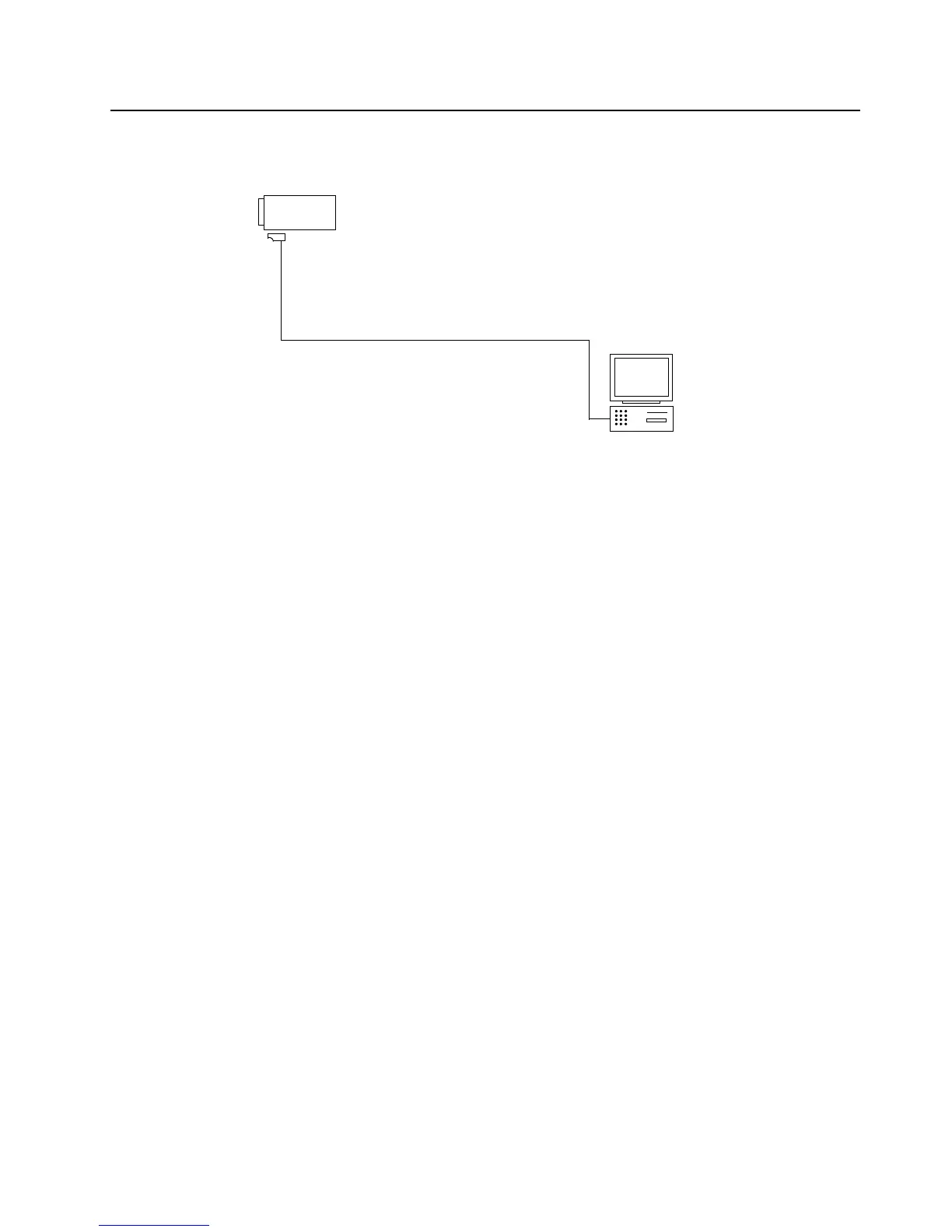
Refer to the diagram below for the programming setup.
3.1 To Read Radio Data to a PC
1. Turn off the radio.
2. Connect the programming cable to the radio.
3. Press and hold Programmable Button 1 (top side button on the radio), then turn on the radio.
4. The radio beeps once. Immediately release Programmable Button 1.
The radio’s LED illuminates in orange.
5. Click the Read button on the CPS.
6. The CPS shows a reading progress bar.
3.2 To Write Data to a Radio
1. Turn off the radio.
2. Connect the programming cable to the radio.
3. Press and hold Programmable Button 1 (top side button on radio) then turn on the radio.
4. The radio beeps once. Immediately release Programmable Button 1.
The radio’s LED illuminates in orange.
5. Click the Write button on the CPS.
6. The CPS shows writing progress bar.
Figure 4-1 CPS Programming Setup
Radio
Programming Cable
Comm
Port
PMDN4043_R


 To Next Page