View Menu 19
View Menu
Local Info
The Local Info option provides a way of viewing tide and current information (if a detailed map has
been installed with tide and current information), best fishing and hunting times, and sunrise/sunset/
lunar information.
Viewing Best Fishing and Hunting Times for Current Location
1. Access the Main Menu and select “View”.
2. Highlight “Local Info” and press Enter.
3. Highlight “Fish and Hunt” and press Enter.
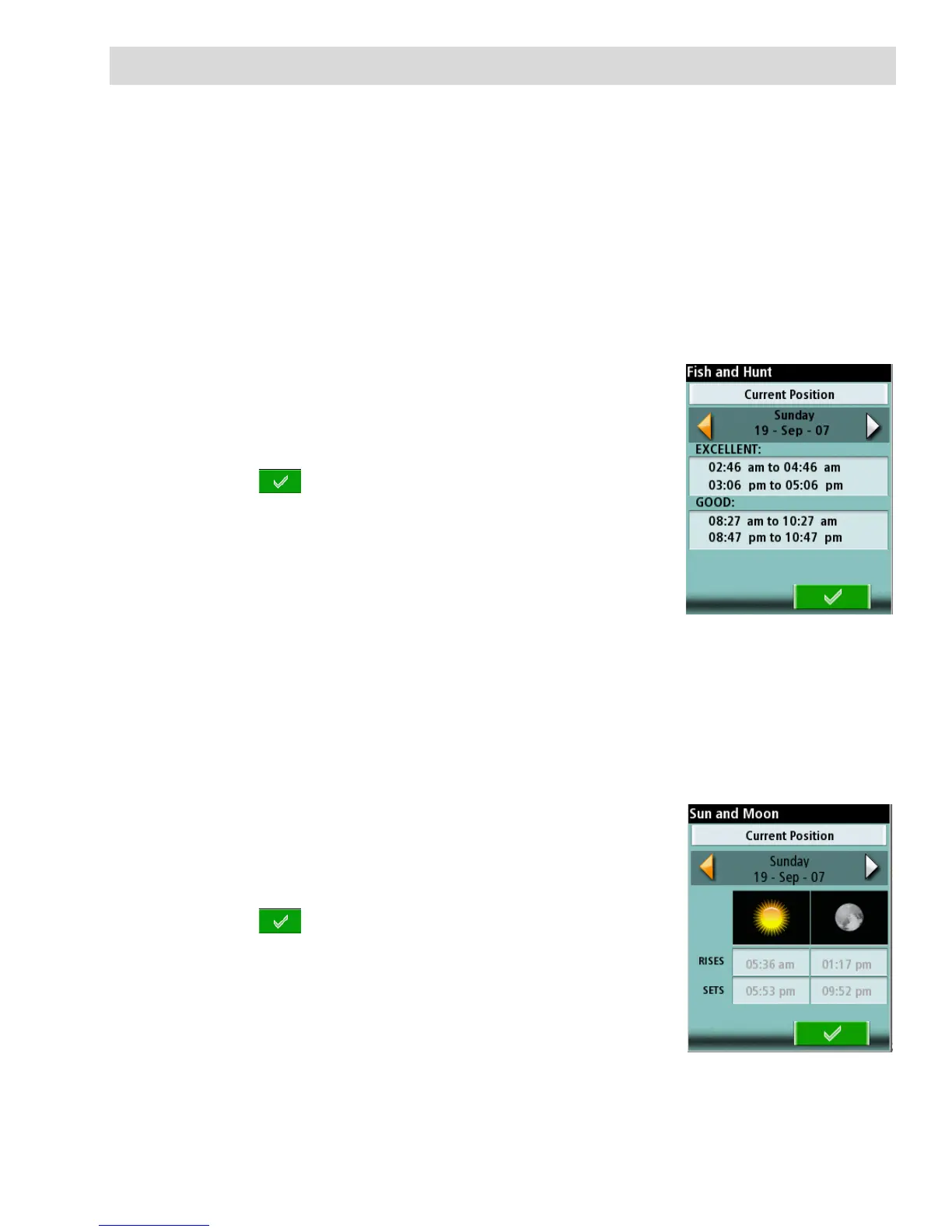
4. The Fish and Hunt screen is displayed for your current
location.
5. Use the left and right arrows to change the date or highlight
date field and press Enter to open a calendar.
6. Select to close the screen.
Viewing Sunrise, Sunset Times and Lunar Information for Current Location
1. Access the Main Menu and select “View”.
2. Highlight “Local Info” and press Enter.
3. Select “Sun and Moon”.
4. The Sun and Moon screen is displayed for your current
location.
5. Use the left and right arrows to change the date or highlight
date field and press Enter to open a calendar.
6. Select to close the screen.















 To Next Page