View Menu 23
Settings
Navigation
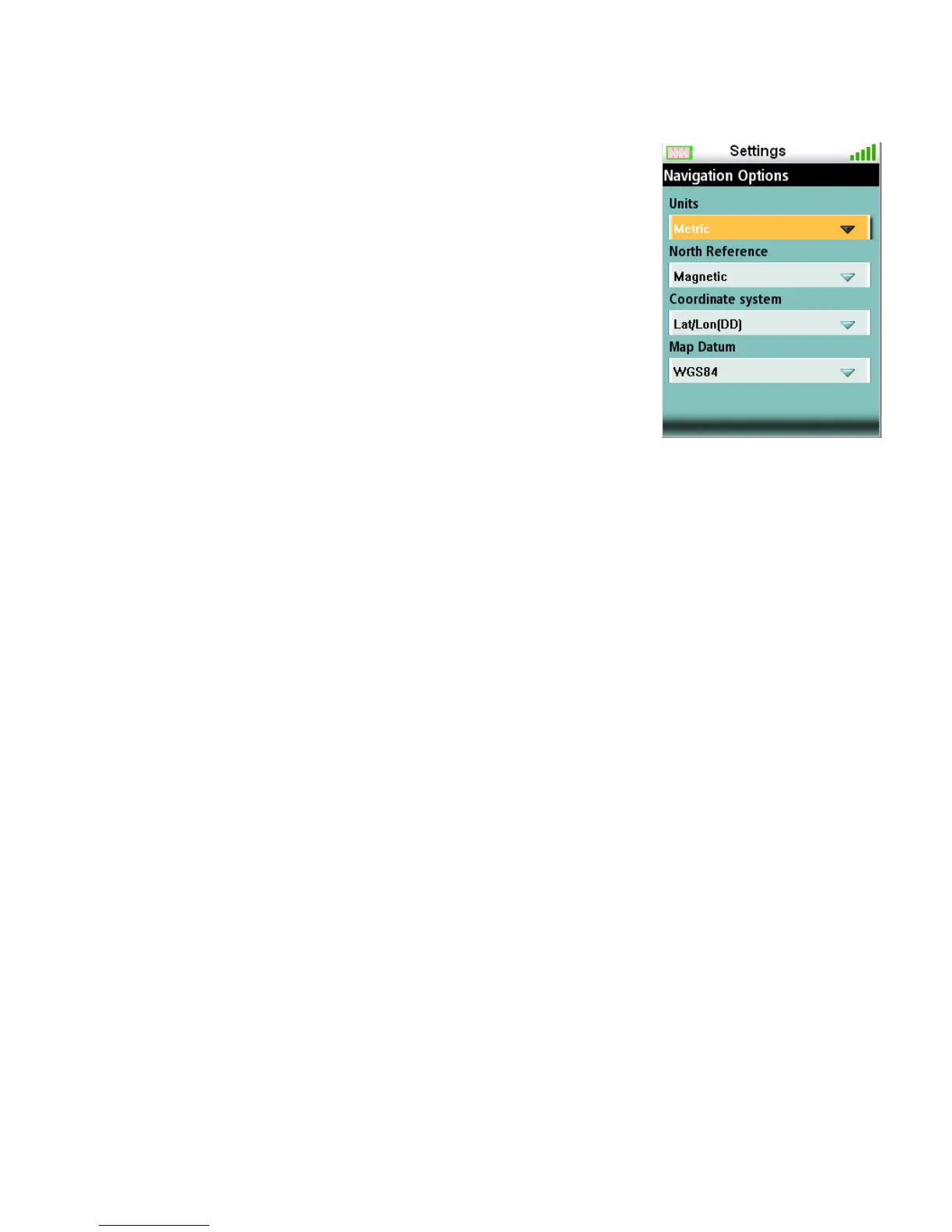
Setting Navigation Options
1. Access the Main Menu and select “View”.
2. Select Settings.
3. Select Navigation.
Volume & Brightness
Setting Volume & Brightness
1. Access the Main Menu and select “View”.
2. Select Settings.
3. Select Volume & Brightness.
4. Highlight the slider bars and use the left and right controls on the cursor control to set the
display brightness and alarm volume.
5. Select OK to accept.
Memory
View Memory Usage
1. Access the Main Menu and select “View”.
2. Select Settings.
3. Select Memory.
4. Select View Usage.
Clearing Memory
1. Access the Main Menu and select “View”.
2. Select Settings.
Units (of Measure) Miles, Kilometers,
Knots
North Reference Magnetic or True
Coordinate system Lat/Lon (DD), Lat/Lon
(DM), Lat/Lon (DMS),
UTM
Map Datum Select from list















 To Next Page