The encoder can stream up to 6 RTMP/RTMPS servers simultaneously. The
recommended total bitrates for the streams is below 24Mbps for a wired
network connection, and 16Mbps for a wireless network connection.
■
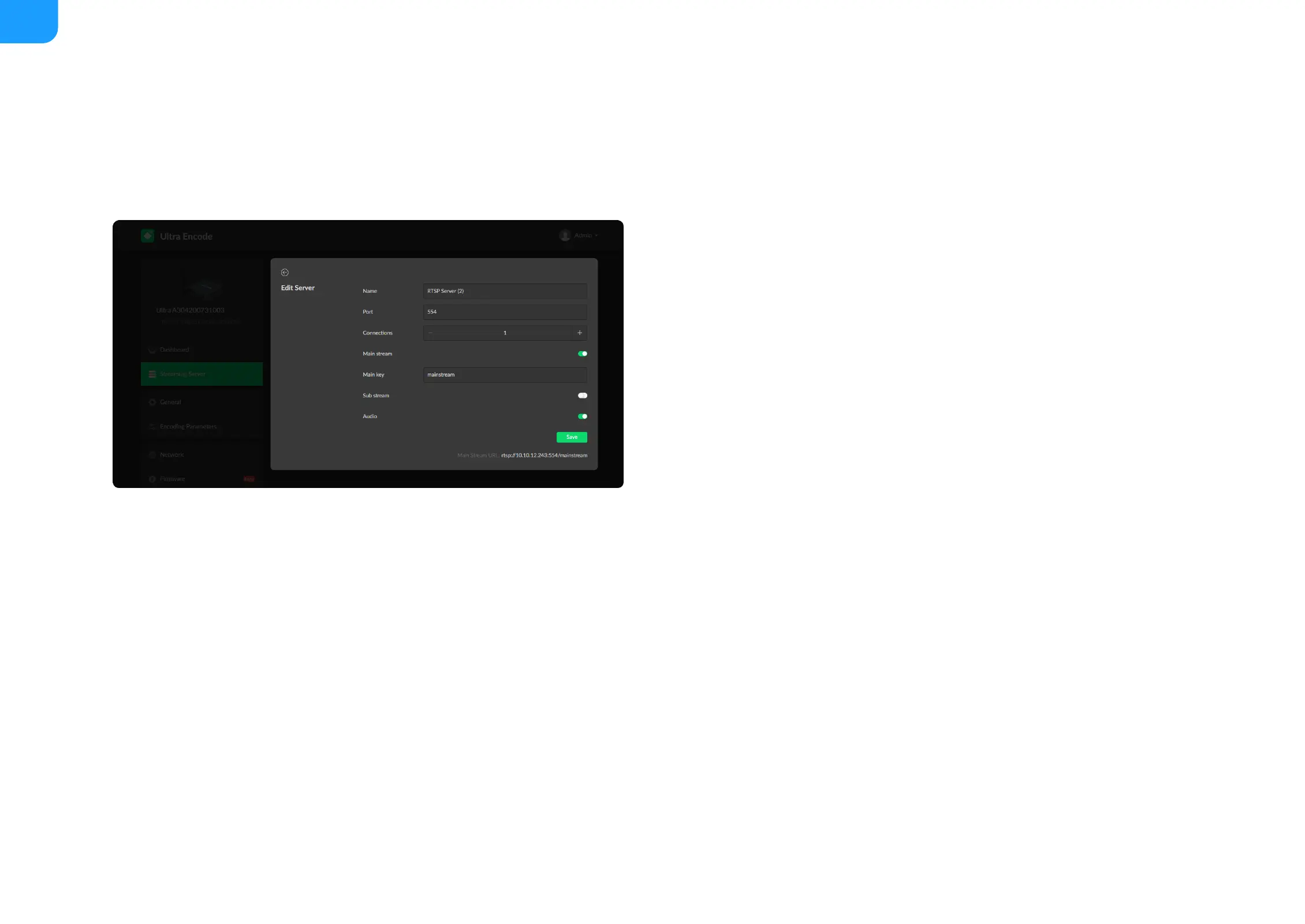
Name: specify a name for current task to facilitate server management,
which will be displayed in server list.
■
Port: specify RTSP stream port, the default port is 554.
■
Connections: set number of clients for each RTSP stream, 8 clients are
supported at most.
■
Main stream: turn on to push main stream. Specify parameters in Encoding
Parameters tab.
■
Main key: specify key for main stream. The main key should be different
from sub key.
■
Sub stream: turn on to push sub stream. Specify parameters in Encoding
Parameters tab.
■
Sub key: specify key for sub stream. The sub key should be different from
main key.
■
Audio: turn on to stream audio signal, otherwise audio will not be delivered.
The audio signal consists of audio embedded in input signal and LINE IN.
■
Save: save current configuration.
■
Only 1 RTSP streaming session can be started each time, but you can add
multiple servers to the streaming server list.
■
After configuration, the stream URLs display at the end of the page.
■



 To Next Page