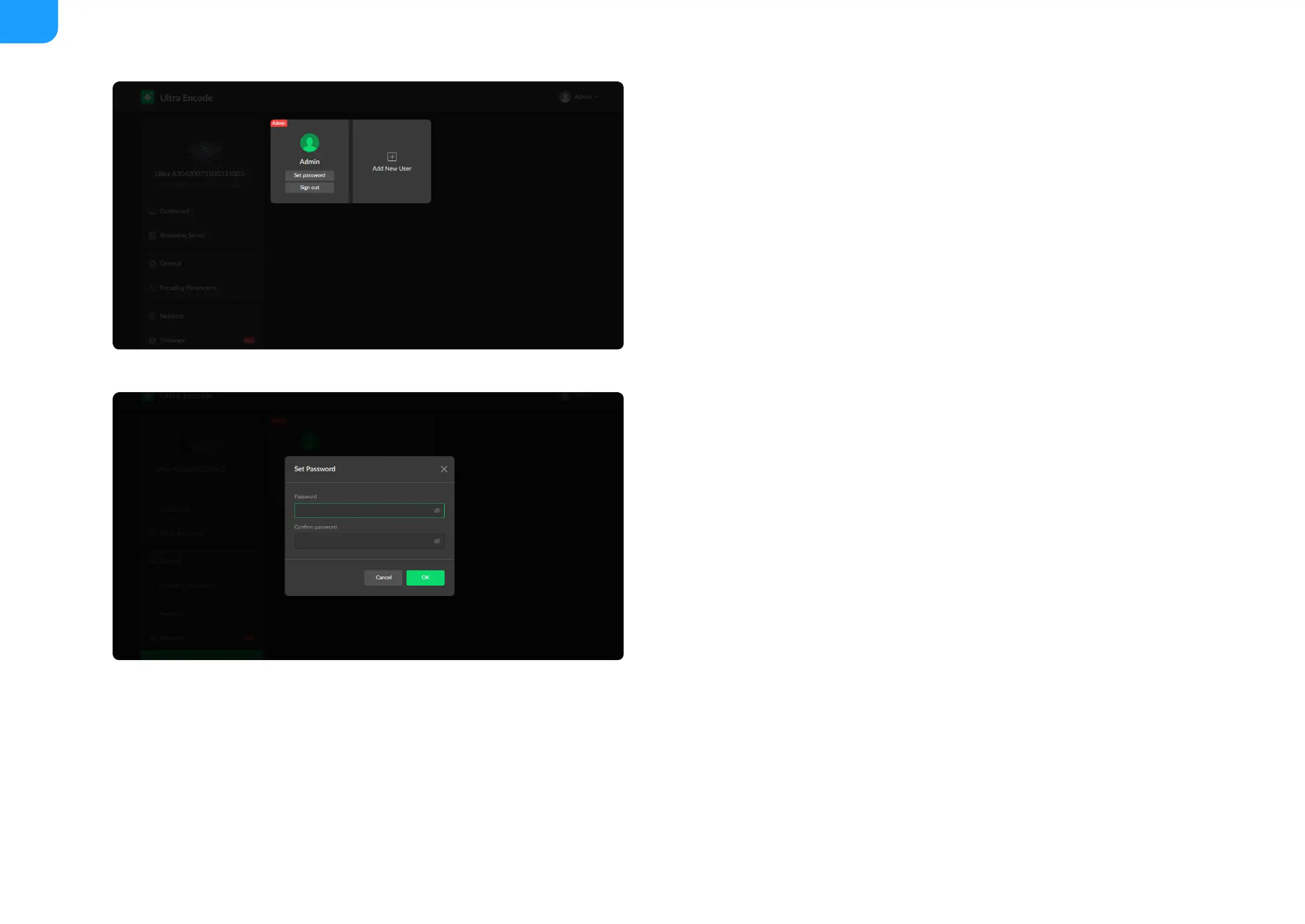
Modify a specified user password
1. Access the Web UI and sign in with the administrator account.
2. Go to User Admin tab, then you can change any user's password.
3. Click Set password.
4. In the pop up window, type in and confirm your password.
The password is a string of 1 to 32 characters, which contains letters A-Z,
a-z, numbers 0-9 and special characters _~!@#$%^&*-+=.
5. Click OK.



 To Next Page