ID Card Printer – User Manual
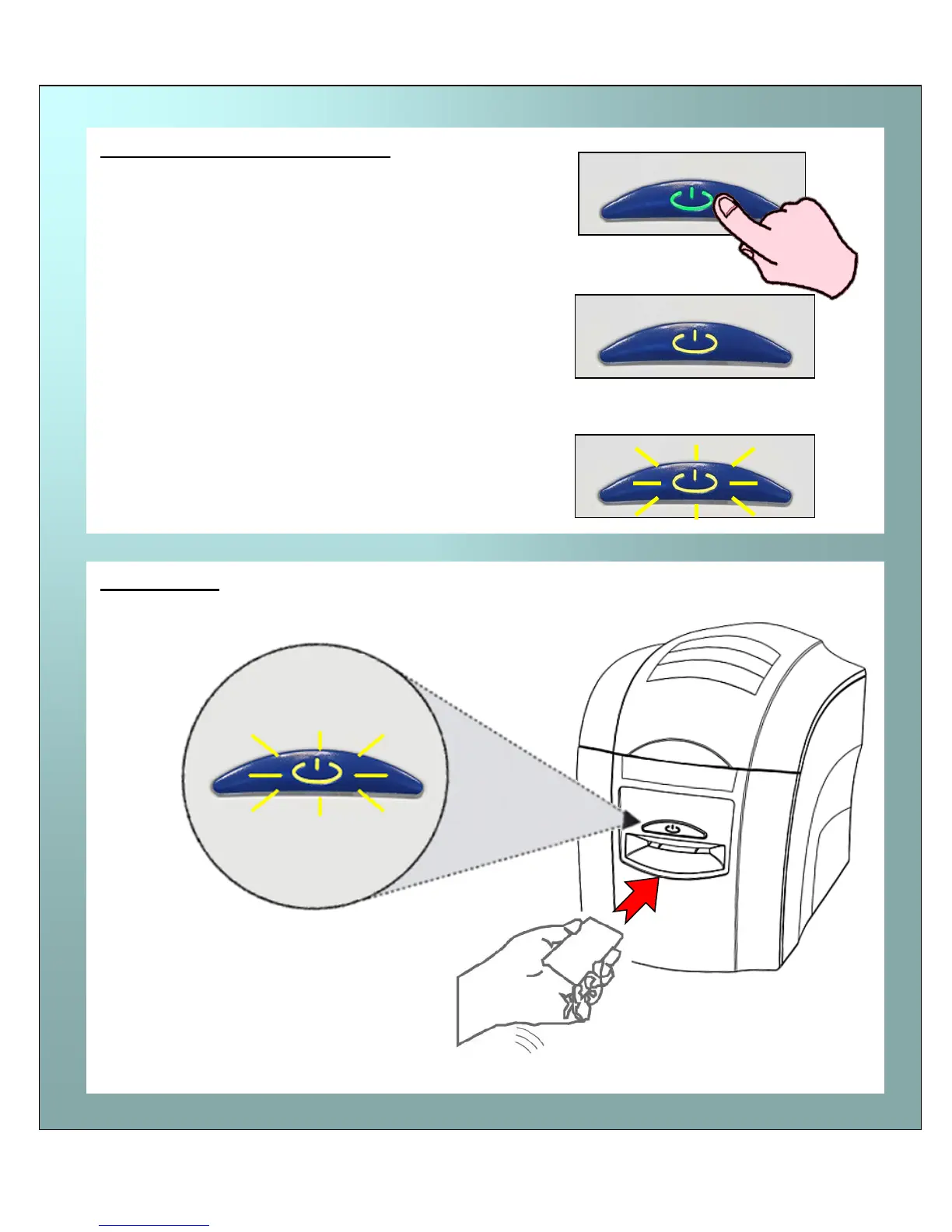
Printing the ‘internal test pattern’
Feeding cards
… after a few seconds, the button will FLASH
YELLOW to request a card to be fed into the front
Press the Power Button twice in quick succession ….
(within 0.5 seconds)
… the button’s colour will change to yellow (busy)….
… insert a card into the front card slot.
Note: See page 19 for correct orientation of magnetic stripe cards and HoloPatch cards.
When the button FLASHES YELLOW …















 To Next Page