How To Select Speeds
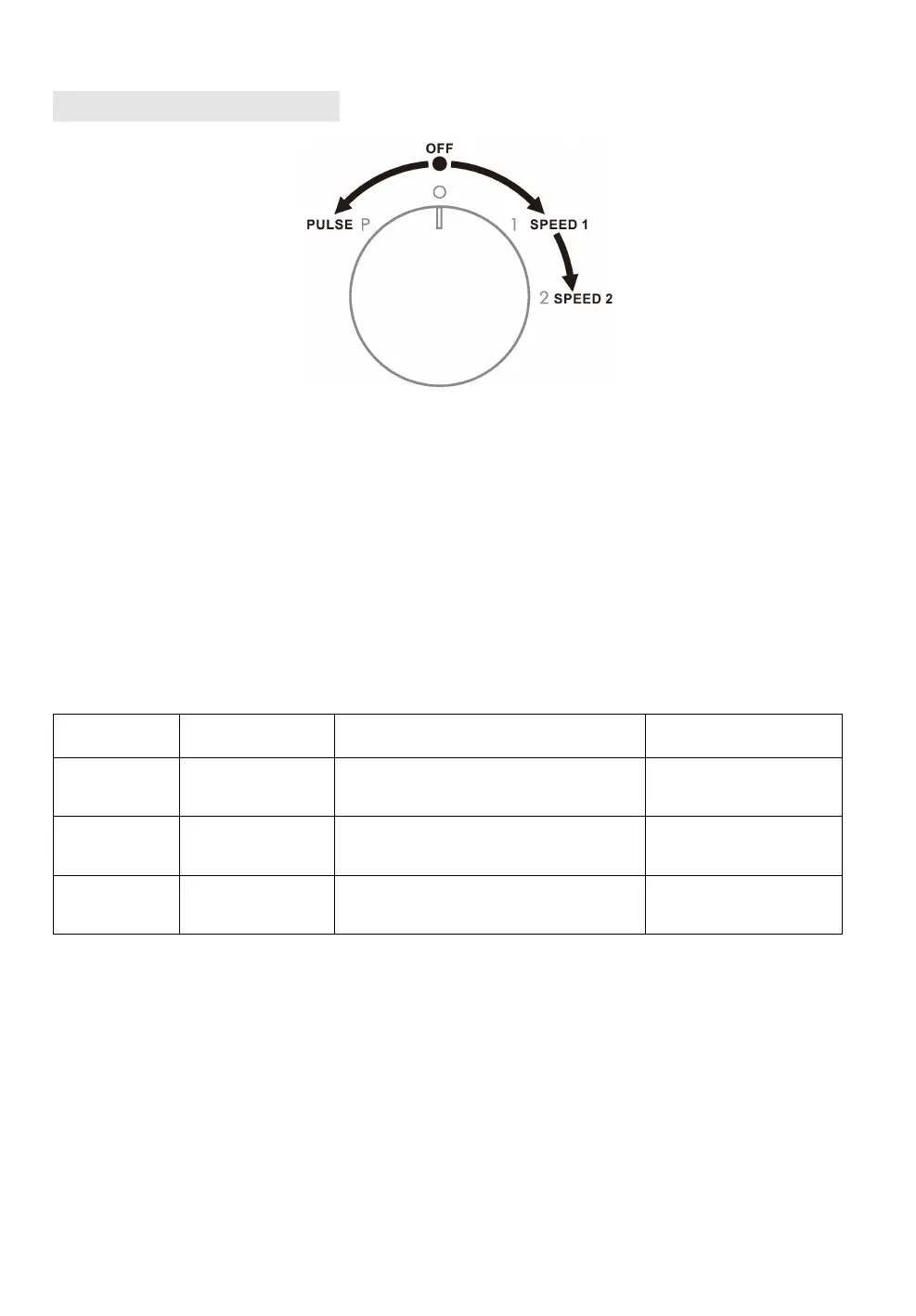
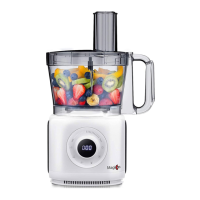
FP406 food processor has 2 speeds and a PULSE function. You can select different
speeds according to the accessories and food, please find recommended speeds in
the related chapters for each accessories. Turning clockwise to select from the 2
speeds and turning counter clockwise to select PULSE function.
Speed 1 is slow speed and speed 2 is faster speed. To select appropriate speed
according to the food hardness and your processing needs. Normally, soft food can
be processed by lower speeds. If the food fails to be processed or is stirred very
slowly, it means that the speed is inappropriate. Then you need to replace it by
higher speeds, below basic table for your reference.
PULSE 2-3 times, then turn to
speed 2
Speed 1 and turn to speed 2
gradually
PULSE function
PULSE gear on the rotary switch for the max speed, release your finger to turn off
the appliance, you DO NOT need to hold a long time, PULSE 2-3 times could let the
ingredients to be roughly chopped and mixed, after that you could select related
speeds accordingly.
Note : some strength is required for the best performance not matter which speed
you selected if pushing food through feed chute. Running speed is slow while food is
very tough even working with speed 2, please DO NOT push too violently.



 To Next Page