STANDARD CONTROL/DISPLAY OPERATION
37
Green LED Lit
3) Use the ▲ and ▼ keys to ramp the
number in the SCDU display to the desired
value. Note that the red LED is lit to indicate
that the value being displayed is NOT the
actual value, but rather is in the process of
being changed. Each parameter has an
upper and lower limit. The following display
will occur when the lower limit is exceeded:
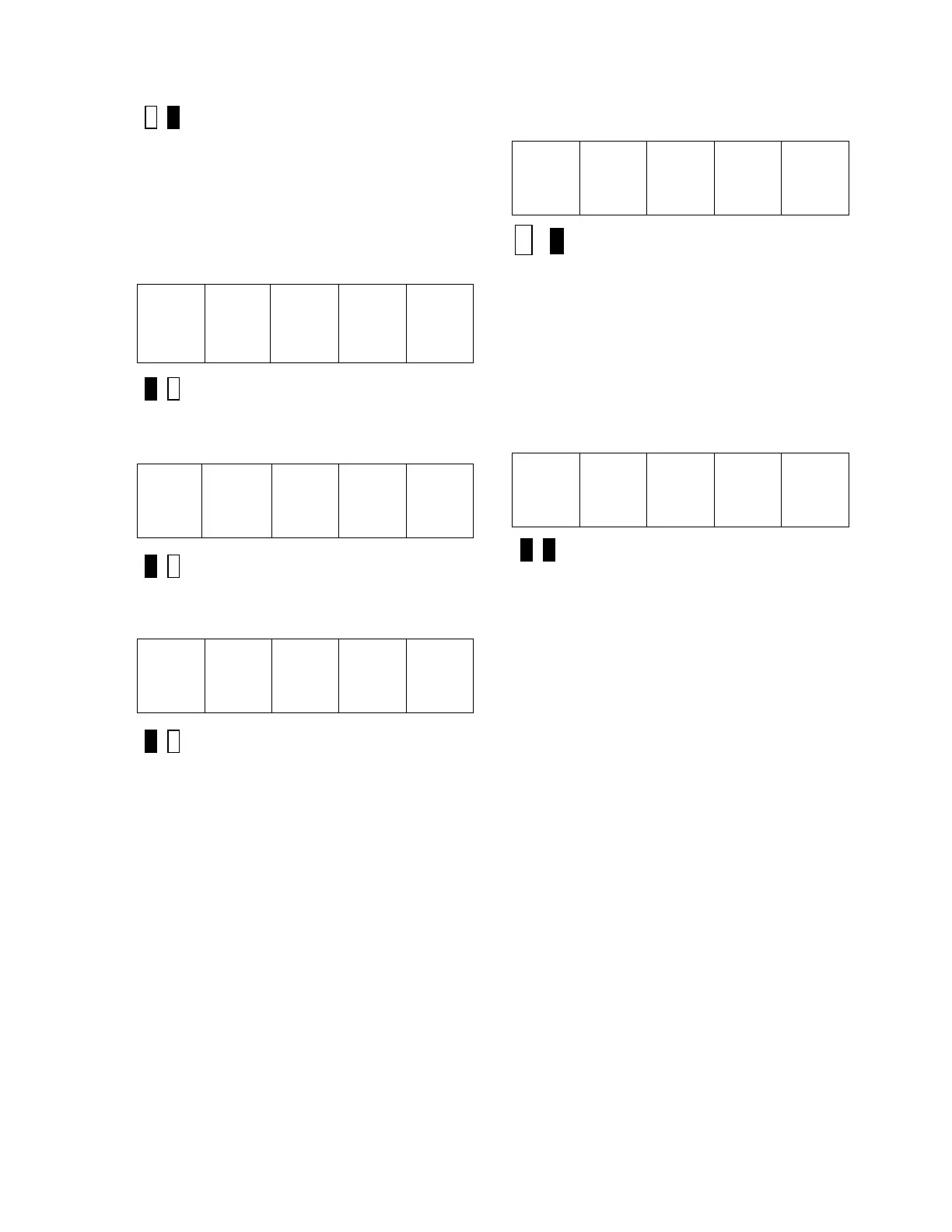
__
__
__
__
Red LED Lit
Similarly, if the upper limit is exceeded, the
SCDU displays:
__
__ __ __
Red LED Lit
The SCDU display will increment from ‘10.6’
to ‘11.0’ if the ▲ key is pressed 4 times:
1 1. 0
* Red LED Lit
4) Press the ENTER key to transfer the value
in the SCDU display to the actual value used
by the drive. Note that the green LED will
now light to indicate that this value is now the
actual value for this parameter:
1 1. 0
* Green LED Lit
If the ENTER key is pressed while the display
is indicating that the upper or lower limit has
been exceeded, the display will change to the
appropriate limit and the green LED will light.
5) Press the DATA/FCTN key to put the
SCDU back into the "Function" level. As with
the example above, the SCDU display will be
similar to:
4 0
Both LED’s Off
All changes made become active values upon
pressing the ENTER key. They remain active
until the next reset, or until the drive is
powered down. When the drive is reset or
powered up the value reverts to the value
stored in NVRAM. If changes are to be
permanent, use function 994 to save the
changed value in NVRAM.
Due to programming considerations it may be
possible to access a value that cannot be
changed. In this case the CDU function will
proceed as described until the ENTER key is
pressed to change the value. In this case the
value will simply ignore any requested
changes and remain the same.
Viewing Monitor Functions
Items that would typically fall into this category
are Speed Feedback, Armature Current and
Armature Voltage.
To view one of these values, it must have
been previously programmed in the the drive.
The following steps show how to display a
given value on the SCDU display.


 To Next Page