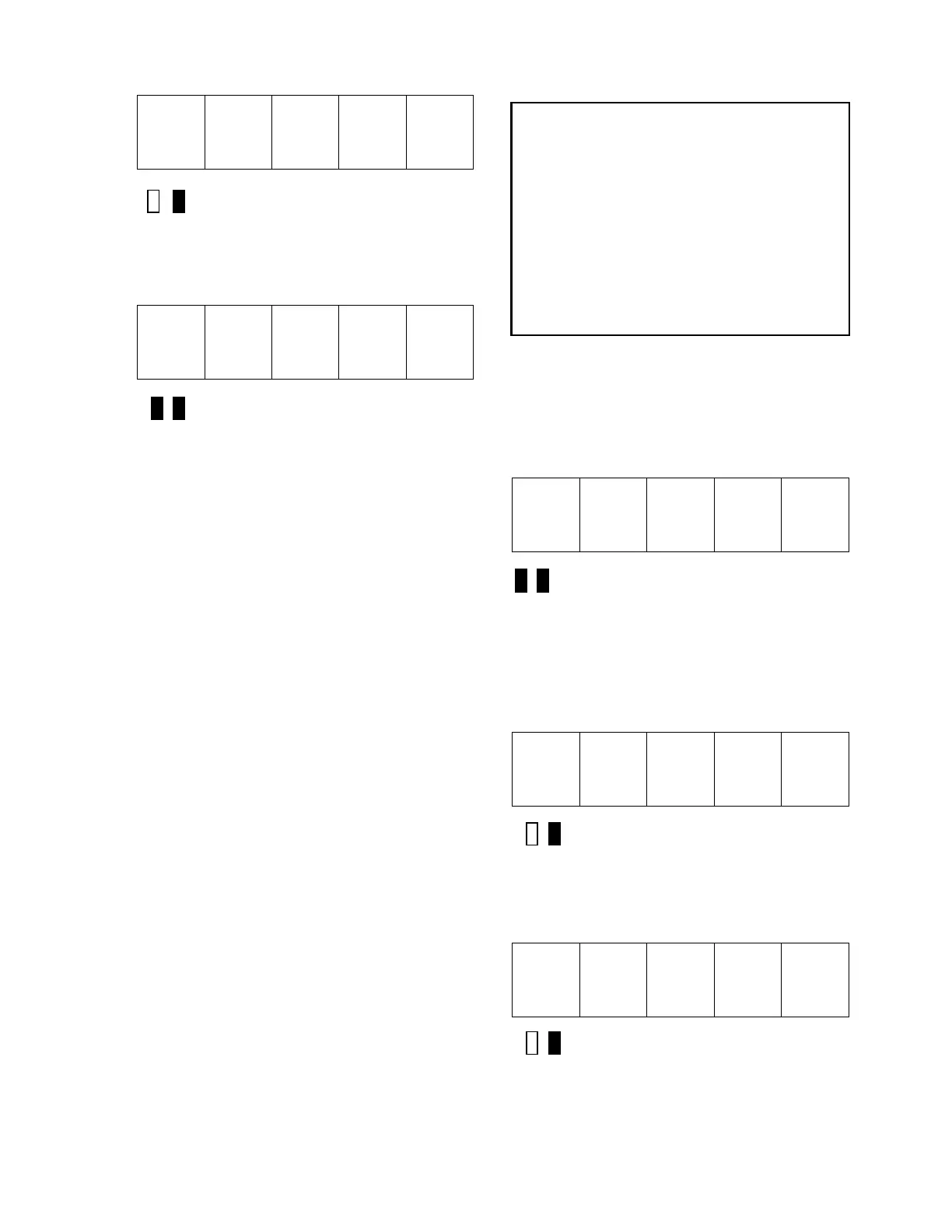
STANDARD CONTROL/DISPLAY OPERATION
44
t E S t
Green LED Lit
5) Press the DATA/FCTN key to exit the
PCU parameter measurement routine and
return to the "Function" level. The SCDU
displays:
9 9 7
Both LEDs Off
6) After completion of SELF-TUNE, enable
Function 2. (Unless using manual entry)
Power Conversion Diagnostics
The drive has built-in diagnostic routines that
can be performed via the SCDU. The PCU
diagnostic routines are able to test for four
failure modes. The first test that the PCU
performs is a test of the three line fuses.
Assuming the three line fuses are all OK, the
PCU then performs a test for shorted SCRs/
doubler packs. If this test indicates no
shorted SCRs/doublers, the PCU then verifies
that less than 5% of the value entered for
“Rated Field Current” is attainable. The PCU
then tests for open SCRs by passing current
through the forward bridge followed by the
reverse bridge, and finally checks polarity of
voltage feedback. The result of the test is
displayed on the SCDU after the test
completes. The SCDU will light certain
unique LED patterns on its display
corresponding with the failure (see displays in
the procedure that follows). The Fault Codes
F910 (Blown Fuse), F911 (Shorted SCR),
F912 (Open SCR), and F917 (Reverse
Armature Feedback Wires) will not appear on
the SCDU if the Error Disposition List is
programmed so that they are not reported to
the Fault List.
WARNING
Armature current is circulated through the
armature circuit during parts of the PCU
Diagnostics Function. The PCU will reduce
the field current to zero on motors with a
shunt field in order to minimize motor rotation.
However, a PERMANENT MAGNET motor
must have its shaft locked mechanically prior
to running the PCU Diagnostics routine. If the
PCU detects significant motor voltage during
the test, the PCU Diagnostics Function will
abort.
The process for accessing the PCU
Diagnostics Function is as follows:
1) Use the ▲ and ▼ keys to select
Function 998 from the function level. The two
colored LEDs remain off during this step.
9 9 8
Both LEDs Off
2) Press the DATA/FCTN key to enter the
"Data" level for Function # 998. The green
LED is now lit to indicate that this function is
currently being accessed. The SCDU
prompts the user to press the ENTER key by
displaying:
E n t r
Green LED Lit
3) Press the ENTER key to actually start the
PCU diagnostics. While the PCU is per-
forming the Function 998 Diagnostics test, the
SCDU displays:
t E S t
Green LED Lit
The PCU will not begin the diagnostic routines
if a SEVERE PCU FAULT exists. The PCU


 To Next Page