inteleSmart2 Instruction Manual
June 2016
Page 35 of 49
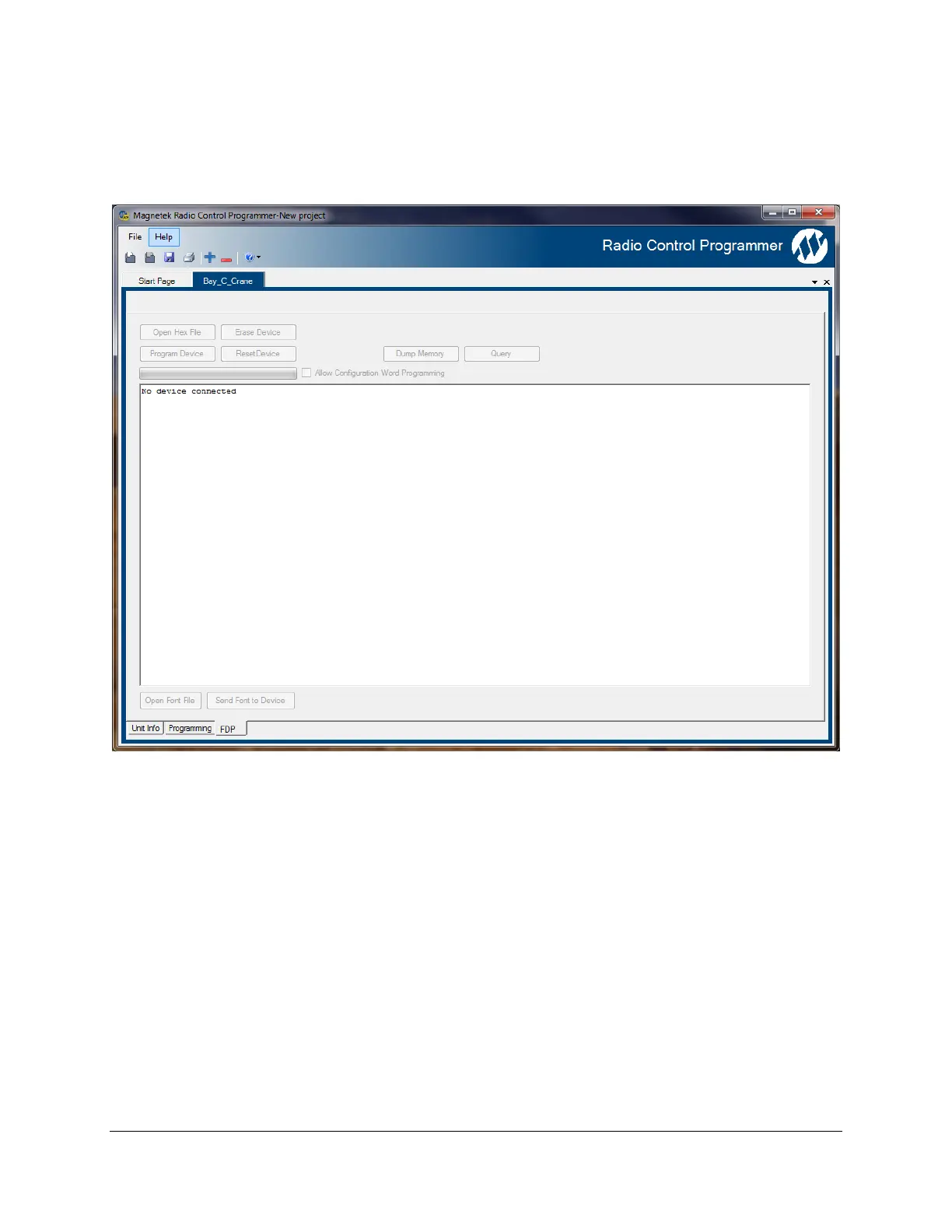
7.4.3 FDP Page
The FDP page is used to download firmware to the board via the bootloader. When connected during
normal operation of the inteleSmart2, click on ResetDevice.
This will initiate the bootloader mode, where the new software can be downloaded. Click on Open Hex
File, put in the file you want to load, then click on Program Device.


 To Next Page