2 - Installation
tDynamo| Three-way Secure Card Reader Authenticator | Installation and Operation Manual
Page 18 of 39 (D998200257-20)
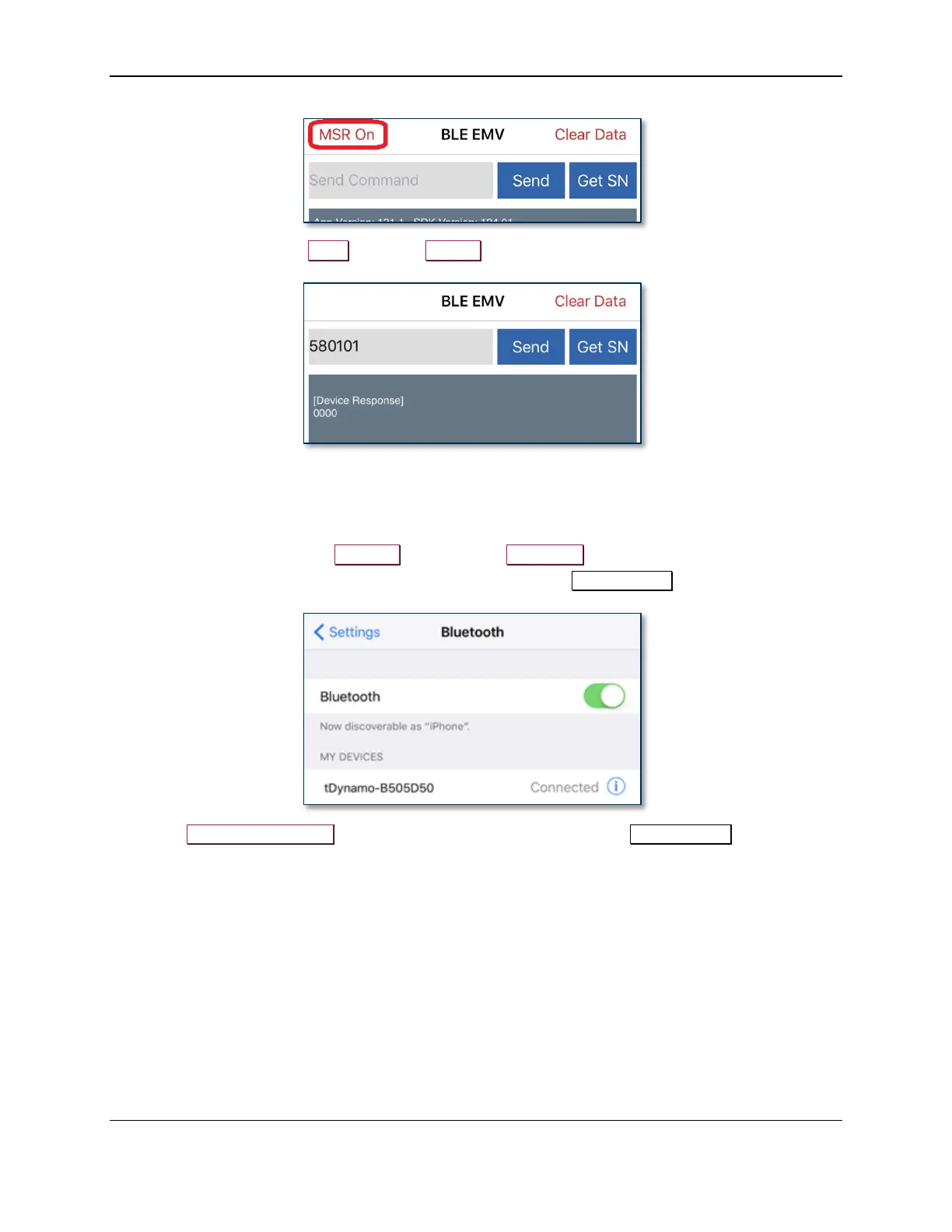
b) After swipe testing, Send command 580100 to disable it and conserve power.
11) Remember to change the default passkey. See the tDynamo Programmer’s Manual documentation
for details.
To unpair from the device, follow these steps:
1) On the iOS host, launch the Settings app and select Bluetooth.
2) Press the “i” information icon next to the device’s name in the MY DEVICES list.
3) Select Forget This Device and make sure the device disappears from MY DEVICES.



 To Next Page