2 - Installation
tDynamo| Three-way Secure Card Reader Authenticator | Installation and Operation Manual
Page 21 of 39 (D998200257-20)
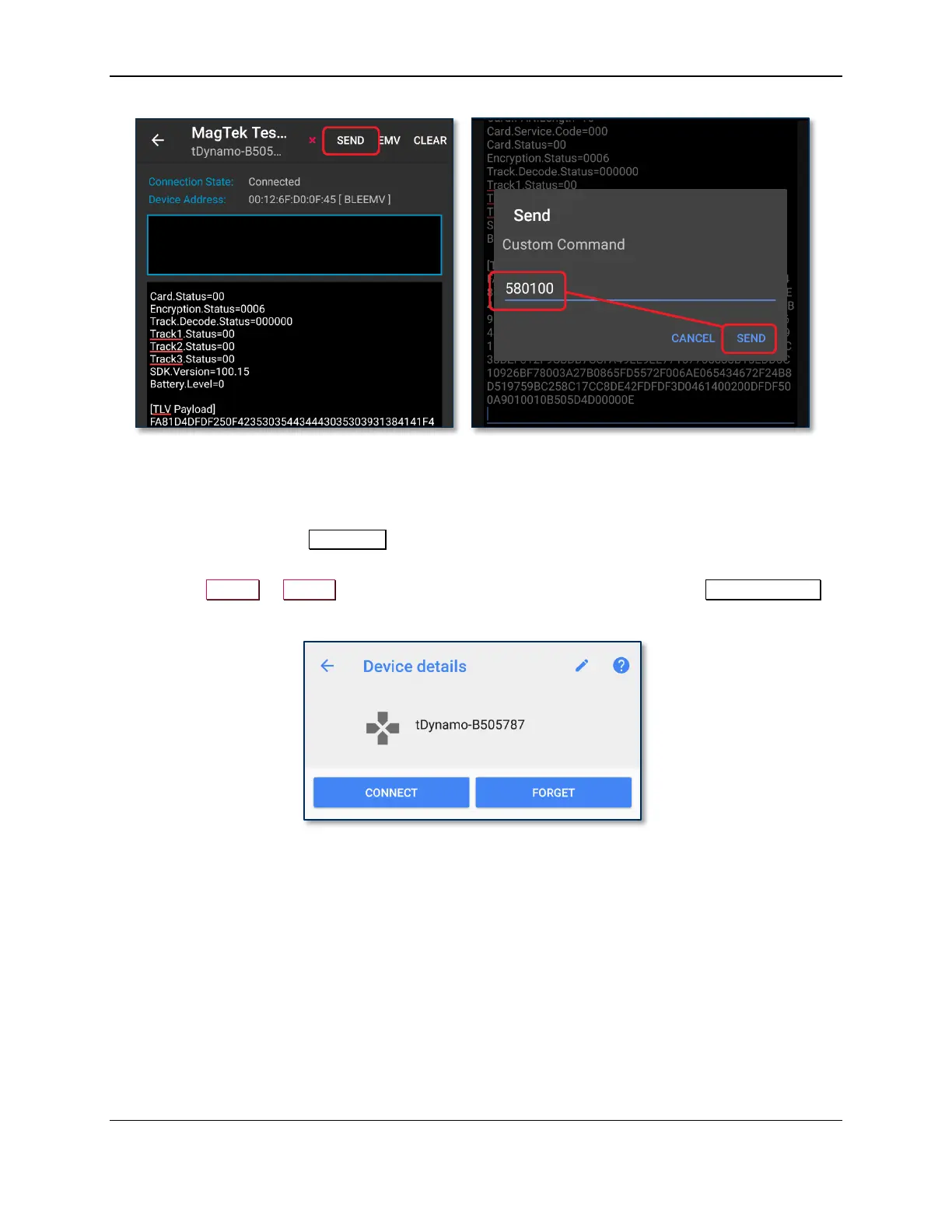
13) Remember to change the default passkey. See the tDynamo Programmer’s Manual documents for
details.
To unpair from the device, follow these steps:
1) Locate the device in the Bluetooth configuration page.
2) Press the settings (gear) icon.
3) Press the Unpair or Forget button and make sure the device disappears from the Paired devices
list.



 To Next Page