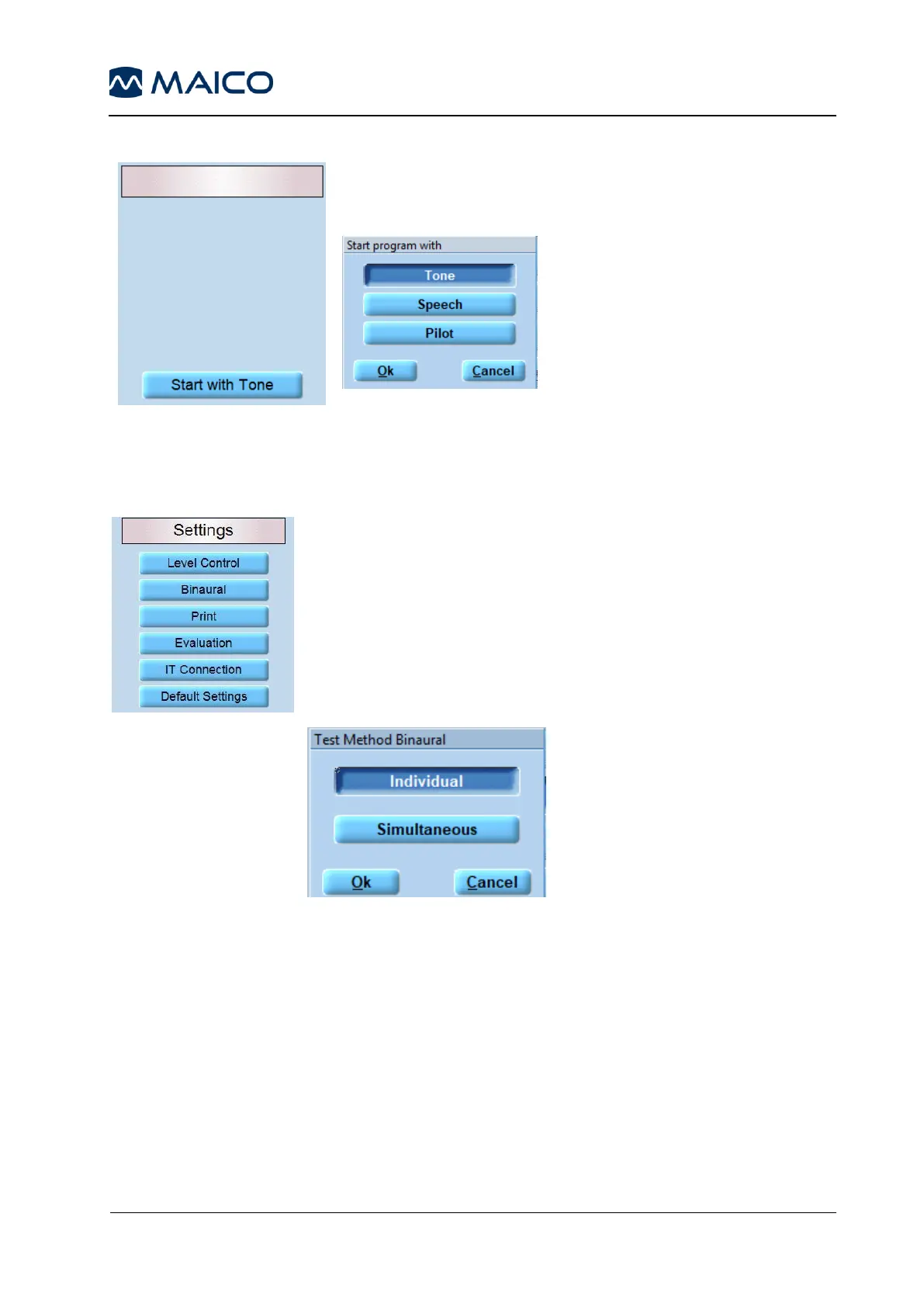
Start with Tone: Pressing the Start with Tone button opens a
message box that allows for the selection of the test the
programm shall start with (Figure 114 and Figure 115).
Figure 115
5.7.6.4 Settings
Level Control: (default) when the level control is activated and
the tester changes the level during the test, a warning dialog box
appears.
Binaural: Binaural measurement can be performed individually
or simultaneously.
Individual to change the levels for the right and left ear
individually. Select Simultaneous if you want the left and right
ear levels to match (Figure 116).
Figure 116
Print: Offers different print settings such as Color Print (Standard
Setting B/W), DIN A5 (Standard A4) and other print options.
Pressing Address/Phone opens a window, in which you can enter
the data as well as the address and telephone number of the
examiner. Note that these are not two separate lines. So first fill in
the first line completely and then write on the second line. You can
also select an image for the print head from your drive. Activate the
Header bitmap function and load an image for the print head by
pressing the Load button (Figure 117).



 To Next Page