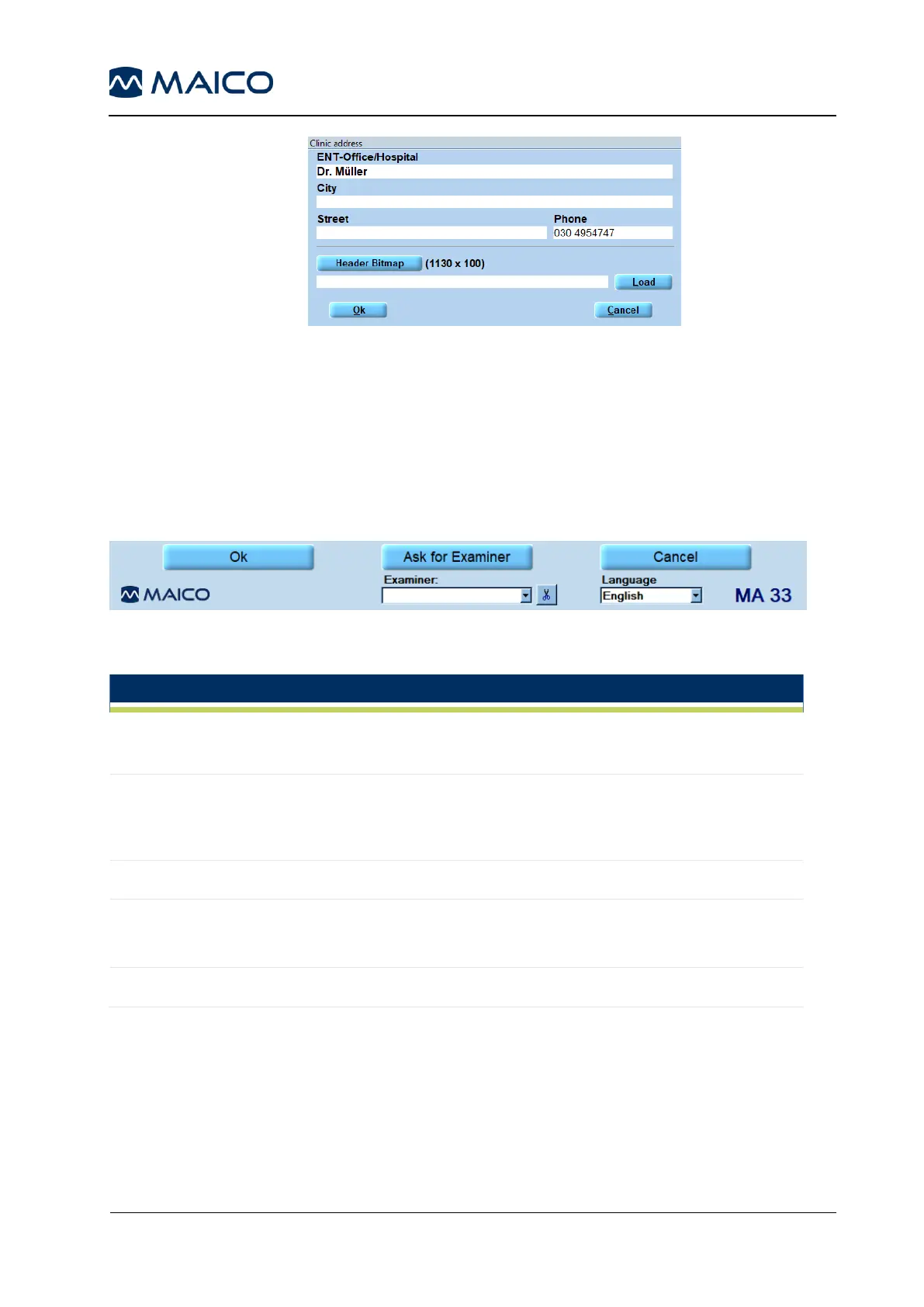
Figure 117
Evaluation: Setting for a pure evaluation workstation
(no device check).
IT Connection: Changes the IT Connection. For more details
see section 5.5.3.7.
5.7.6.5 General Function Keys
Figure 112 shows the general function keys. See Table 16 for explanation.
Figure 118
Table 16 Explanation of Function Keys
By clicking Ok, changes will be applied and the program
returns to the start screen.
In the event that more than one examiner is using the program, each
examiner can save his/her customized settings for future use and
reference. When the program starts, enter the examiner´s name.
Returns to start screen without saving the changed settings.
Several different settings can be customized and saved for
different examiners, should more than one examiner be using the
MA 33 program.
Displays current language.



 To Next Page