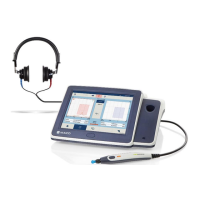
Operation Manual
touchTymp MI 26
and
MI 36
Version
Each menu consists of one or more tabs. Each tab contains one or more settings
(Figure 99). When a tab is greyed out, it is not available due to a license must be
purchased.
Radio buttons allow the selection of only one item in a submenu. Check boxes
allow to select or deselect several items at the same time. The Settings menus are
described in the following sections.
5.6.2 Settings – Basic – General
Start Screen: Adjust the start screen to your needs.
Choose Tympanometry or Tympanometry and
Acoustic Reflexes for upon boot-up the chosen screen is
automatically entered (Figure 100).
NOTE: MI 36 Version will offer Reflex Decay and ETF
within this menu setting.
Probe out of holder: Select Probe out of holder for
automatic changing from the setting or home screen to the
test screen as soon as the probe is taken out of the probe
holder (Figure 101). Setting is inactive if Audiometry is
selected as Start Screen (Figure 100).
Language: Choose one of the supported languages
incorporated in the device (Figure 102).


 To Next Page
 Loading...