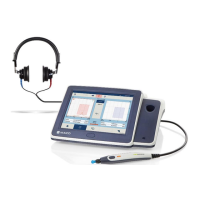
Operation Manual
touchTymp MI 26
and
MI 36
Version
5.6.4 Settings – Basic – Print
Automatic printout (Immittance): An automatic printout is
directly generated upon the return of the probe into the probe
holder when Probe into holder is selected (Figure 110).
NOTE: When setting is active, Audiometry must be
printed manually.
Info on printout: Select or deselect if the printout shall
show the Facility and Patient fields (Figure 111).
NOTE: Facility information can be entered into the
device. See section 5.6.6.
5.6.5 Settings – Basic – Date & Time
Date format: Select the preferred date format to be
displayed in the Status Bar and printout (Figure 112).
Set date: Set the current date using the date control
(Figure 113).
Time format: Select the preferred clock, using the 12 or
24 hour time format (Figure 114).
Set time: Set the time by using the time control. If time
format 12 h is chosen a further setting is available for
selection of AM/PM (Figure 115).


 To Next Page
 Loading...