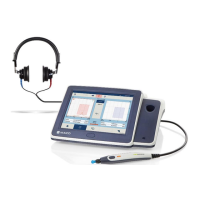
Operation Manual
touchTymp MI 26
and
MI 36
Version
Export error log: If an error is occurring you can export
the error log data onto a USB flash drive (Figure 178). If
there is no USB flash drive connected the message box
(Figure 179) will be shown with further information.
NOTE: Detection of the USB flash drive can take up to
10 seconds.
Application update: for updating via USB flash drive
(Figure 180). A message box will be shown to ask you if
you want to continue updating (Figure 181).
NOTE: The device will be restarted after application update.
Export Settings: Export file onto USB flash drive (Figure 182).
Import Settings: Import file from USB flash drive (Figure 183).
Reset Settings: Resets settings to default. Facility
information will also be deleted (Figure 184).
VNC Server: Only for service (Figure 185).
5.6.21 Settings – Service – About
On this screen the most important device information are presented. Additionally, the
Qt License Agreement is shown (Figure 186).


 To Next Page
 Loading...