14
Quick Start Templates: Manual Control with 0-Coast
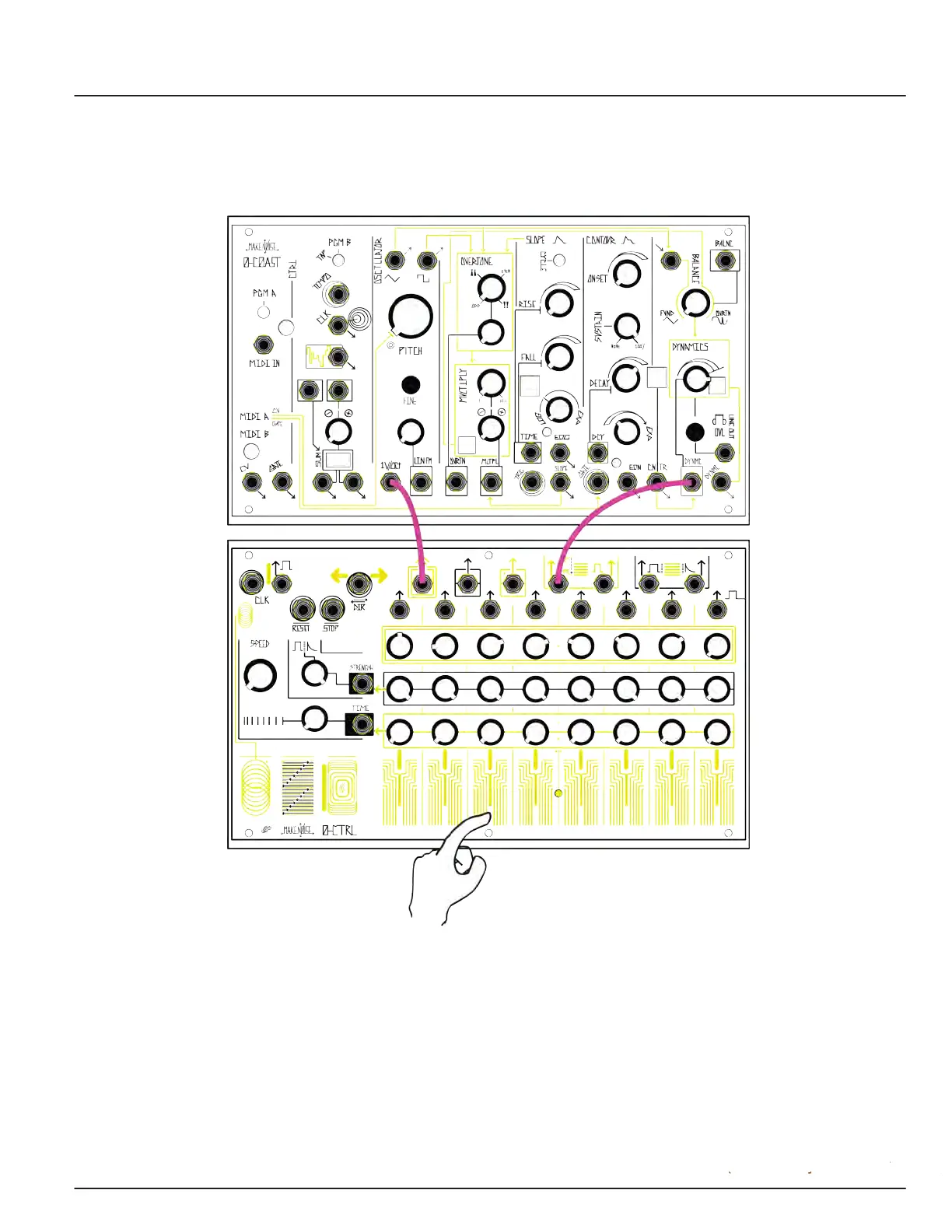
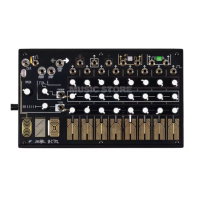
To play a 0-Coast by hand with the 0-CTRL, stop the Clock, patch the Pitch CV Output to the 1v/oct input of
the 0-Coast, and patch the Pressure Output to the Dynamics CV input. Start with the Dynamics knob turned
up to 3:00 or higher. Play notes by pressing touch plates. You must always patch at least two cables
between the 0-CTRL and the device to be controlled.
Alternatively, you can patch the Touch Gate to the Contour Gate Input for envelope generation
instead of direct pressure voltage.
Once you have made these initial connections, you can play notes by pressing touchplates, sending
pitch values via Pitch Channel knobs. (Make sure the Interrupt button is turned ON, or you will not
be able to change Step via touch.)


 To Next Page