26
Patch Corner
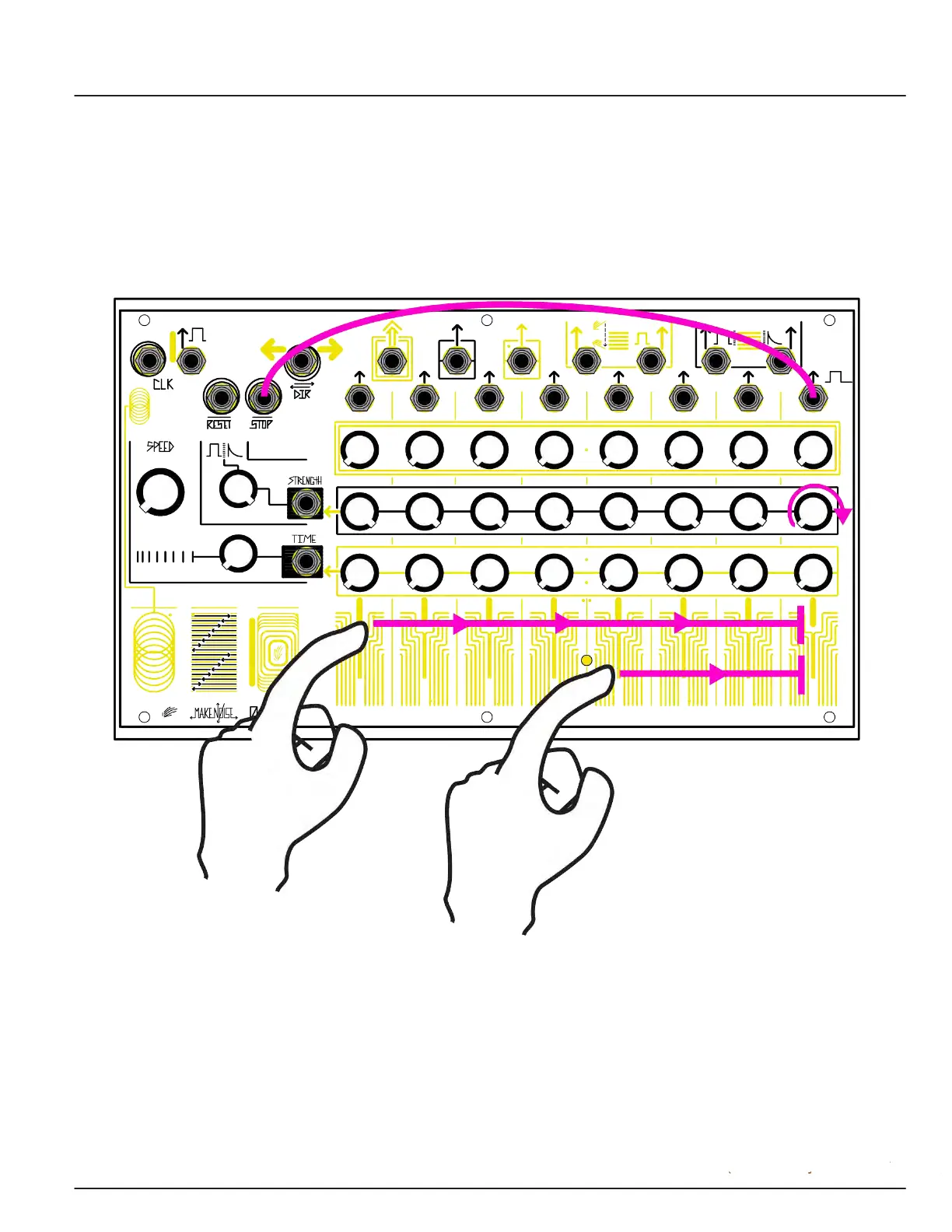
By Pressing Down A Special Key It Plays A Little Melody
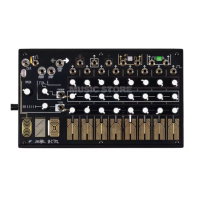
Patch Step 8 Gate to Stop Input. Touch any stage other than 8 to run the sequence, which will stop at
Step 8. If you are using the Dynamic Envelope or Gate, you can either turn Step 8 on the Strength row
down to make the sequence go silent at the end, or turn it up to let the final note continue to re-trigger
at the current Speed.


 To Next Page