22
The Gates and Clocks of the 0-CTRL (cont.)
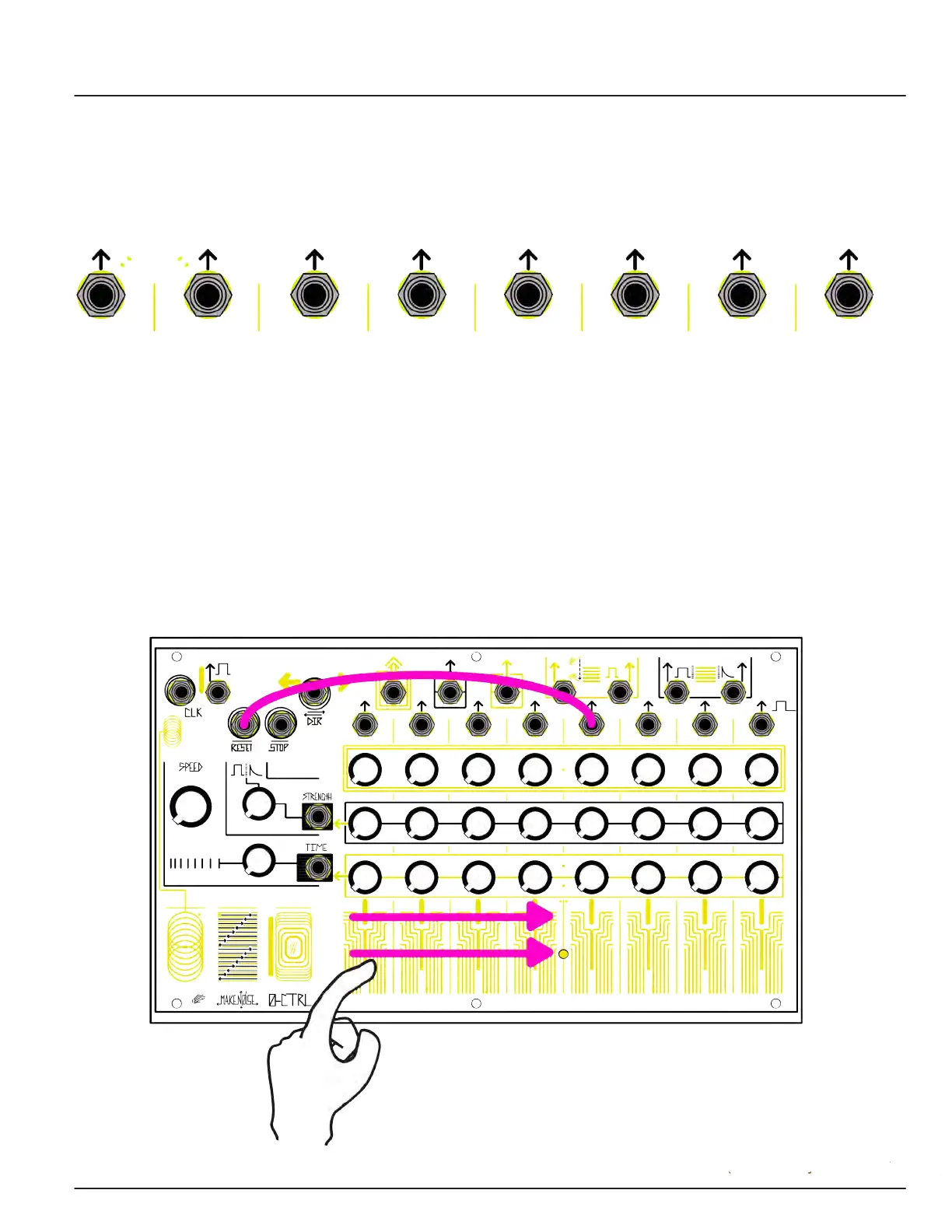
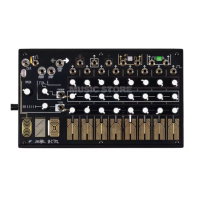
There are eight Step Gate Outputs, one for each Step. Exactly one Step Gate is high at any given time: that of
the active Step. The Step Gates are useful for patching to the Gate inputs of the 0-CTRL (see below) to change
sequence length and direction. A Step Gate could be patched to a gate input on a synthesizer such as 0-Coast
to initiate events every time its Step is reached.
The gate inputs are Clock, Dynamic Reset, Stop, and Direction.
The Clock input is for patching an external clock signal to the 0-CTRL to combine with or replace the clock
signal that is generated internally when the Clock is On. Any gate at the Clock input will cause the 0-CTRL
to increment one Step. If Interrupt is turned Off, you could patch the Touch Gate to the Clock input to
clock the sequencer by hand.
A gate to the Dynamic Reset input will cause the 0-CTRL to instantly move to the last Step that was
touched while Interrupt was ON. Use this Dynamic Reset to create variable length sequences by patching a
Step Gate Output to Dynamic Reset, and selecting sequence length by pressing different touchplates. It
can also be used for “jumping steps.”


 To Next Page