UDD-SD-116/ Release Date: 31.12.2014/Rev No: 1/Rev. Date: 27.04.2015 29
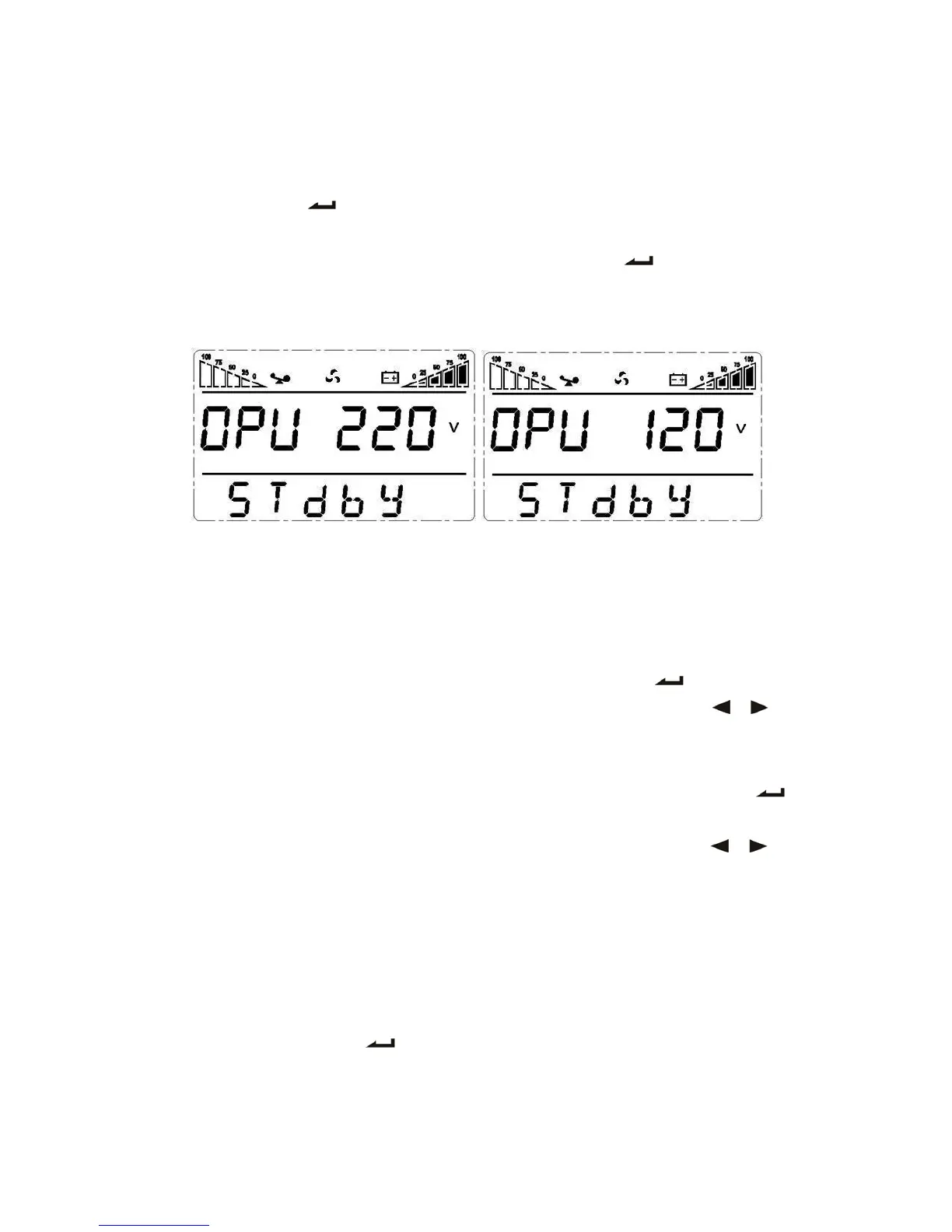
provided voltages are 208V, 220V, 230V, 240V or 100V, 110V, 115V, 120V, 127V, you can
choose anyone by yourself (The default value is 220V or 120V).
3. Confirm the output voltage setting interface. After selecting numerical value, press and hold
the function setting for more than half a second (less than 2 seconds). Now, the OPU
setting function is completed and the numerical value will light without flash.
4. Exit from the setting interface. Press and hold function setting key for more than half a
second (less than 2 seconds), exit from the setting interface and return to main interface.
4.6.4 Low Voltage of Battery Setting
1. Enter the setting interface. Press and hold the function setting key for more than 2
seconds, then come to setting interface, Press and hold the inquiring key ( , ) for
more than half a second(less than 2 seconds), select the function setting, choose battery
voltage setting interface, at the moment, the letters “bat” will flash.
2. Enter the battery voltage selecting interface. Press and hold the function setting key for
more than half a second(less than 2 seconds), then come to setting interface of battery voltage,
this time, the numerical value will flash. Press and hold the inquiring key ( , ) for
more than half a second (less than 2 seconds), select the numerical value in accordance with
“battery” function. The provided voltages are 10V, 10.2V, 10.5V, numbers stand for the
voltage of each battery, you can choose anyone by yourself (The default is 10V), anyone
has been chosen, under BAT mode, UPS will shutdown when its battery voltage achieve
the voltage you chose.
3. Confirm the battery voltage selecting interface. After selecting numerical value, press and
hold the function setting , for more than half a second (less than 2 seconds). Now,
the battery setting function is completed and the numerical value will light without flash.









 To Next Page