MAKERBOT METHOD MANUAL PAGE 12
THE MAKERBOT METHOD TOUCHSCREEN
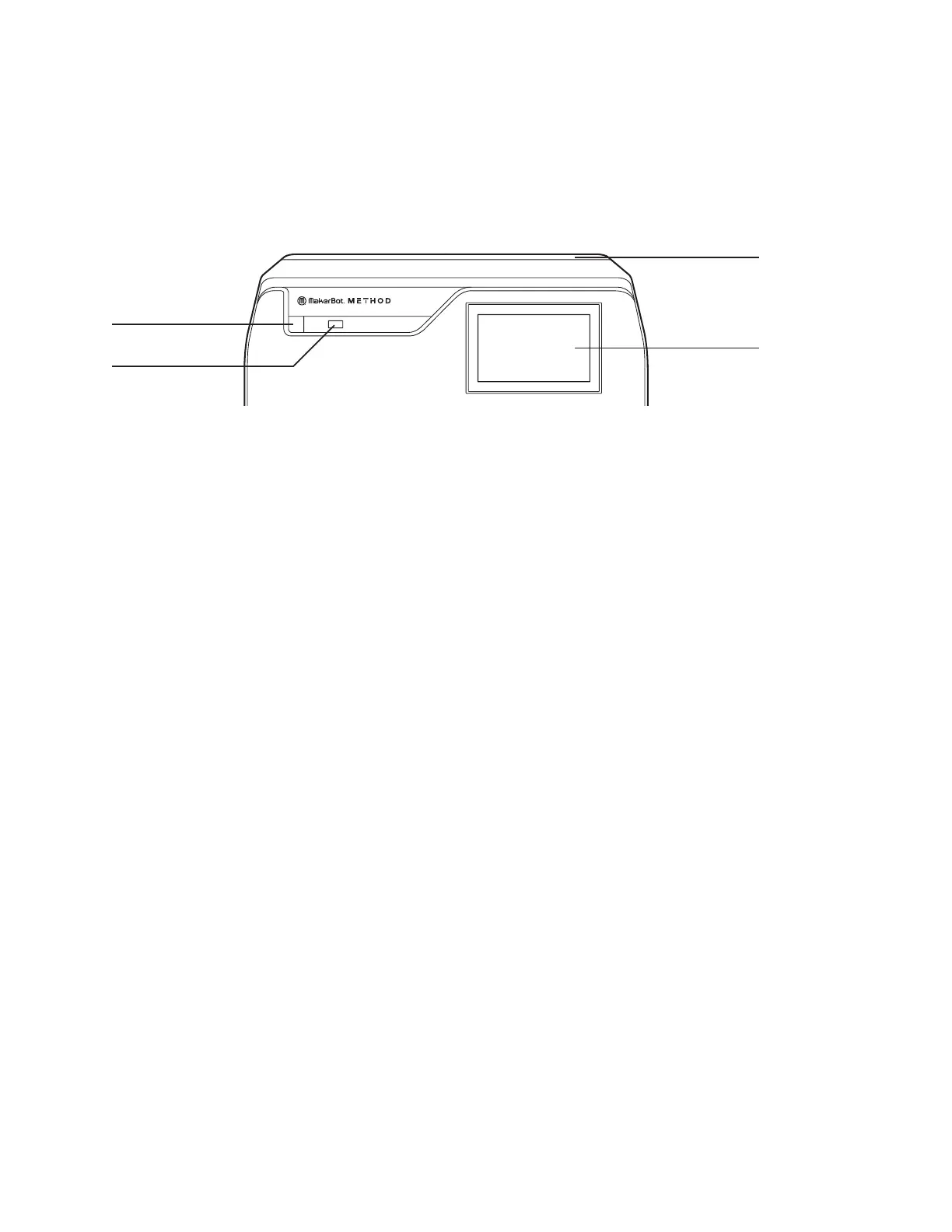
The touchscreen located at the upper right of the machine operates the MakerBot Method.
>>> See Chapter 4 The User Interface for more related information.
POWER BUTTON
USB KEY PORT
TOUCHSCREEN
PRINTER LID
HEATED BUILD CHAMBER
MODEL 1
PERFORMANCE EXTRUDER
SUPPORT 2
PERFORMANCE EXTRUDER
SPRING STEEL BUILD PLATE
MATERIAL DRAWER BAY 1
MATERIAL DRAWER BAY 2
POWER BUTTON
USB KEY PORT
TOUCHSCREEN
PRINTER LID
HEATED BUILD CHAMBER
MODEL 1
PERFORMANCE EXTRUDER
SUPPORT 2
PERFORMANCE EXTRUDER
SPRING STEEL BUILD PLATE
MATERIAL DRAWER BAY 1
MATERIAL DRAWER BAY 2
THE GUIDED SETUP
The first time you turn on your MakerBot Method, you will be guided through the initial setup process using the
MakerBot Method user interface. This Guided Setup will walk you through connecting the printer to an internet
connection, authorizing your printer, attaching Performance extruders, running calibration, loading material, and
running your test print.
RE-RUN THE GUIDED SETUP
To re-run the Guided Setup, select SETTINGS > RESET TO FACTORY.
Restoring factory settings will allow you to rerun the Guided Setup.
POWER BUTTON
PRINTER LID
TOUCHSCREEN
USB KEY PORT













 To Next Page