MAKERBOT METHOD MANUAL PAGE 5
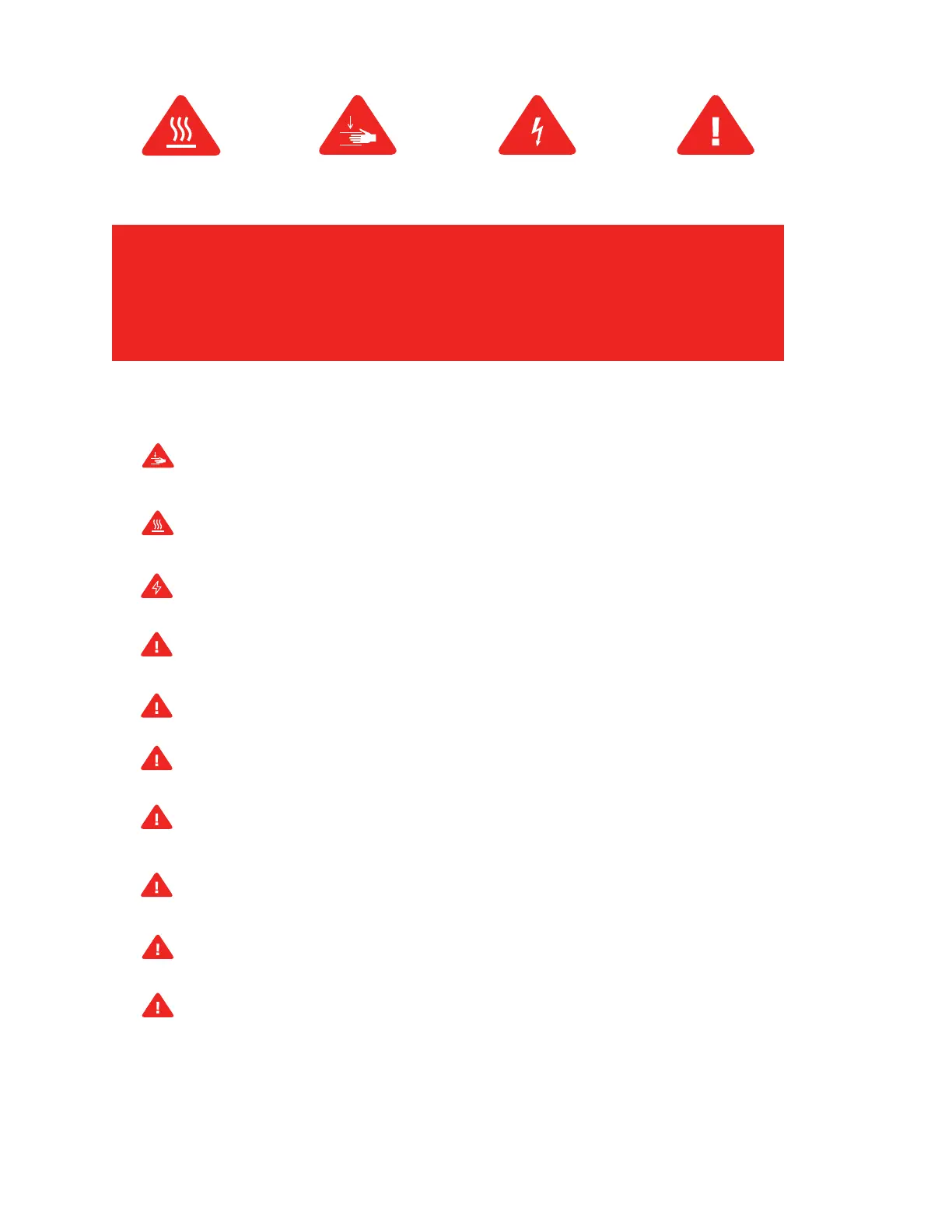
Safety alert symbols precede each safety message in this
manual. These symbols indicate potential safety hazards that
could harm you or others or cause product or property damage.
Warning: The MakerBot Method includes moving parts that may cause injury. Never reach inside the
MakerBot Method while it is in operation.
Warning: The MakerBot Method generates high temperatures. Always allow the MakerBot Method
Performance Extruders to cool down before you reach inside.
Warning: There is a risk of shock. The electronics of the MakerBot Method are not user serviceable.
Caution: Do not print using materials that have not been approved by MakerBot for use with the
MakerBot Method.
Caution: The socket outlet must be located near the printer and must be easily accessible.
Caution: In case of emergency, disconnect the MakerBot Method from the socket outlet.
Caution: The MakerBot Method melts plastic during printing. Plastic odors and particles may be
emitted during this operation. Make sure to set up the MakerBot Method in a well-ventilated area.
Caution: Always allow the Performance Extruders to cool to 50°C before reaching inside the
MakerBot Method or removing the Performance Extruders.
Caution: Children under 12 should be supervised by an adult.
Caution: Dust generation and accumulation should be minimized. Some dust and dry powders can
build static electricity charges when subjected to friction and create an ignition hazard.
Note: For users in Japan, the power cord is only for use with this printer model, the MakerBot Method
Performance 3D Printer.













 To Next Page