15
UNPACKING YOUR MAKERBOT REPLICATOR 2 CONTINUED
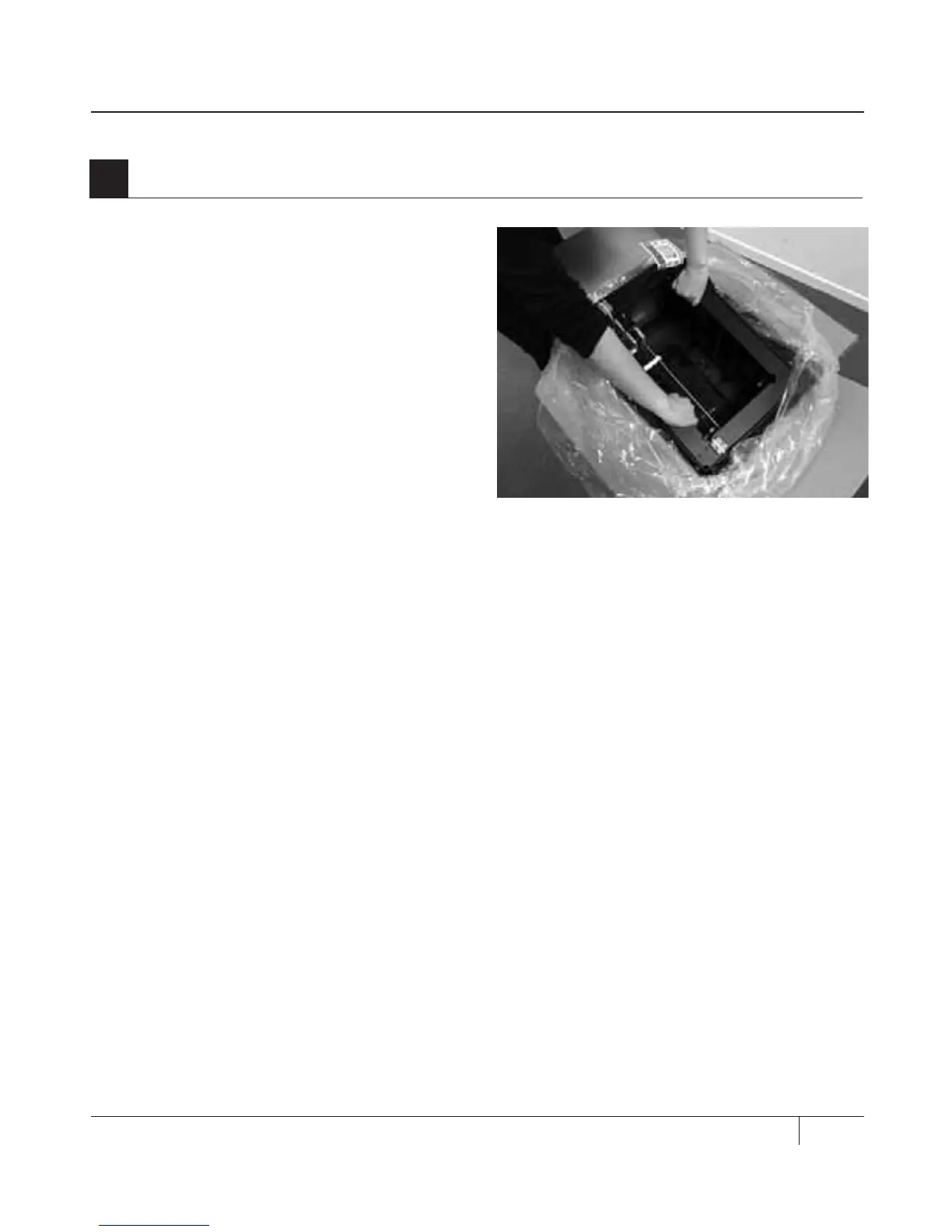
2a. Open the plastic covering and firmly grasp
the frame of the MakerBot Replicator 2 from
the outside. Li it out of the box and place it
on a stable surface.
NOTE: The black cable is not a handle. Do not pull
or twist the black cable at any time.
2b. Your MakerBot Replicator 2 is now
fully unpacked. We recommend that you
keep the box and foam inserts in case
you need to transport your MakerBot
Replicator 2 in the future.
2
Removing the MakerBot Replicator 2 from the Box
SETTING UP YOUR MAKERBOT REPLICATOR 2 DESKTOP 3D PRINTER



 To Next Page