30
Aer you have successfully leveled the build platform and loaded the MakerBot PLA Filament
into the extruder, the LCD panel will ask you: “How’d it go? Ready to make something?”
Select “Yes” and the LCD panel will display: “Awesome! We’ll go to the SD card menu and
you can select a model!”
2a. Use the up and down arrow buttons to navigate through the list of models on the SD card.
2b. To select a model, press M.
2c. The MakerBot Replicator 2 will begin to build your object. You can use the LCD panel to
monitor the temperature of the extruder and the status and progress of your object.
MAKING A TEST OBJECT FROM THE SD CARD
2
Select a Project from the SD Card
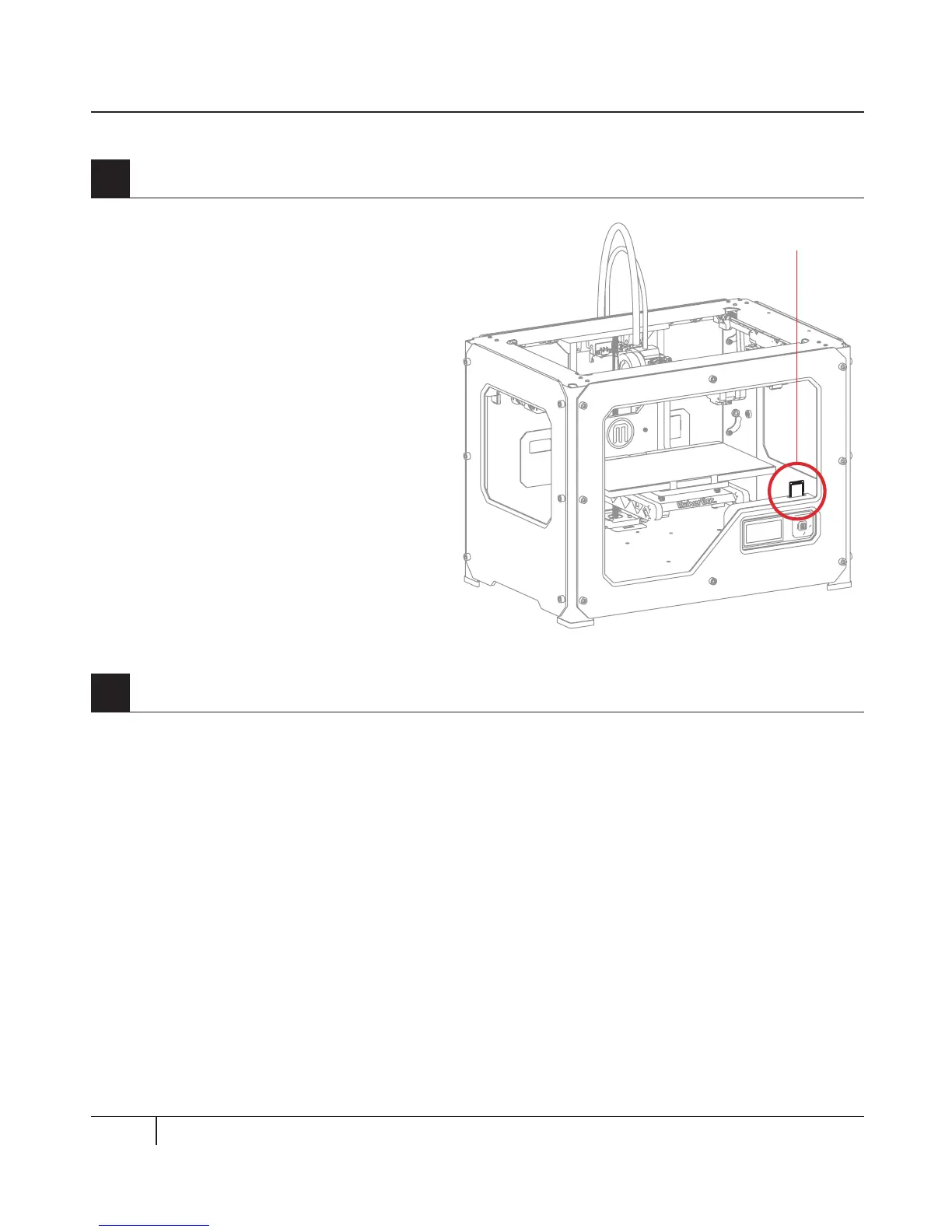
The MakerBot Replicator 2 package
includes an SD card pre-loaded with files
for making test objects. The SD Card is
located in the SD port directly behind the
LCD Panel.
1
Locate the SD Card
SD Card



 To Next Page