39
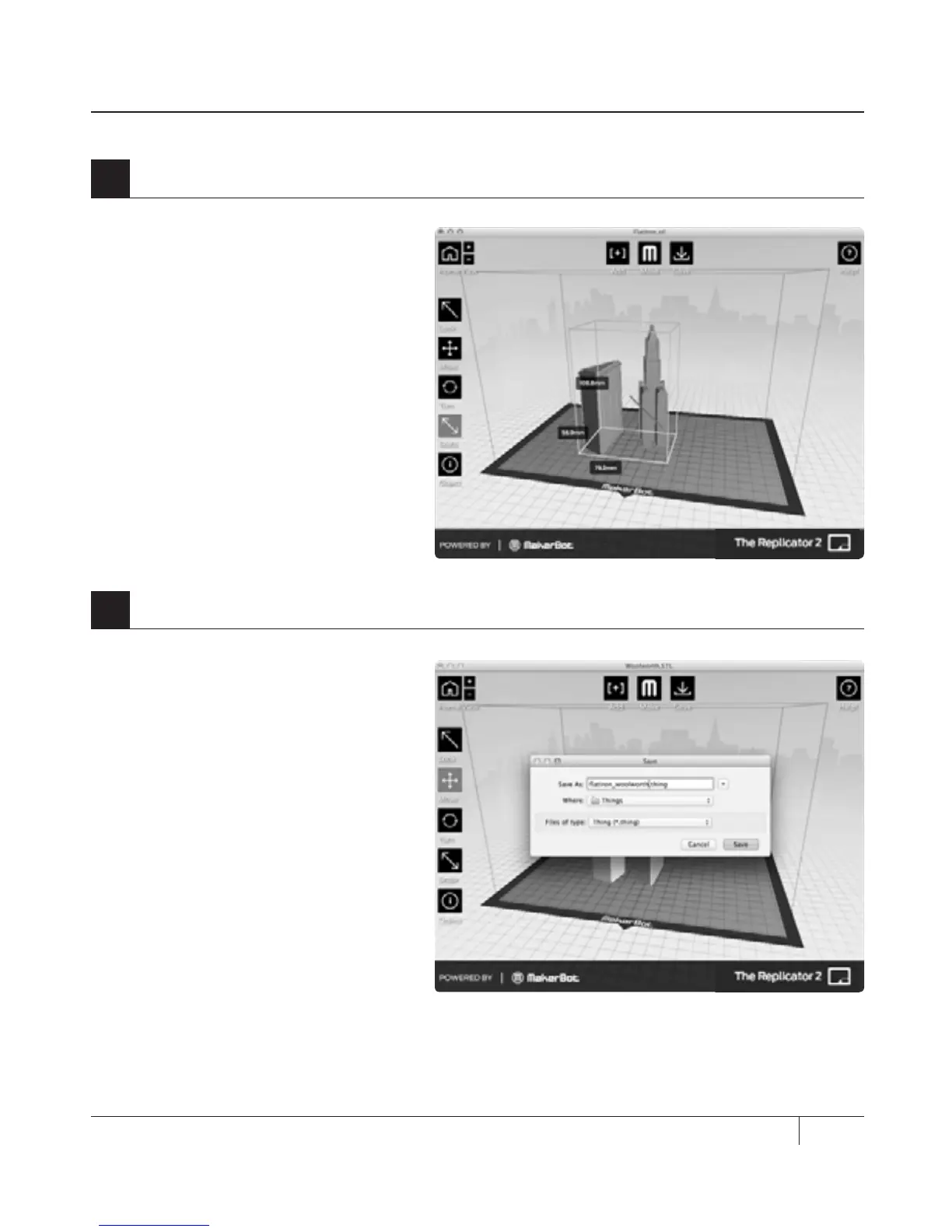
4e. Click on the Flatiron Building to
select it. Hold down the shi key and
click on the Woolworth Building. Then
release the shi key. Both models
should be selected.
4f. Select the Scale button. Click and
drag to change the size of both
models together.
4
Open the .stl files in MakerBot MakerWare | Continued
5a. Select the Save button. The save
dialog gives you the option to save
your plate as an STL or a .thing file.
STLs can be opened by a wide range
of programs, but .thing files allow you
to continue to edit the components of
a plate separately.
Specify a name and location for the
file. For example, you could name the
file flatiron_woolworth.thing.
5
Save your model and toolpath files
USING MAKERBOT MAKERWARE CONTINUED
MAKING AN OBJECT WITH MAKERBOT MAKERWARE



 To Next Page