EasyManua.ls Logo

Makita DRC200 - User Manual

Makita DRC200
20 pages
Print Icon
To Next Page IconTo Next Page
Loading...
DRC200
EN
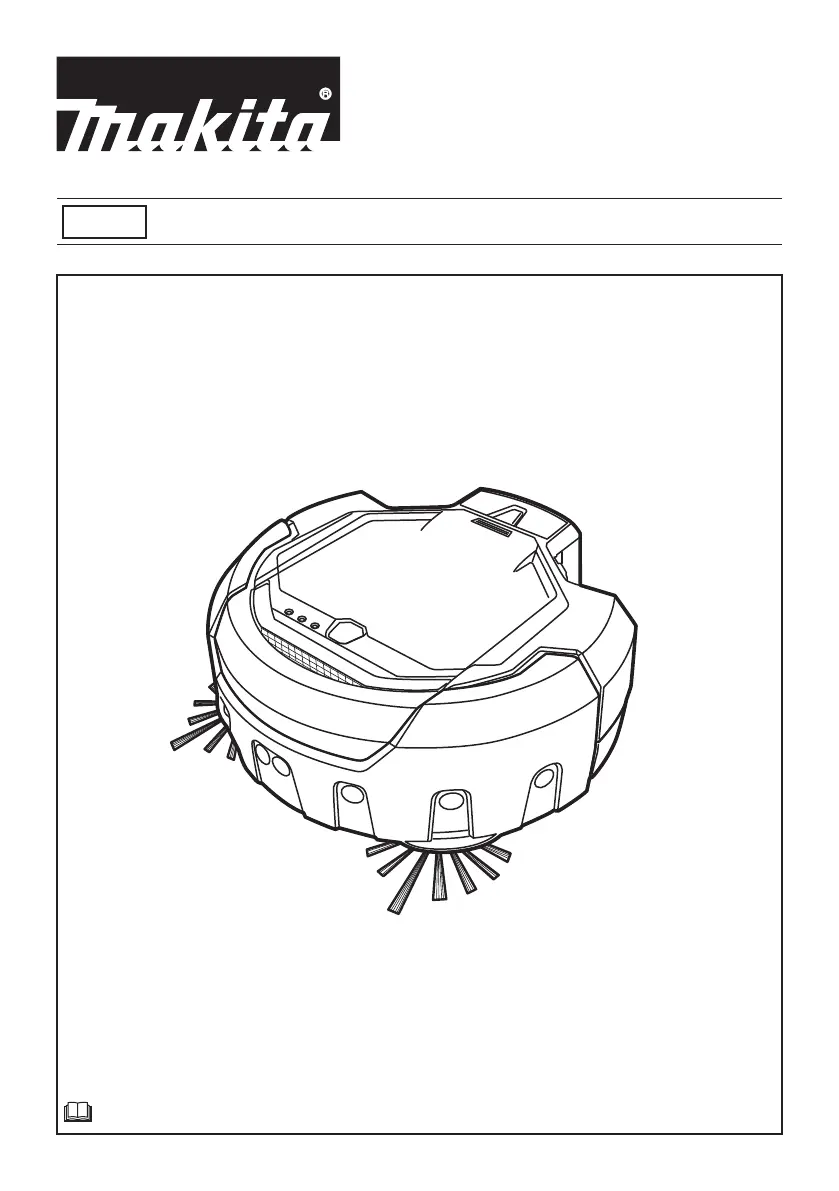
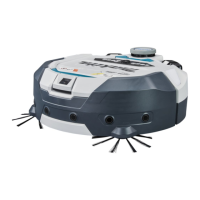
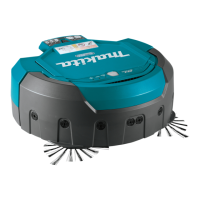
Robotic Cleaner INSTRUCTION MANUAL

Other manuals for Makita DRC200

Questions and Answers

  • B
    Bradley MillerSep 8, 2025
    Why is the cruising speed not constant on my Makita Vacuum Cleaner?
    • J
      Jeffery OwenSep 8, 2025
      If an obstacle is detected, the vacuum cleaner will slow down as it takes time to calculate a traveling direction. This is not a malfunction.
  • R
    robert51Aug 25, 2025
    What to do if the auto-on timer on my Makita DRC200 Vacuum Cleaner does not work?
    • E
      erik53Aug 25, 2025
      If the auto-on timer on your Makita Vacuum Cleaner isn't working, make sure you are using fully charged battery cartridges. You may also need to reactivate the auto-on timer.
  • R
    Robert RamirezAug 25, 2025
    Why does the exhaust air from my Makita DRC200 smell?
    • K
      Kim RichardsonAug 26, 2025
      If the exhaust air from your Makita Vacuum Cleaner smells, you should empty the dust box and clean the filter.
  • H
    Heather GutierrezSep 18, 2025
    Why all lamps flash once for each sequence on my Makita Vacuum Cleaner?
    • V
      Victoria SanchezSep 18, 2025
      If all lamps flash once for each sequence on your Makita Vacuum Cleaner, it indicates that the remaining battery charge was not enough to start cleaning. Fully charge the battery cartridges.
  • A
    Ashley WardSep 8, 2025
    Why is my Makita DRC200 Vacuum Cleaner not picking up dust?
    • M
      Melissa TaylorSep 8, 2025
      If your Makita Robotic Cleaner is not capturing dust and dirt effectively, press the Vacuum button on the Robotic Cleaner or the remote control to turn ON the vacuum fan.
  • A
    Adam KellySep 12, 2025
    Why aren't the side brushes rotating on my Makita DRC200 Vacuum Cleaner?
    • M
      Michael SandovalSep 12, 2025
      If the side brushes on your Makita Vacuum Cleaner do not rotate or rotate with difficulty, clean the side brushes and the main brush. Install the main brush and the plate correctly.
  • C
    Charles ShawSep 3, 2025
    What to do if my Makita DRC200 Vacuum Cleaner is hitting obstacles more frequently?
    • A
      Andrew SimonSep 3, 2025
      If the vacuum cleaner is hitting obstacles more frequently than before, clean the ultrasonic sensors.
  • S
    Scott MooreSep 3, 2025
    What to do if my Makita DRC200 Vacuum Cleaner lamps do not light up when I press the button?
    • S
      shollandSep 3, 2025
      Install the battery cartridges correctly. Fully charge the battery cartridges. Press the button to turn the Robotic Cleaner ON.
  • S
    Samantha SparksSep 23, 2025
    What to do if the lamp flashes once on my Makita DRC200 Vacuum Cleaner?
    • M
      Michael AbbottSep 23, 2025
      To resolve this issue with your Makita Vacuum Cleaner, remove any debris from the brushes.
  • B
    Brandon WeaverAug 29, 2025
    What to do if lamps light up on my Makita DRC200?
    • Q
      qfieldsAug 29, 2025
      If the lamps light up on your Makita Vacuum Cleaner, turn the Robotic Cleaner OFF and then ON because an error has occurred.

Summary

Product Specifications

Safety Precautions and Intended Use

General Safety Warnings

Critical safety guidelines, intended use, and warnings.

Safe Operation Guidelines

Prohibited Locations and Conditions

Lists environments and situations where the cleaner must not be used.

Battery Safety and Care

Important Safety Instructions

Critical safety measures for handling and using battery cartridges.

Battery Life and Protection

Assembly and Initial Setup

Operation and Basic Functions

Operation Status and Modes

Starting and Managing Cleaning

How to start, pause, resume, and stop the cleaning cycle.

Maintenance Procedures

Filter, Sensors, and Body Cleaning

Restoring and Troubleshooting

Error Indicators and Basic Solutions

Guidance on recognizing error indicators and basic reset steps.

Troubleshooting Common Issues

Makita DRC200 Specifications

General IconGeneral
Battery life500 m²
Battery voltage18 V
Battery technology-
ShapeRound
Product colorBlack, Blue
Dust container typeBagless
Dust capacity (total)2.5 L
Weight and Dimensions IconWeight and Dimensions
Depth460 mm
Height180 mm
Weight7800 g

Related product manuals