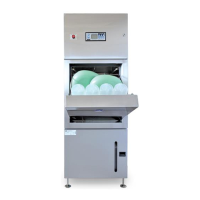
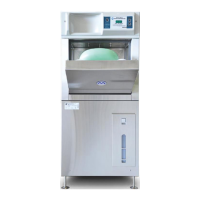
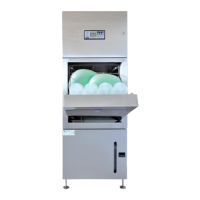
Bedpan / Urinal Bottle and Utensil / Bowl Washer Disinfector (WDS)
Operation, Maintenance and Installation Manual
Issue 16 Page 49 August 22
6.5 Data Logging
6.5.1 Events Logged
START CYCLE MODE=(state description)
HOT WASH+DETERGENT STARTED
HOT WASH COMPLETED T= nn DegC
HOT RINSE COMPLETED T= nn DegC
STEAM DISINFECT STARTED T= nn DegC
STEAM DISINFECT COMPLETED T= nn DegC
DISINFECTION TIME= nn Seconds
WASH CYCLE SUCCESS - DURATION=nnm: nns
6.5.2 PC Data Logging Application
The PC application F13447PC.exe is used to download the logged data and present it in a table to be viewed on
screen
The data can also be saved in CSV (Excel Compatible) format
An option to Save Statistics generates a simple summary report
The D13447PC.ini file allows store of site specific data (Company Name and Site Location) which is linked to the
serial number saved internally. This is then used to generate the header information at beginning of the printed
reports


 To Next Page