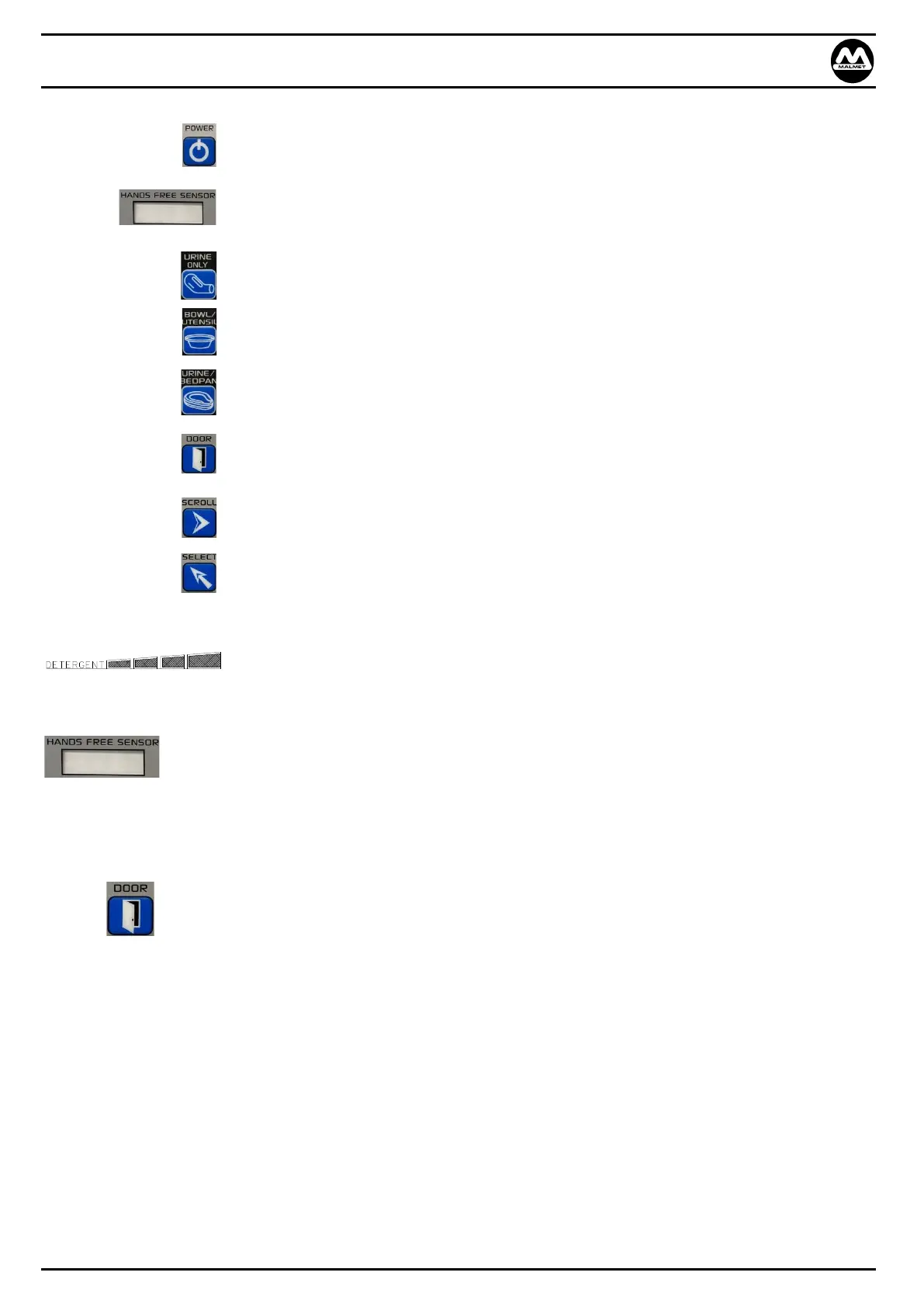
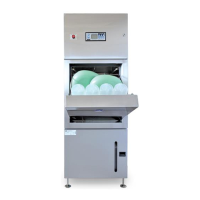
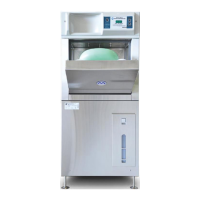
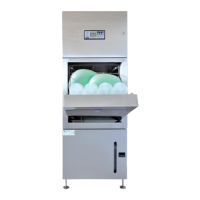
Bedpan / Urinal Bottle and Utensil / Bowl Washer Disinfector (WDS)
Operation, Maintenance and Installation Manual
Issue 16 Page 7 August 22
1.5 Operating Features
POWER On/Off Standby
HANDS FREE SENSOR For hands free opening, closing door and starting of cycle. To
operate, hold hand in front of sensor
URINAL BOTTLE ONLY Select and start for urinal bottle only cycle
BOWL / UTENSILS Select and start for bowls / kidney dishes etc
URINAL BOTTLE / BEDPAN Select and start for urinal bottles / bedpans
DOOR To manually open and close door, if pressed whilst door is closing at
the start of a cycle the cycle will be cancelled and the door opened
SCROLL Menu scroll button SERVICE ONLY
SELECT Menu select and enter button SERVICE ONLY
Purge Reset: When “purge” is flashing on display, if pressed this will
start the purge cycle after a fault.
Detergent level indicator (only visible with power on)
Hands free operation
The hands free option can open and close the door without touching the device
Adjusting the rack position and loading the device accordingly (refer to 3.0 Loading and Operation)
The hands free option can be used to start the operating cycle
Manual operation of the door
Press the door button to open the door
Adjust the rack position and load the device accordingly (refer to 3.0 Loading and Operation)
Press the door button to start the operating cycle


 To Next Page