2-99
IT
EN PL
Set temperature setpoint – for air hea-
ters only
Use the
button to set the tempe-
rature setpoint.
Temperature setpoint setting range:
8 °C – 36 °C in 1 °C increments,
46 °F – 97 °F in 1 °F increments.
(
69)
Press the
button to conrm the tem-
perature setpoint.
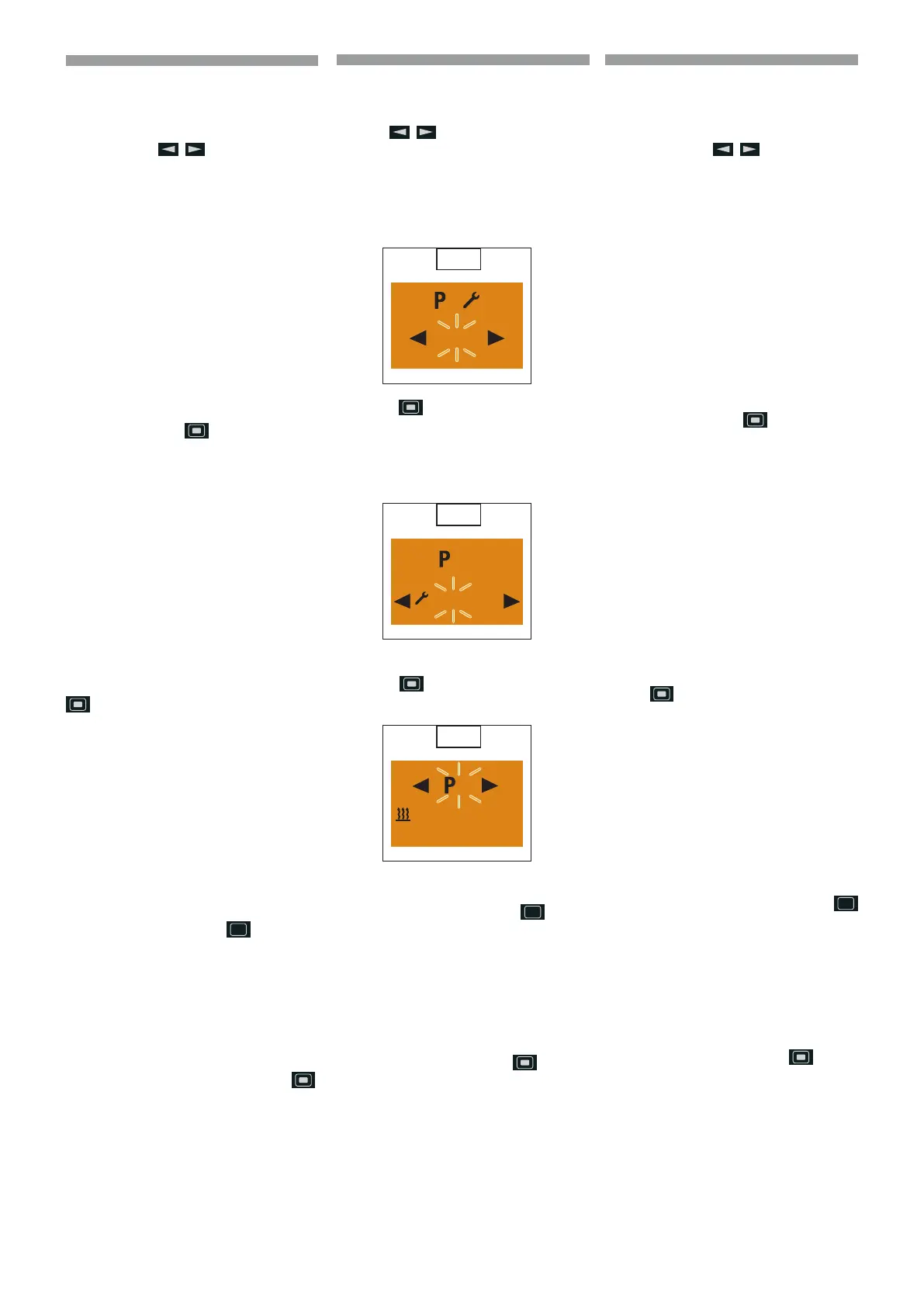
Activat ing the program memory (
70)
Press the
button to conrm the “On”
setting . (
71)
p
Please note! After editing the
program, press the
button
to return to the Program / Pre-
selection menu item or wail until
- if the vehicle lighting is
On the Program / Preselec-
tion menu item is displayed,
- if the vehicle lighting is O
the display lighting goes out.
Do not press the
button,
as otherwise the “On” setting
switches to “O” and vice versa.
69
2
21 °C
70
2
O
On
71
2
Mi. 21 °C
06 : 30 60 min.
Impostare valore nominale temperatura
– solo nei riscaldatori ad aria
Impostare il valore nominale della tempera-
tura con il tasto
.
Campo di regolazione valore nominale
temperatura:
8 °C – 36 °C in incrementi di 1 °C,
46 °F – 97 °F in incrementi di 1 °F.
(
69)
Confermare il campo nominale della tem-
peratura con il tasto
.
Attivare memoria programmi(
70)
Confermare l’impostazione “On” con il tasto
. (71)
p
Avvertenza! Al termine dell’ela-
borazione del programma, tor-
nare con il tasto
all’opzione
Programma / Preselezione del
menu oppure attendere nché
- in Illuminazione veicolo On
viene visualizzata l’opzione Pro
gramma/ Preselezione del menu,
- in Illuminazione veicolo O si
spegne l’illuminazione del display.
Non premere il tasto
,
poiché altrimenti si commuta
l’impostazione “On” in “O” e
viceversa.
Ustawić wartość nominalną temperatury
- tylko w nagrzewnicach powietrza
Ustawić wartość nominalną temperatury za
pomocą przycisku
.
Zakres regulacji wartości nominalnej
temperatury:
8 °C – 36 °C każdorazowo o 1 °C,
46 °F – 97 °F każdorazowo o 1 °F.
(
69)
Potwierdzić nastawę nominalną temperatu-
ry za pomocą przycisku
.
Uaktywnić pamięć programów(
70)
Potwierdzić ustawienie “On” za pomocą pr-
zycisku
. (71)
p
Ostrzeżenie! Po zakończeniu
przygotowania programu wró-
cić, za pomocą przycisku
do opcji menu Program / Wy-
bór wstępny lub poczekać, aż
- przy włączonym
oświetleniu pojazdu
wyświetli się opcja menu Pro
gram / Wybór wstępny menu,
- przy wyłączonym
oświetleniu pojazdu
wyłączy się podświet-
lanie wyświetlacza.
Nie naciskać przycisku , ponie-
waż spowoduje to przełączenie
ustawienia “On” na “O”
i odwrotnie.
648870 IT-EN-PL (04/05/2015)










 To Next Page