2-100
IT
EN PL
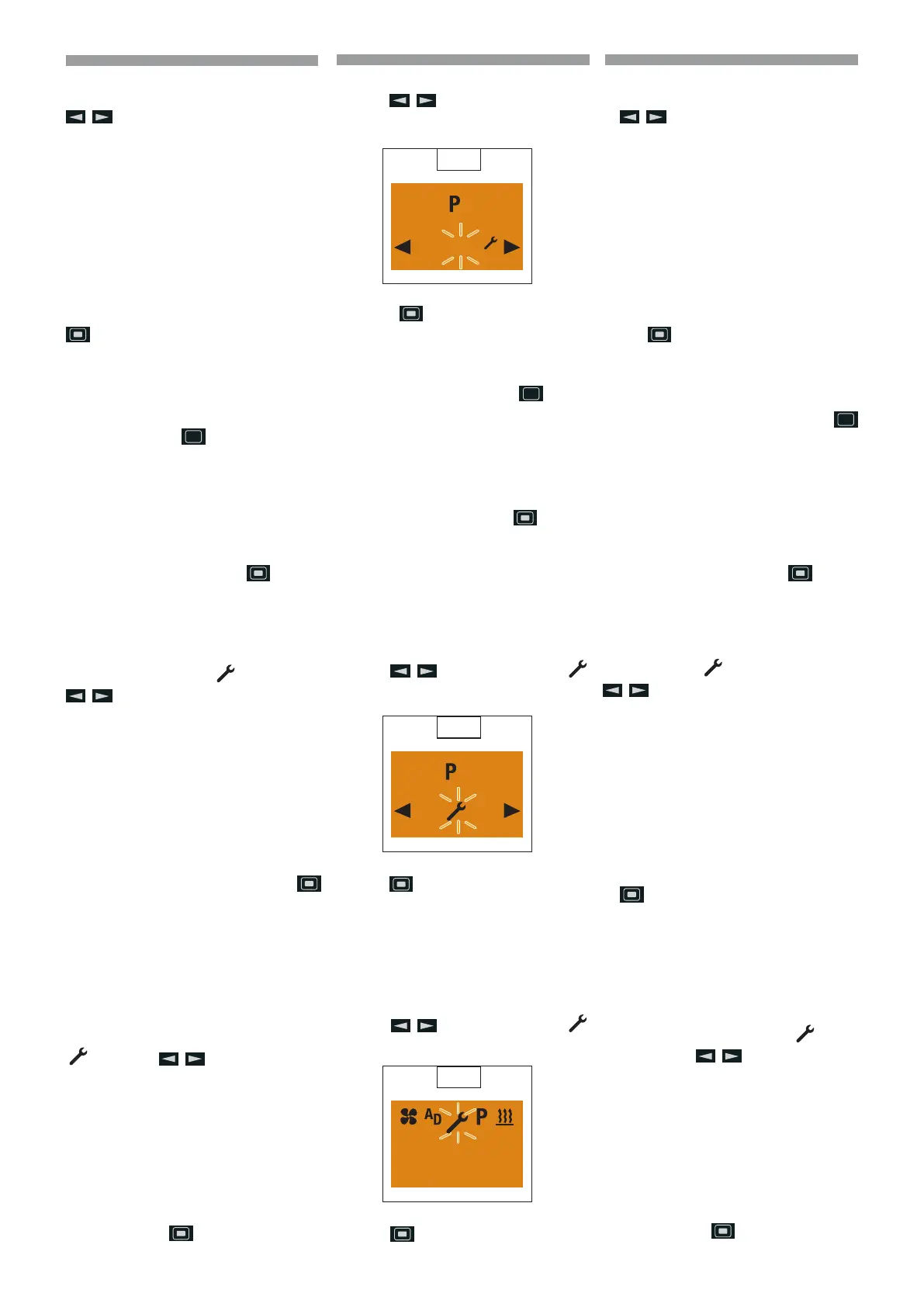
Deactivat ing the program memory
Use the
button to select the “O”
setting. (
72)
Press the button to conrm the “O”
setting.
p
Please note! The settings re-
main saved. After editing the
program, press the
button
to return to the Program / Pre-
selection menu item or wail until
- if the vehicle lighting is
On the Program / Preselec-
tion menu item is displayed,
- if the vehicle lighting is O
the display lighting goes out.
Do not press the
button,
as otherwise the “On” setting
switches to “O” and vice versa.
Edit the program memory again
Use the
button to select the
symbol. (
73)
Use the
button to conrm the setting
and continue.
Settings
Setting the time
Display On, the Start display appears.
Use the
button to select the
symbol in the Menu bar. (
74)
Conrm the Settings menu item by pres-
sing the
button.
72
2
O
On
73
2
O
On
74
10:30
Mo.
Disattivare memoria programmi
Selezionare l’impostazione “O” con il tasto
. (72)
Confermare l’impostazione “O” con il tasto
.
p
Avvertenza! Le impostazio-
ni rimangono memorizzate.
Al termine dell’elaborazione
del programma, tornare con
il tasto
all’opzione Pro-
gramma / Preselezione del
menu oppure attendere nché
- in Illuminazione veicolo On
viene visualizzata l’opzione Pro-
gramma/ Preselezione del menu,
- in Illuminazione veicolo O si
spegne l’illuminazione del display.
Non premere il tasto
, poiché
altrimenti si commuta l’imposta-
zione “On” in “O” e viceversa.
Rielaborare memoria programmi
Selezionare il simbolo
con il tasto
.
(
73)
Confermare l’impostazione con il tasto
e proseguire.
Impostazioni
Impostare l’ora
Display On, viene visualizzata la videata in-
iziale.
Selezionare dalla barra del menu il simbolo
con il tasto .
(
74)
Confermare l’opzione Impostazioni del
menu con il tasto
.
Wyłączyć pamięć programów
Wybrać ustawienie “O” za pomocą przycis-
ku
. (72)
Potwierdzić ustawienie “O” za pomocą pr-
zycisku
.
p
Ostrzeżenie! Ustawienia są za-
pamiętywane. Po zakończeniu
przygotowania programu wró-
cić, za pomocą przycisku
do opcji menu Program / Wy-
bór wstępny lub poczekać, aż
- przy włączonym oświetle-
niu pojazdu wyświetli się opcja
menu Program / Wybór wstępny,
- przy wyłączonym oświet-
leniu pojazdu wyłączy się
podświetlenie wyświetlacza.
Nie naciskać przycisku
, ponie-
waż spowoduje to przełączenie us-
tawienia “On” na “O” i odwrotnie.
Ponowna edycja pamięci programów
Wybrać symbol
za pomocą przycisku
.
(
73)
Potwierdzić ustawienie za pomocą przycis-
ku
i kontynuować.
Ustawienia
Ustawianie godziny
Wyświetlacz włączony, wyświetlany jest ek-
ran początkowy.
Wybrać na pasku menu symbol
za po-
mocą przycisku
.
(
74)
Potwierdzić opcję w menu Ustawienia za
pomocą przycisku
.
648870 IT-EN-PL (04/05/2015)










 To Next Page