Installation manual / Manusa
DTCXSO01EN-V10
55.2 Change optima selector configuration state
5. Optima Selector Configuration as V1 or V2
By default, the selector is configured in state V2 (“u2”)
5.1 Check Optima Selector Configuration Status
To check what state the Optima selector is configured in, we must disconnect the selector’s power supply and recon-
nect it. Once connected, one of the following options appears on the screen:
5.2 Change Optima Selector Configuration State
To change the configuration status between “u1” and “u2” it is done in the following steps:
u1
elector is configured as Selector Optima V1
u2
the selector is configured as Selector Optima V2. (default)
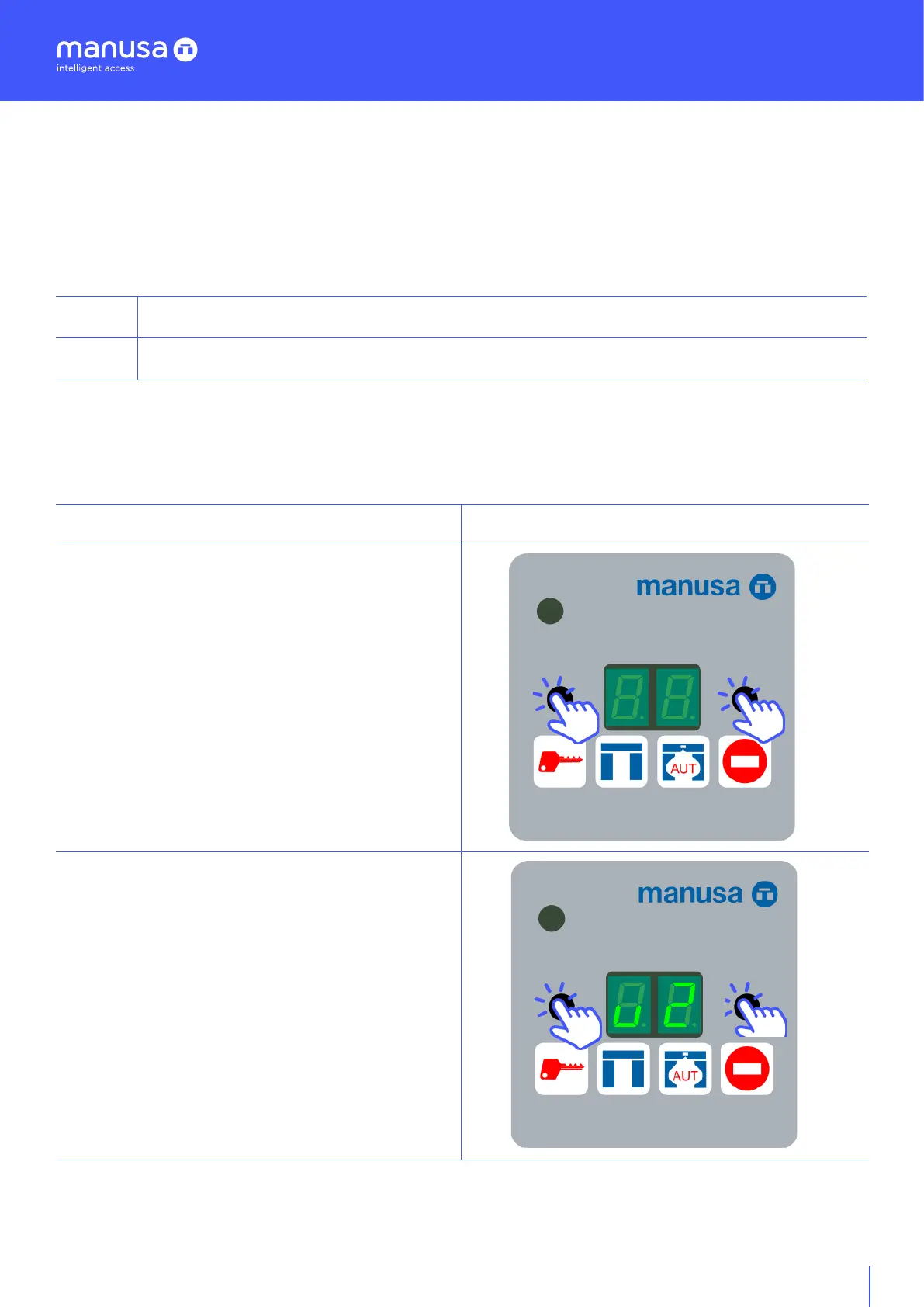
Disconnect power from the Optima Selector.
Without power, simultaneously press [key 2 + key 3]
and keep pressed
With [key 2 + keyboard 3] pressed, restore power to
the Optima selector, until the new value “u2” appears
on the selector display.


 To Next Page