Installation manual I Manusa
D01230EN-v4
162. Commissioning
The passwords are saved in the electronics. There are two levels:
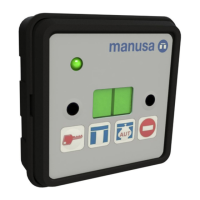
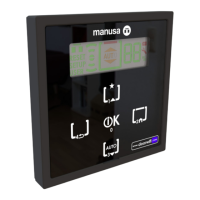
User password [N3]. Menu PS1 (default 0 0 0 0):
Sequence of a minimum of 4 keys that allows the user to unlock the program
switch to access the door modes and to lock or unlock the keypad aer
holding down the following key [T2]
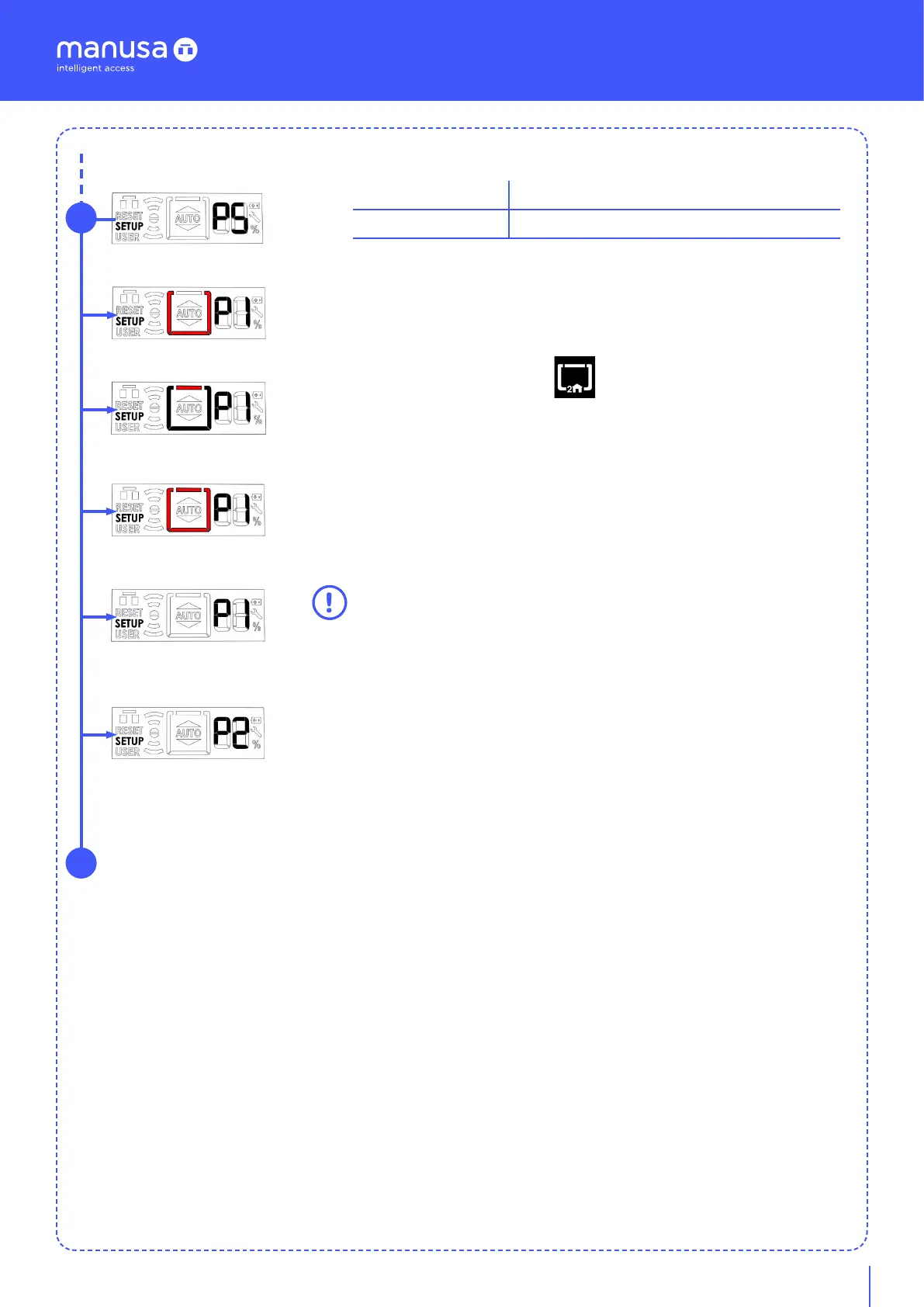
One you are in the PS.1 menu, the screen shows the modes defining the
security level to be implemented (red and flashing):
For open - For closed - For opened/closed - Deactivated (except on escape
route)
twice to validate the entry. If you do not enter the correct sequence, the
error management system will appear automatically (screen flashes “EE”).
This takes you to the next menu level up where you can enter a new
sequence until validation takes place correctly.
The confirmation of the mode “Deactivated” does not mean that the
sequence is not activated for the locking/unlocking of the keypad.
Admin password [N2]. Menu PS2 (default 9 9 9 9):
The definition of the admin password can include a minimum of 4 digits and a
maximum of 8. With the confirmation of “-” by choosing the button “OK”,
you indicate that you do not wish to enter any more numbers in the code.
If you have not entered the minimum of 4 digits, the confirmation of “-” has
no eect.
To perform the validation, simply enter the code again. The error
management system (screen flashing “EE”) takes you to the next menu level
up to enter a new code again until validation takes place correctly.
PS1- User
Sequence of keys with 4 digits (T1, T2, T3, T4)
PS2- Administrator
Numeric code of between 4 and 8 digits
Workflow:
Menu PS: Passwords
7
PS.1 - For open
PS.1 - For closed
PS.1 - For open/closed
PS.1 - Deactivated
PS.2 - Administrator


 To Next Page