1600/1800 Manual
12
7, you’ll get a detailed instruction.
GOTO
λ
λλ
λ
RETURN
Fig. 11
Blank
Pull the blank solution in the light path, then press
【
ZERO
】
.
Set parameters
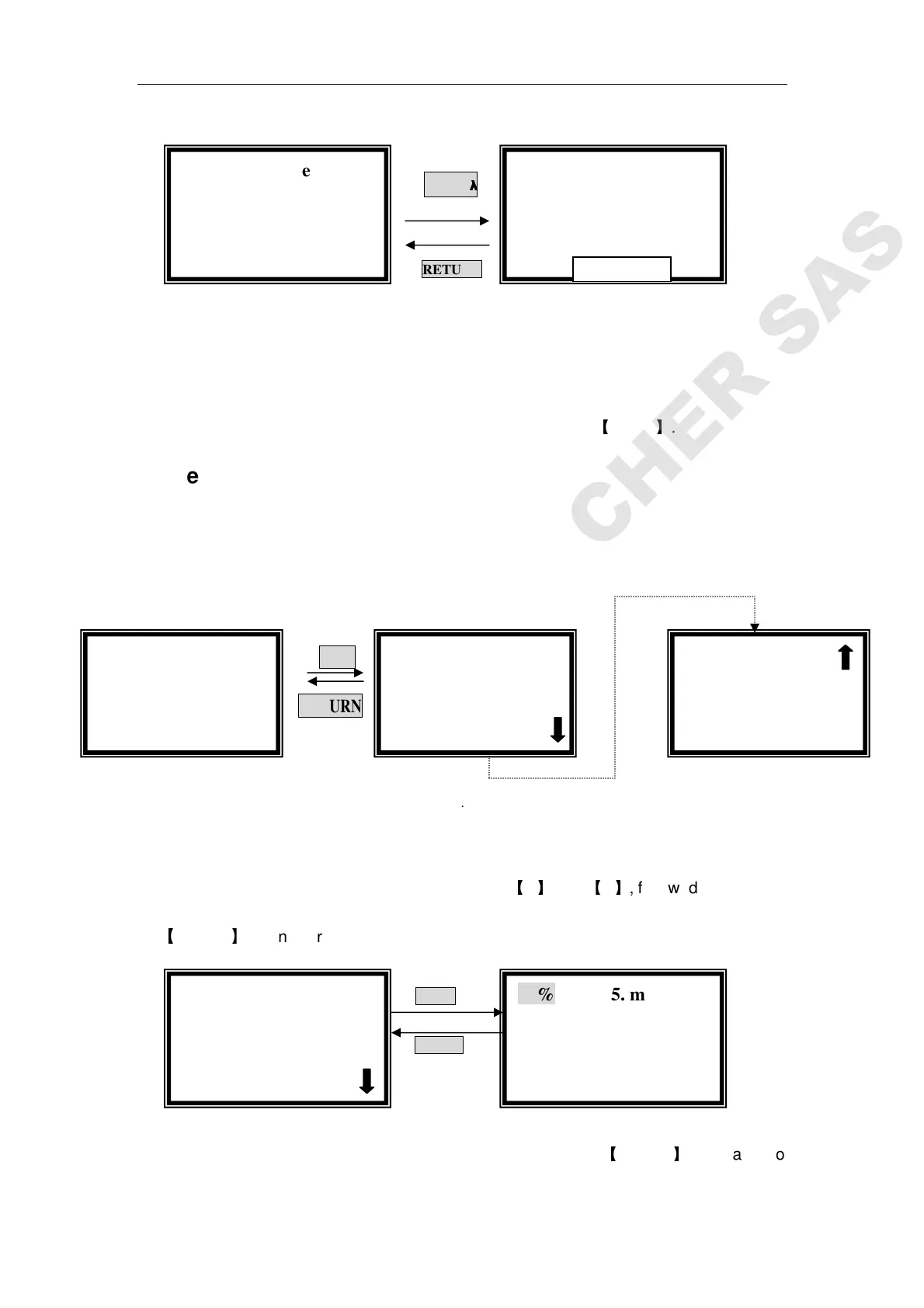
Press 【SET】in the pre-testing interface. It goes into parameters setting
interface. (Fig.12). You should set Unit, the Number of standard samples,
Concentration of standard samples before testing.
SET
RETURN
Fig. 12
Choose unit of standard samples
Move the cursor on “Unit” by pressing
【
】
and
【
】
, followed by pressing
【
ENTER
】
, 8 units are under your selection. (Fig 13)
ENTER
RETURN
Fig.13
Move the cursor on the unit you need, then press
【
ENTER
】
. You can also
√
√√
√Standard Curve
●
●●
●Unit
√
√√
√Standard Curve
○
○○
○Display Curve
Standard Curve
0.000 Abs
0.000 ml/l
546.0 nm
Standard Curve
0.000 Abs
0.000 ml/l
546.0 nm
Standard Curve
WL=
==
=546.0nm
Please Input New:
::
:
√
√√
√Standard Curve
●
●●
●Unit
1. % 5. ml/l
2. ug/l 6.mg/ml
3. mg/l 7.ug/ml
4. g/l 8.none



 To Next Page