1600/1800 Manual
13
press the number ahead of the unit directly by the numeric keypad.
If you don’t want to select any item, press
【
RETURN
RETURNRETURN
RETURN
】
to go back to last interface.
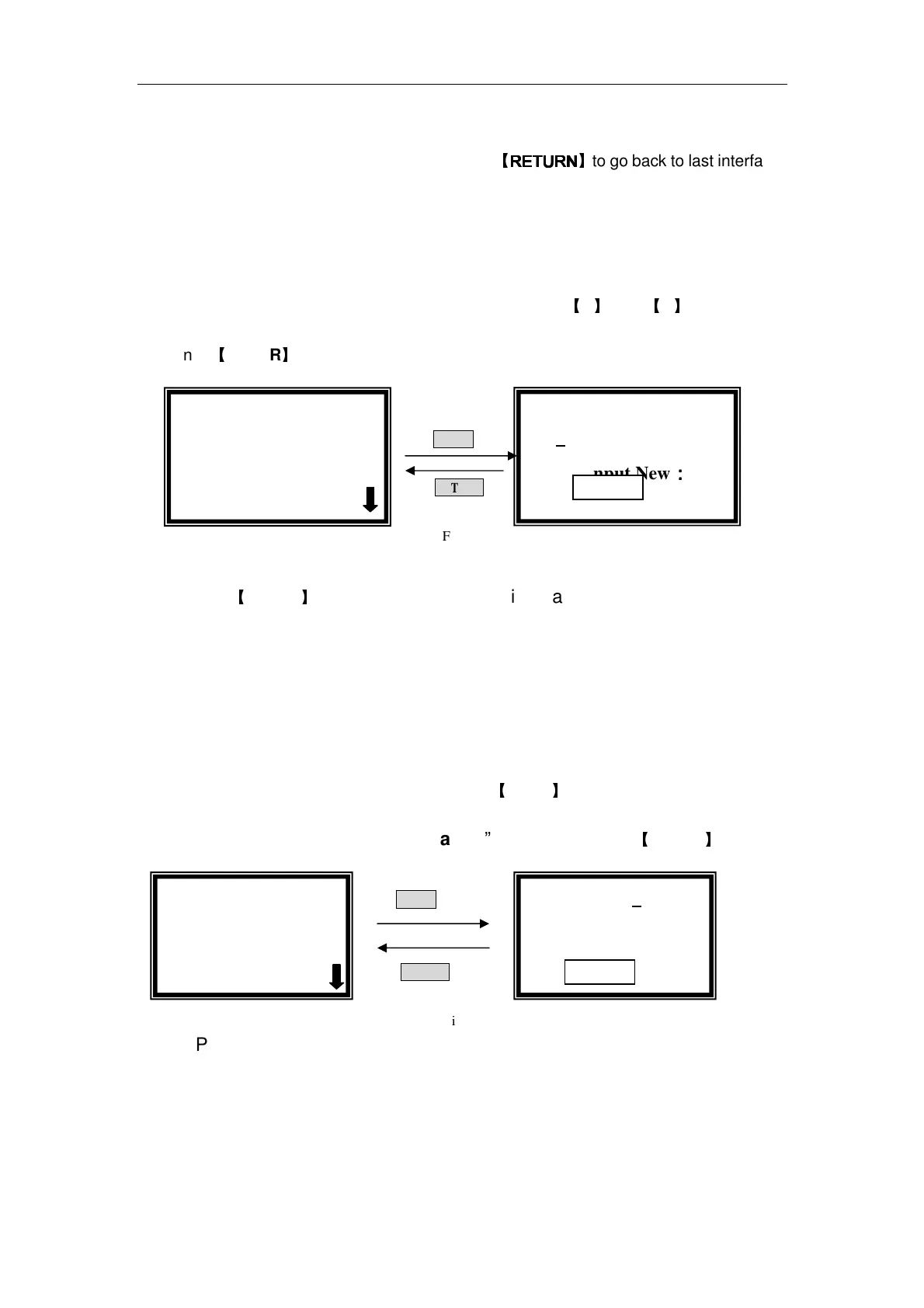
Set Quantity of Standard Samples
Move the cursor on “Number” by pressing
【
】
and
【
】
, followed by
pressing
【
ENTER
】
. (Fig. 14)
ENTER
RETURN
Fig. 14
Input the number of your standard samples by numeric keypad. After
pressing
【
ENTER
】
,it returns to the setting interface.
Note:the number range is 1-9,other number is invalid.
Set Concentration of Standards
Before this step, you must blank first. Pull the blank cuvette in the light
path in the pre-testing interface, press
【
ZERO
】
.
Move the cursor in “Concentration”, following press
【
ENTER
】
.(Fig. 15)
ENTER
RETURN
Fig.15
Pull sample 1 in the light path, input the concentration of sample 1 by
numeric keypads, then press 【ENTER】. It goes into the next setting
interface of sample 2, the operation is the same as sample 1. Repeat the
operation one by one till the last sample finished, and it goes back to the
setting interface.
√
√√
√Standard Curve
○
○○
○Unit
Standard Curve
N=2
Please Input New:
::
:
Pull Sample 1
C=1.500
Please Input New
C=
√
√√
√Standard Curve
○
○○
○Unit



 To Next Page