1600/1800 Manual
15
Any key
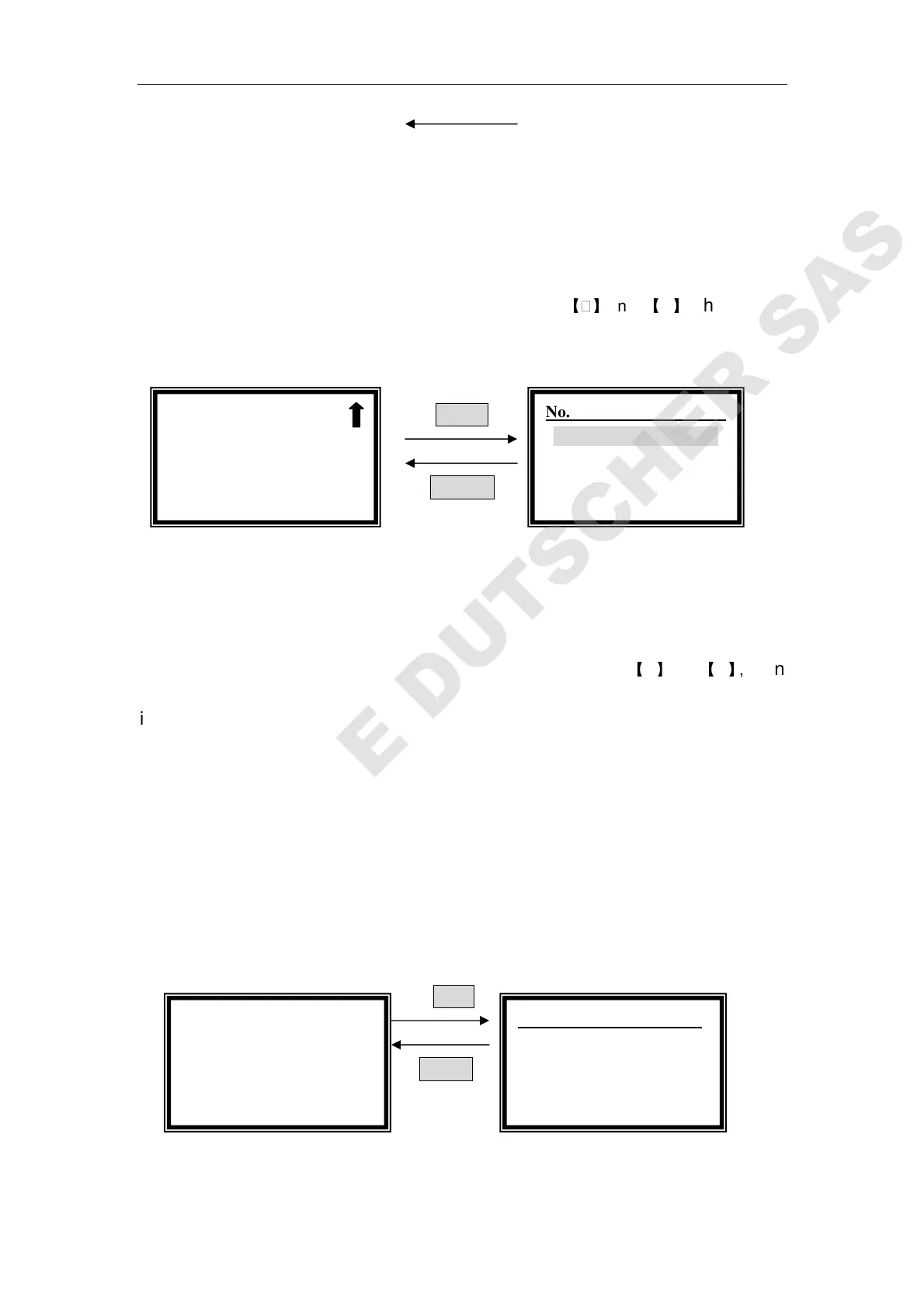
Fig. 17
Select Curve
Move the cursor on “ Select Curve” by pressing
【
】
and
【
】
, then press
【ENTER】to confirm. (Fig. 18)
ENTER
RETURN
Fig. 18
The newly established curve equation will be displayed at the end of the
group. Total 200 curve equations can be saved.
Move the cursor on the equation you need by pressing
【
】
and
【
】
, then
it returns to setting interface after 【ENTER】being pressed. Press 【RETURN】
to go back to pre-testing interface.
Note: If you want to delete a equation, move the cursor on it, just
press 【
【【
【CLEAR】
】】
】.
Test and Print
When you have selected the equation, press 【START/STOP】to go into testing
interface in pre-testing interface.(Fig. 19)
START
RETURN
Fig. 19
After blanking, pull the unknown sample cuvette in the light path, then press
Standard Curve:
::
:
0.000 Abs
0.000 ml/l
546.0nm -0.000Abs
No. WL Abs Conc
1 546.0 0.001 1.0 g/l
√
√√
√Standard Curve
○
○○
○Concentration
No. Para
1. C=0.860*A+0.000 *
2. C=0.732*A+0.125
3. C=0.005*A+0.002



 To Next Page