1600/1800 Manual
30
When you have replaced a new lamp, you’ll have to go into the lamp life
setting interface, move the cursor on the “Reset W Life” or “Reset D2 Life” by
pressing
【
∧
∧∧
∧
】
and 【∨
∨∨
∨】followed by【ENTER】to reset them into zero.
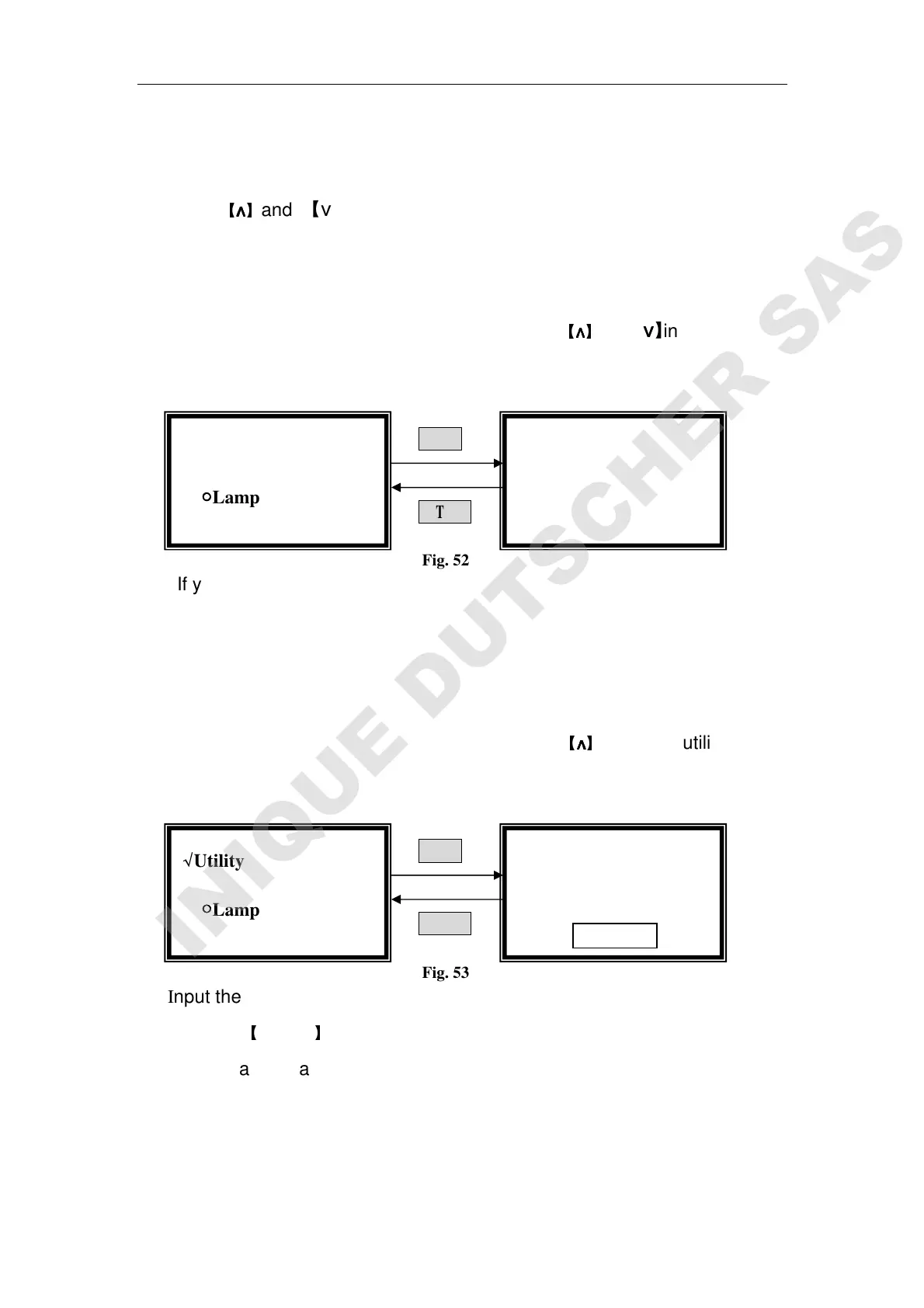
Load Default
Move the cursor on “Load Default” by pressing
【
∧
∧∧
∧
】
and 【∨
∨∨
∨】in utility setting
interface, then press【ENTER】(Fig. 52)
ENTER
RETURN
Fig. 52
If you want to default the parameters, choose “Yes” in the right interface of
Fig. 52, or you should choose “No”.
Press 【RETURN】to exit without any choice.
Lamp Change
Move the cursor on “Lamp Change” by pressing
【
∧
∧∧
∧
】
and 【∨
∨∨
∨】in utility setting
interface, then press【ENTER】(Fig. 53)
ENTER
RETURN
Fig. 53
Input the new wavelength you want by pressing the numeric keypad
followed by
【
ENTER
】
.
Lamp change wavelength means the point at which W lamp and D2 lamp
exchange. The range of it is 300-400, other value is invalid.
Version of Instrument
Lamp Change
WL=340.0nm
Please Input New:
::
:
Load Default?
??
?
●
●●
●Yes
√
√√
√Utility
○
○○
○Lamp Life
√
√√
√Utility
○
○○
○Lamp Life



 To Next Page