1600/1800 Manual
29
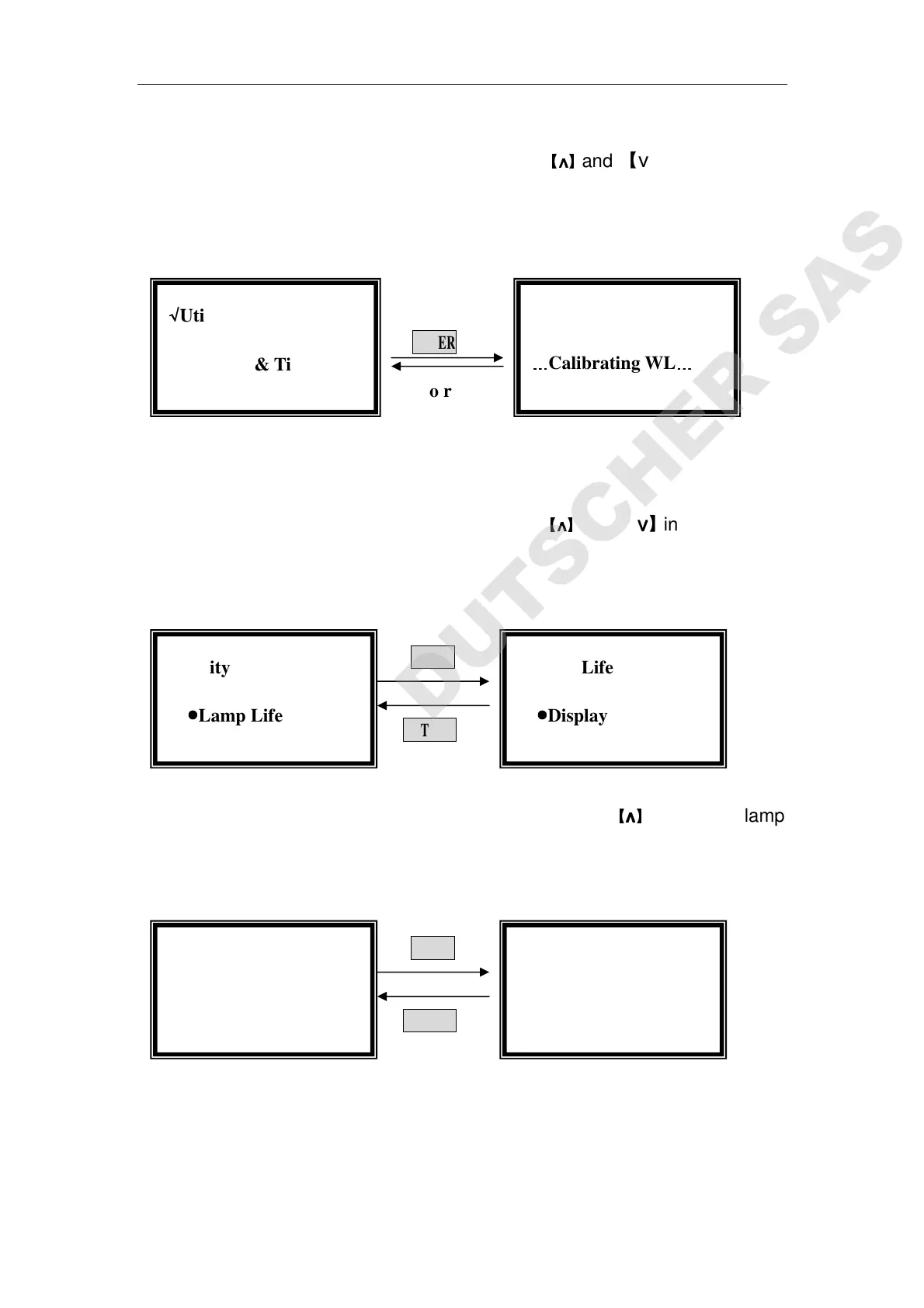
Move the cursor on “Reset WL.” by pressing
【
∧
∧∧
∧
】
and 【∨
∨∨
∨】in utility setting
interface, then press【ENTER】to reset wavelength. (Fig. 49)
The calibrating time is about 1.5 minutes.
ENTER
Auto return
Fig. 49
Lamp Life Management
Move the cursor on “Lamp Life” by pressing
【
∧
∧∧
∧
】
and 【∨
∨∨
∨】in utility setting
interface, then press【ENTER】. (Fig. 50)
ENTER
RETURN
Fig .50
Move the cursor on “Display Lamp Life” by pressing
【
∧
∧∧
∧
】
and 【∨
∨∨
∨】in lamp
life setting interface, then press【ENTER】,you’ll find the used time of D2 and W
lamp. (Fig. 51)
ENTER
RETURN
Fig. 51
When the used time of D2 lamp is more than 1000 hours, replacing a new
one is strongly recommended.
When the used time of W lamp is more than 1000 hours, replacing a new
lamp is strongly recommended.
Lamp Life
D2 Life:
::
: 999 hours
W Life:
::
: 888 hours
√
√√
√Lamp Life
●
●●
●Display Lamp Life
…
……
…
Calibrating WL
…
……
…
√
√√
√Utility
○
○
○
○Date & Time
√
√√
√Lamp Life
●
●●
●Display Lamp Life
√
√√
√Utility
●
●●
●Lamp Life



 To Next Page