1600/1800 Manual
28
Fig. 46
Set Time and Date
Move the cursor on “Time and Date” by pressing
【
∧
∧∧
∧
】
and 【∨
∨∨
∨】in utility setting
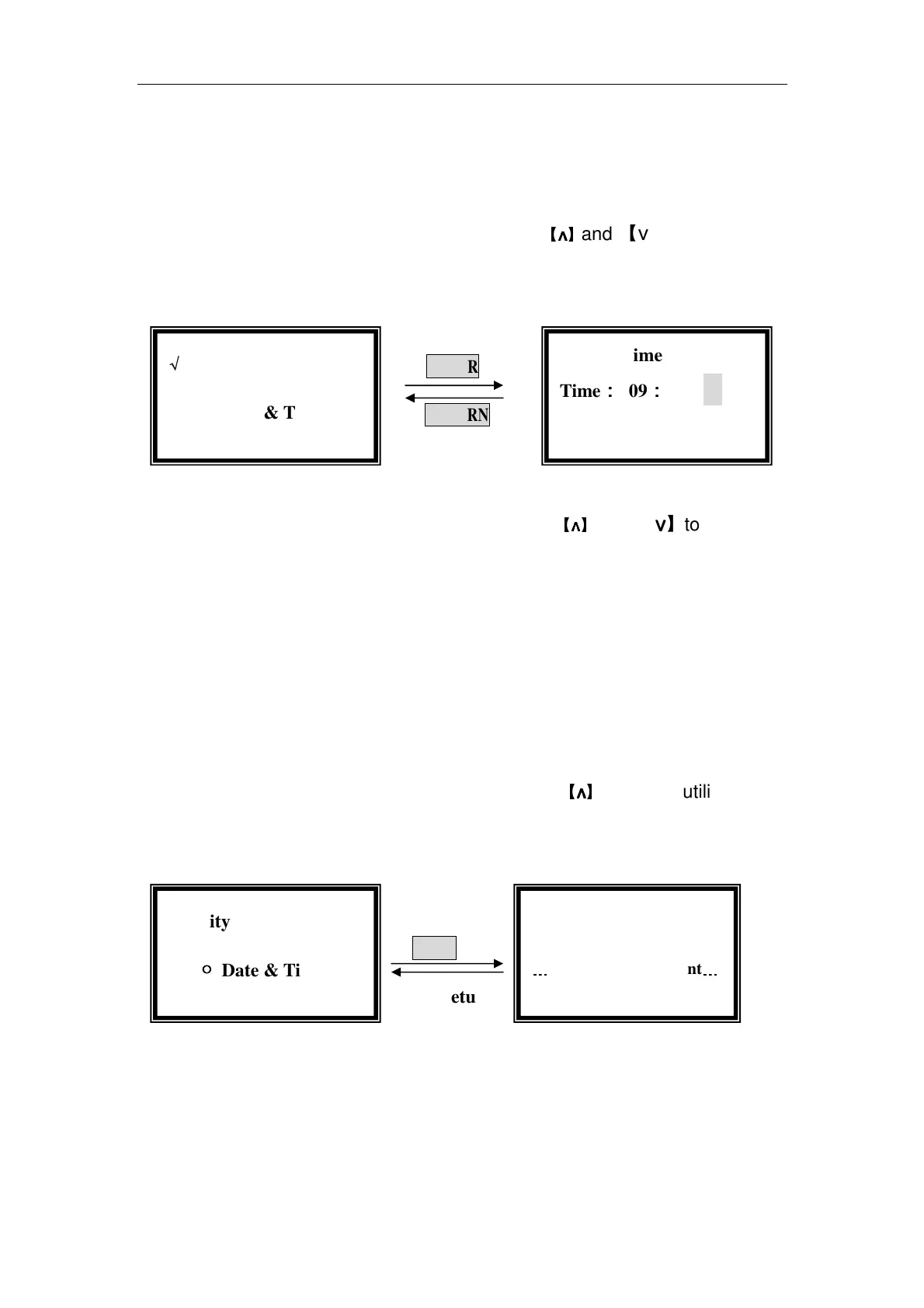
interface, then press【ENTER】to go into time and date setting interface.(Fig. 47)
ENTER
RETURN
Fig. 47
In the time and date setting interface, press
【
∧
∧∧
∧
】
and 【∨
∨∨
∨】to move the
cursor. You can set them by pressing the numeric keypad followed by
【ENTER】.
The range of year is 0-99, month is 0-12, day is 1-31, hour is 0-24, minute
is 0-59, week is 1-7, other number is invalid.
Get Dark Current
When the ambient circumstance changed, such as temperature, voltage
or the environment lightness, you should get dark current before testing.
Move the cursor on “Dark Current” by pressing
【
∧
∧∧
∧
】
and 【∨
∨∨
∨】in utility setting
interface, then press【ENTER】to get dark current. (Fig. 48)
ENTER
Auto return
Fig. 48
It returns to the utility setting interface when the dark current got finished.
Reset Wavelength
When you are suspicious of your wavelength, you can reset your
wavelength.
…
……
…
Getting Dark Current
…
……
…
√
√√
√Utility
●
●●
● Date & Time
√
√√
√Utility
○
○○
○ Date & Time
Date & Time
Time:
::
: 09:
::
:18:
::
:00
Date: 2005-01-01



 To Next Page