1600/1800 Manual
27
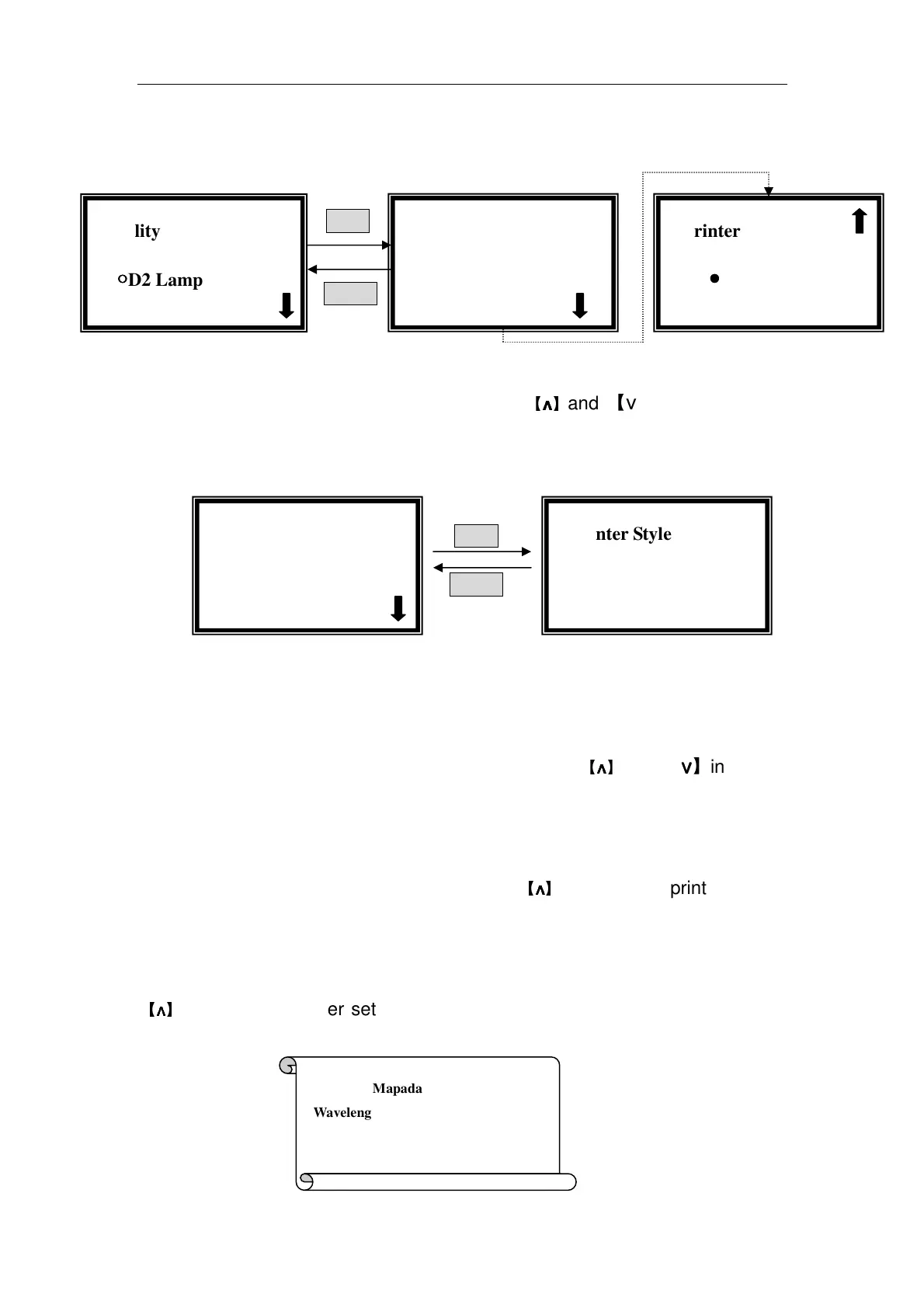
then press【ENTER】to go into printer setting interface.(Fig. 44)
ENTER
RETURN
Fig. 44
Move the cursor on “Printer Style” by pressing
【
∧
∧∧
∧
】
and 【∨
∨∨
∨】in printer setting
interface, then press 【ENTER】. (Fig. 45)
ENTER
RETURN
Fig. 45
If your printer is outside of the instrument, choose “Table Style” in the right
of Fig. 45; if your printer is inside of your instrument, choose “Panel Style” in
the right interface of Fig.45.
Move the cursor on “Scroll Paper” by pressing
【
∧
∧∧
∧
】
and 【∨
∨∨
∨】in printer
setting interface followed by 【ENTER】. Repeat the operation, till the new
changed paper spread out.
Move the cursor on “Reset” by pressing
【
∧
∧∧
∧
】
and 【∨
∨∨
∨】in printer setting
interface followed by 【ENTER】, then the printer will be reset.
If you want to check your printer, Move the cursor on “Reset” by pressing
【
∧
∧∧
∧
】
and 【∨
∨∨
∨】in printer setting interface, then press【ENTER】, the printing
content is as follows.(Fig. 46)
√
√√
√Printer
●
●●
●Printer Style
√
√√
√Utility
○
○○
○D2 Lamp on/off
√
√√
√Printer
●
●●
●Testing Paper
√
√√
√Printer
●
●●
●Printer Style
√
√√
√Printer Style
●
●●
●Table Style
Shanghai Mapada
Wavelength
Basic Mode



 To Next Page