1600/1800 Manual
26
Note: The D2 lamp needs about 20 seconds to warm up before being
lightened! (Fig. 42)
ENTER
RETURN
Fig. 42
Shutting off D2 lamp is strongly recommended when you don’t use it
after self-testing.
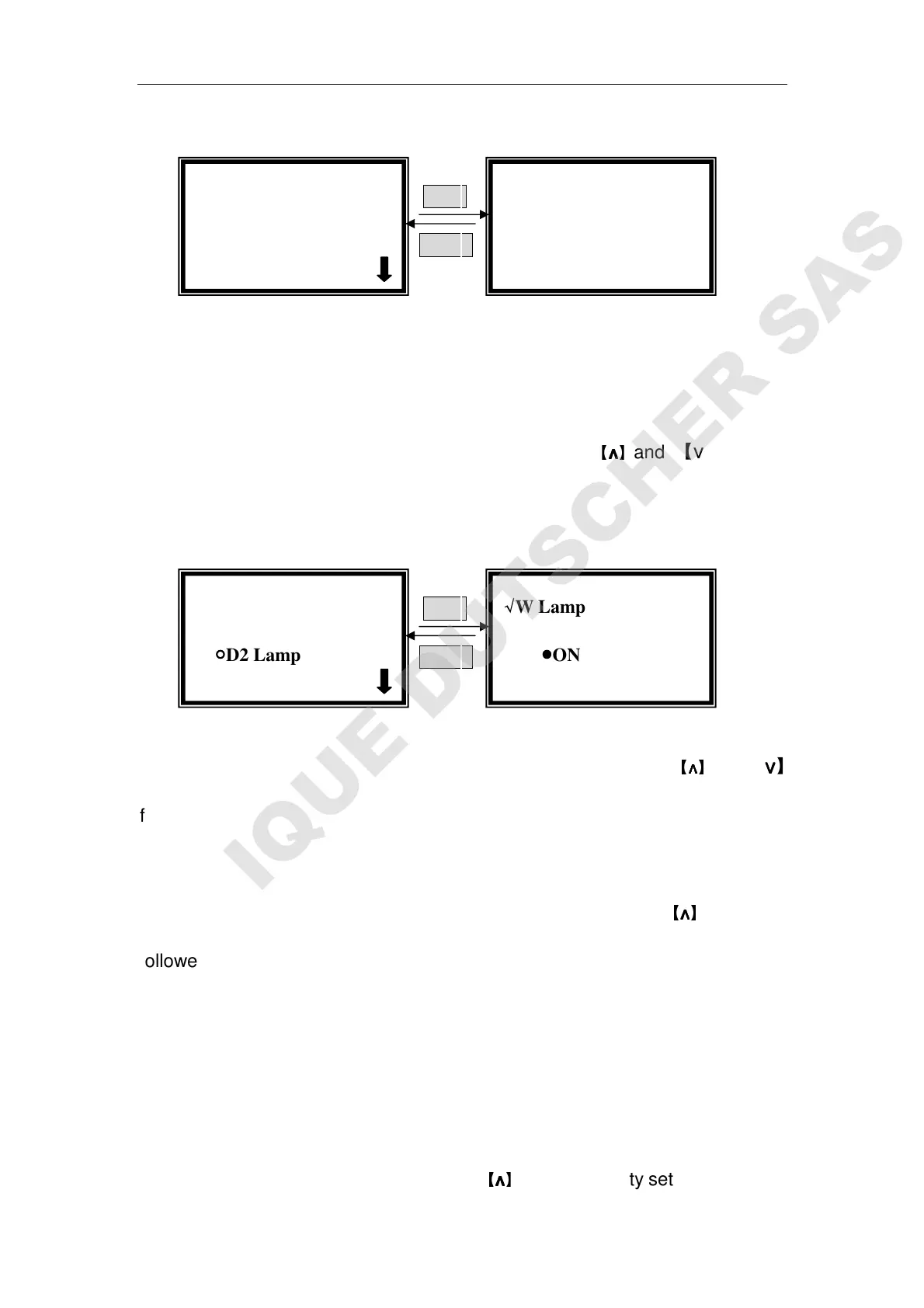
Set W Lamp
Move the cursor on “W Lamp on/off” by pressing
【
∧
∧∧
∧
】
and 【∨
∨∨
∨】in utility
setting interface, then press 【 ENTER 】 to go into W lamp controlling
interface.(Fig. 43)
ENTER
RETURN
Fig. 43
Move the cursor on “OFF” to shut off the W lamp by pressing
【
∧
∧∧
∧
】
and 【∨
∨∨
∨】
followed by 【ENTER】. The icon ”√
√√
√” also displays at the end of “OFF” . Press
【RETURN】to exit.
Move the cursor on “On” to lighten the W lamp by pressing
【
∧
∧∧
∧
】
and 【∨
∨∨
∨】
followed by 【ENTER】. The icon ”√
√√
√” also displays at the end of “ON” Press
【RETURN】to exit.
Shutting off W lamp is strongly recommended when you don’t use it after
self-testing.
Set Printer
Move the cursor on “Printer” by pressing
【
∧
∧∧
∧
】
and 【∨
∨∨
∨】in utility setting interface,
D2 Lamp Warming
Please wait …
√
√√
√D2 Lamp
●
●●
●ON
√
√√
√W Lamp
●
●●
●ON √
√√
√
√
√√
√Utility
○
○○
○D2 Lamp on/off



 To Next Page