1600/1800 Manual
35
Troubleshooting
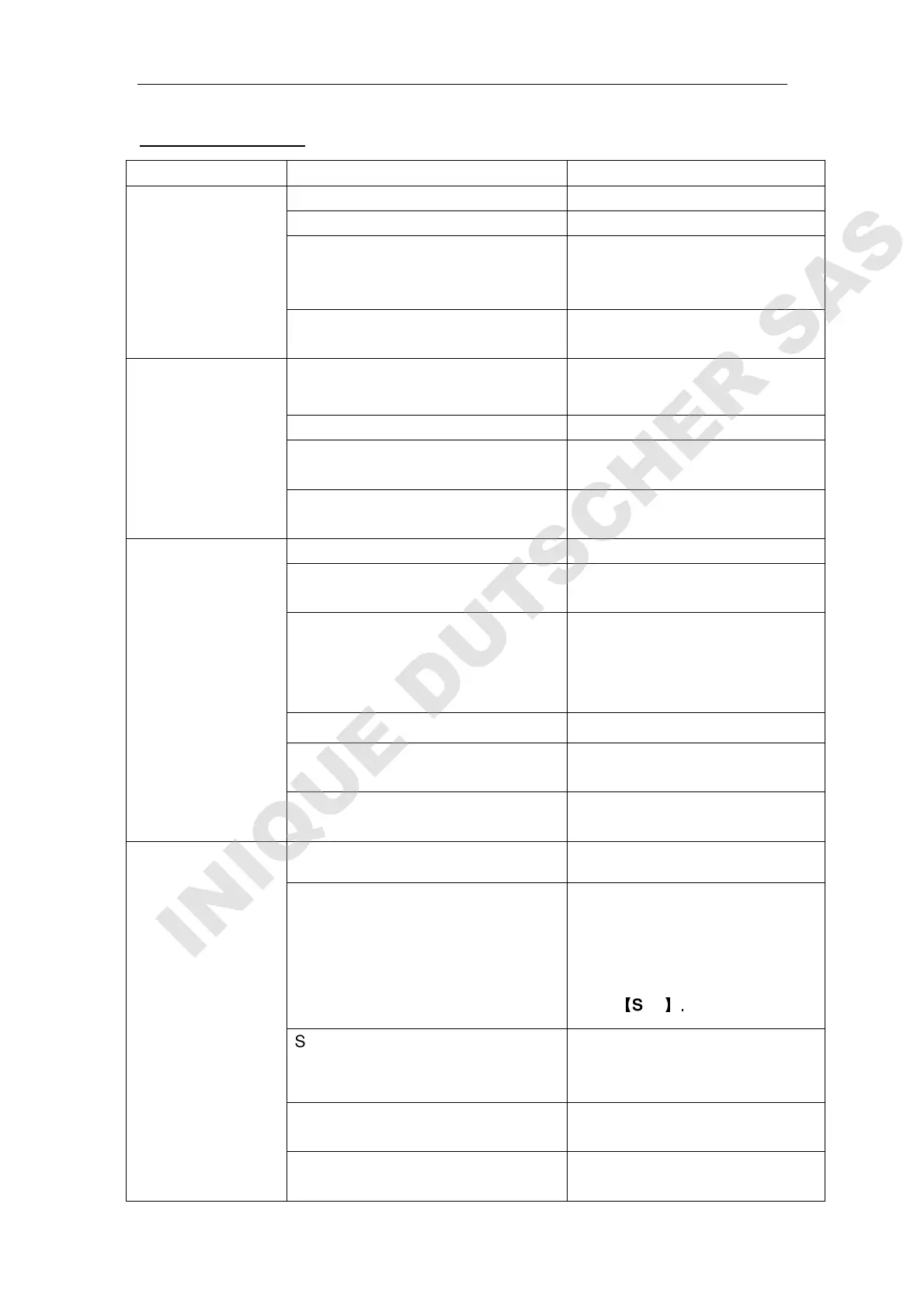
PROBLEM Possible Cause Solution
Instrument
Inoperative after
switch power on
Power cord not connected to outlet Plug instrument in
Dead Power outlet Change to a different outlet
Wrong voltage setting Switch to your local voltage or
call an authorized service
engineer
Internal fuse blown or defective
electronic component
Call an authorized service
engineer
Instrument cannot
set 100%T
(0.000A)
Light beam blocked:
Holder misaligned
Check sample holder
Lamp is old or defective Replace lamp
Lamp is off alignment Refer to lamp replacement
instructions in this manual
Defective electronic component Call an authorized service
engineer
Instrument drift
and noise
No sufficient warm up time warm up at least 20 minutes
Use glass cuvette in Ultra-violet
range
Change to quartz cuvette
Significant temperature change
Lamp not adjusted properly
Check lamp if has been properly
installed.
Refer to lamp replacement
instructions in this manual
Lamp old or defective Replace with a new lamp
Unstable power supply equip a manostat to make the
voltage stable
Defective or dirty detector or
defective electronic component
Call an authorized service
engineer
Incorrect readings
obtained
Insufficient sample volume Fill cuvette with more samples
Wrong wavelength setting
Failed to blank (0A/100%T)
Check analytical procedure and
wavelength setting.
Get dark current and calibrate
wavelength in utility menu by
press
【
SET
】.
Stray sample preparation vapors. Prepare sample away from
instrument. Use proper
ventilation
Bubbles or particles in solution Check sample preparation and
analytical procedure
Instrument out of electronic
calibration
Call an authorized service
engineer



 To Previous Page