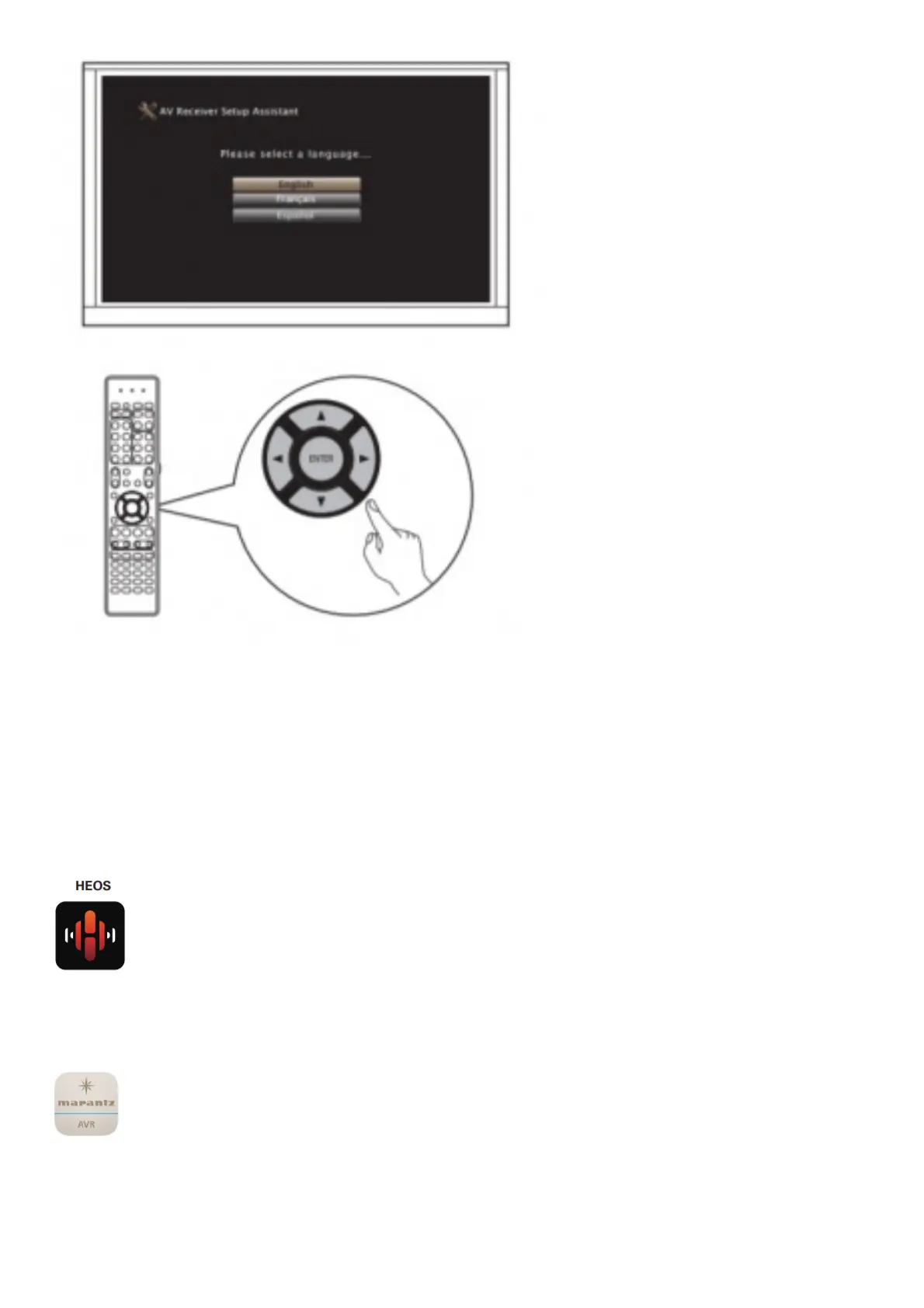
The Setup Assistant will walk you through connecting and confi guring your speakers and components to your
Marantz receiver. Please use the remote control and follow the
on-screen instructions.
4 Downloading the Mobile Apps
Download both the “HEOS” App and the “Marantz 2016 AVR Remote” App for the full home entertainment
experience.
The HEOS App is required to access online music through your AVR.
The HEOS App allows you to explore, browse, and play music from many online streaming services or
from your own music library
Marantz 2016 AVR Remote
Control your new AVR with the latest Marantz 2016 AVR Remote App. Volume control, sound mode
selection and advanced settings are always only a tap away.



 To Next Page