Contents [ hide
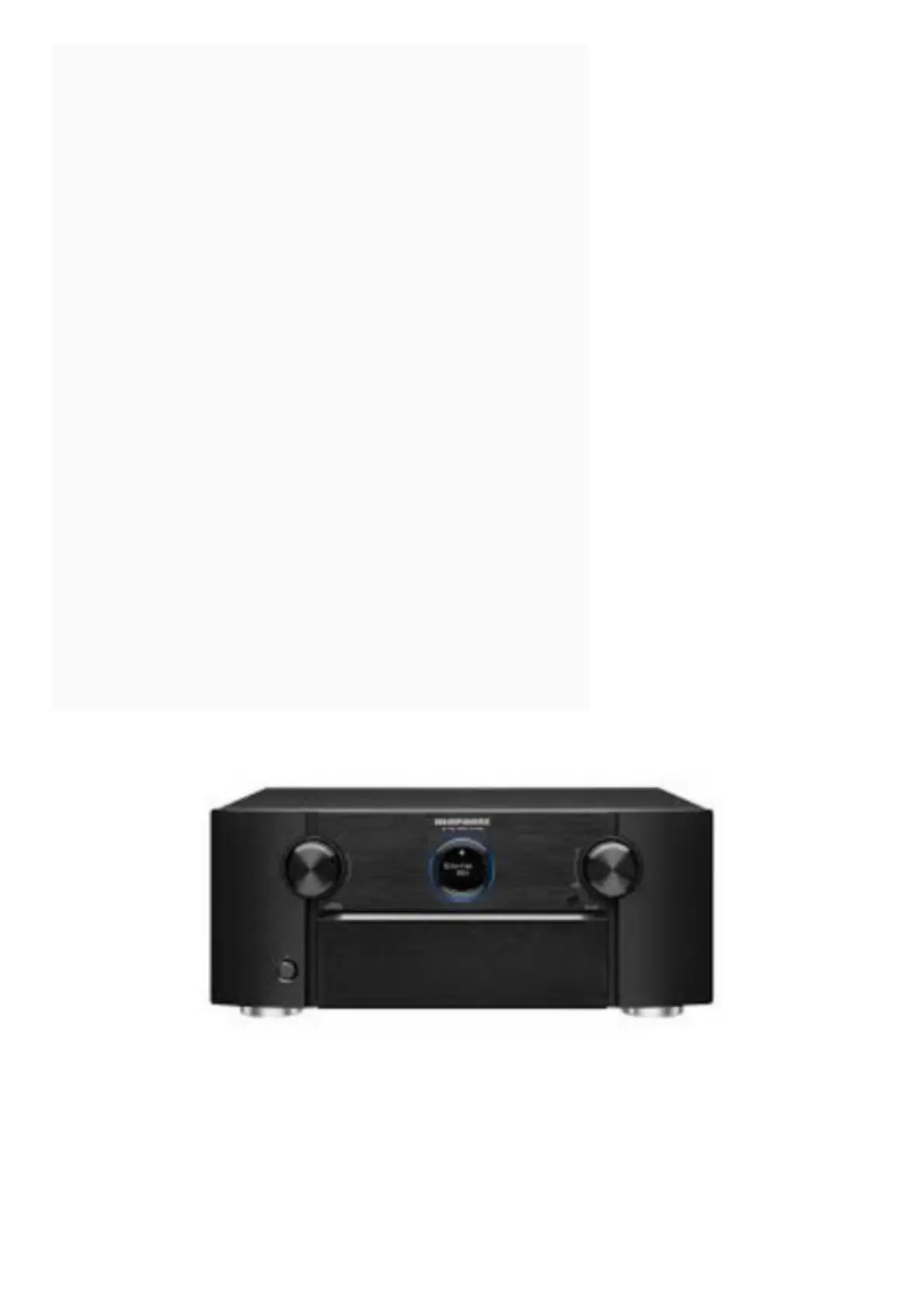
1 marantz AV Pre Tuner User Guide
2 Welcome
3 Before You Begin
3.1 Required for Setup
4 Optional
5 What’s In the Box
6 Important: External Antennas
7 Connecting the external antennas for Bluetooth/Wireless
connectivity
8 Setup
9 There are four steps to the setup process.
10 1 Installing batteries in the remote control unit
11 2 Connecting the Pre Tuner, Power Amplifi er and your TV
12 2) Connect the Pre Tuner to your home network
12.1 Wired LAN
13 Wireless LAN
14 3) Connect the Pre Tuner to your TV with an HDMI cable
15 ARC (Audio Return Channel) :
16 4) Turn on the TV
17 5) Select the appropriate HDMI input on
18 your TV
19 6) Turn on the Pre Tuner
20 7) Verify the connection
21 3 Following the On-Screen Setup Assistant
22 4 Downloading the Mobile Apps
23 Owner’s Manual
24 Read More About This Manual & Download PDF:
25 File Downloads
26 References
27 Related Manuals
marantz AV Pre Tuner User Guide
Welcome
Thank you for choosing a Marantz Pre Tuner.
This guide provides step-by-step instructions for setting up your Pre Tuner.
Before You Begin


 To Next Page