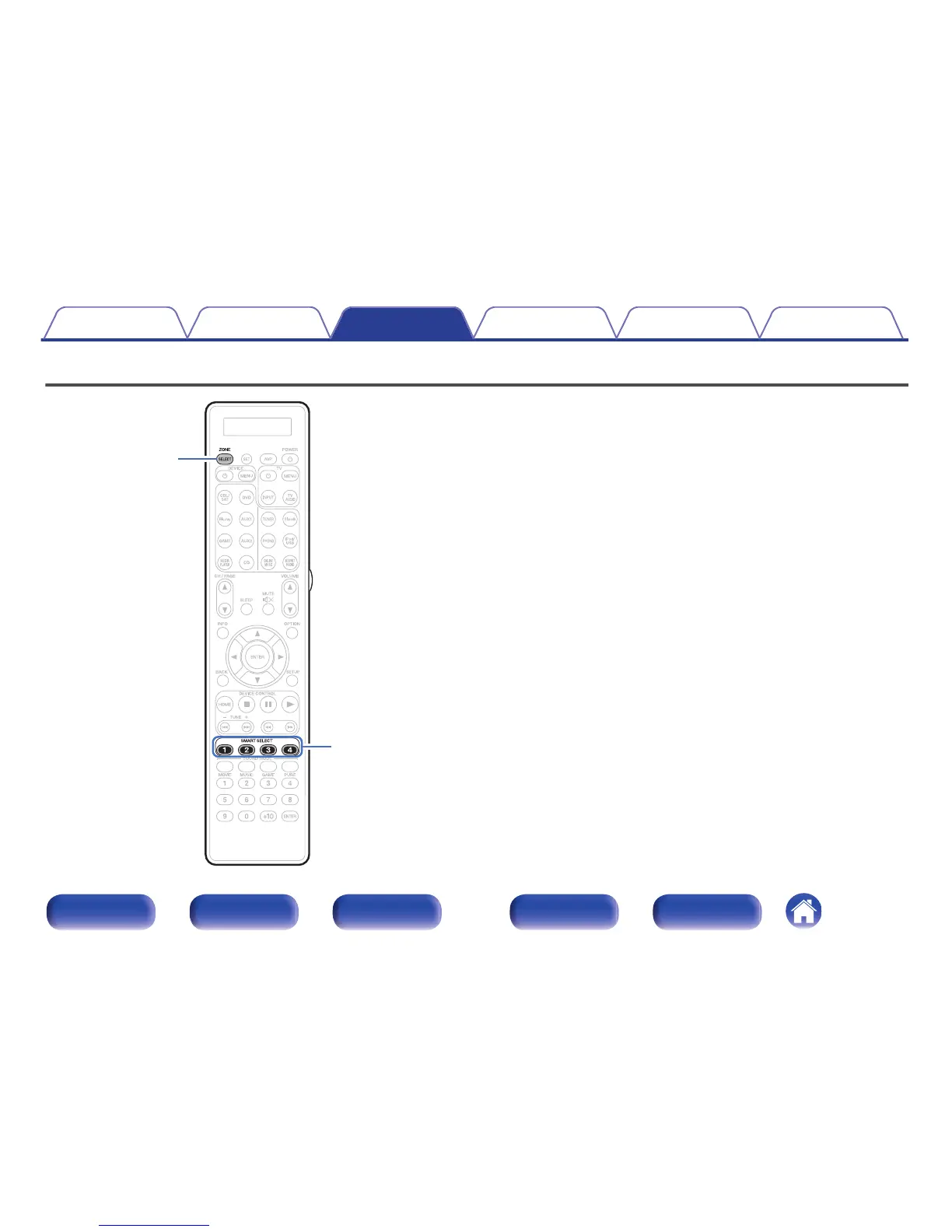
Settings such as the input source, volume level and sound mode can be
registered to the SMART SELECT 1 - 4 buttons.
You can simply press one of the registered SMART SELECT buttons in
subsequent playbacks to switch to the group of saved settings in a batch.
By saving frequently used settings at the SMART SELECT 1 – 4 buttons,
you will always be able to easily call up the same playback environment.
The Smart Select function can be memorized for each zone.
Contents Connections Playback Settings Tips Appendix
169
Front panel Display Rear panel Remote Index



 To Next Page