6
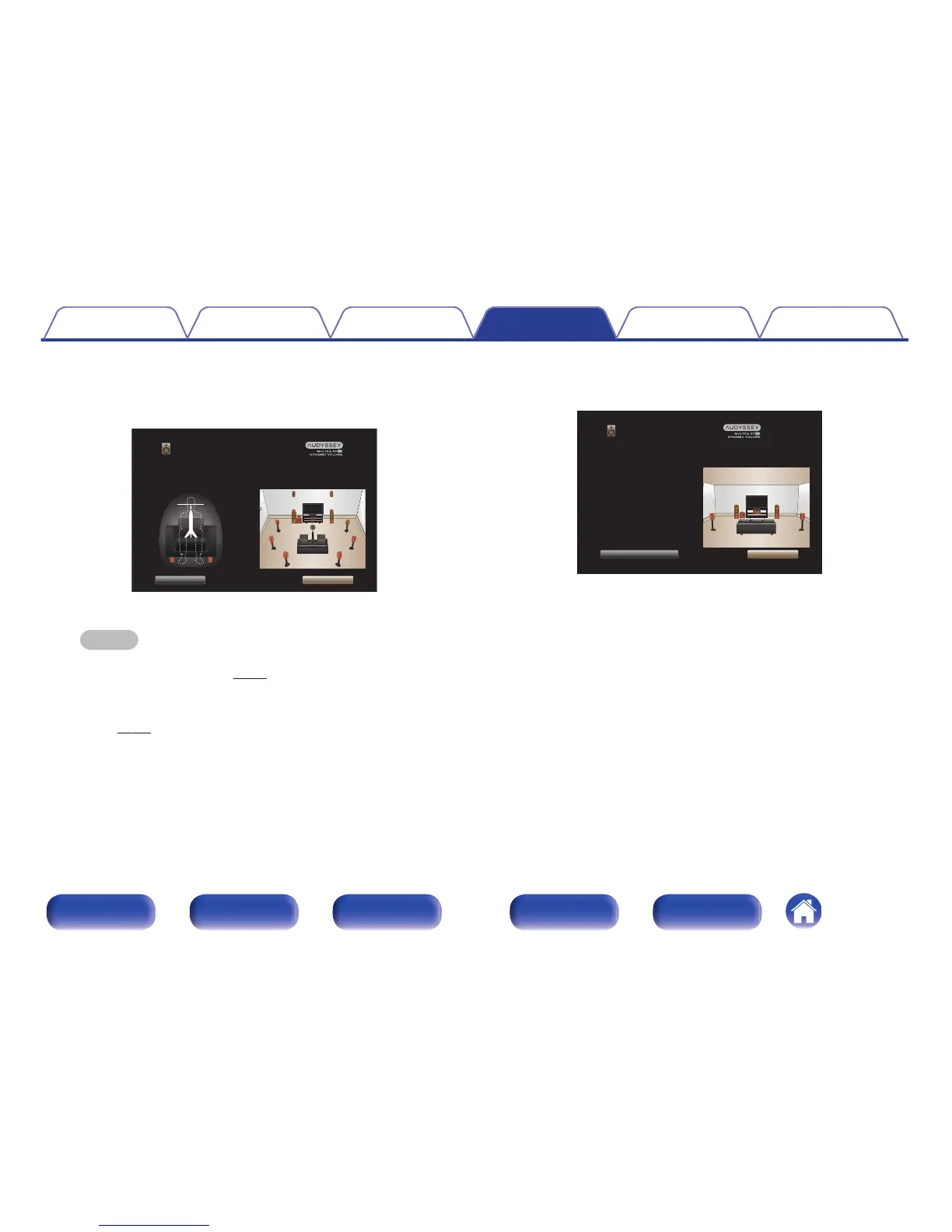
When the following screen is displayed, select “Begin
Test” and then press ENTER.
Start the measurement of the first position.
.
Begin Test
Back
Select “Begin Test” to start the calibration.
NOTE: You will hear a series of loud chirps starting and stopping
during the tests.
Ear Height
Audyssey Setup
0
Measurement requires several minutes.
NOTE
If “Caution!” is displayed on TV screen:
0
Go to “Error messages” (v p. 230). Check any related items, and
perform the necessary procedures.
0
If the volume level for the subwoofer is not appropriate, an error message is
displayed. See “Subwoofer level error message and how to adjust”
(v p. 231).
7
When the detected speaker is displayed, select “Next”
and then press ENTER.
.



 To Next Page