o
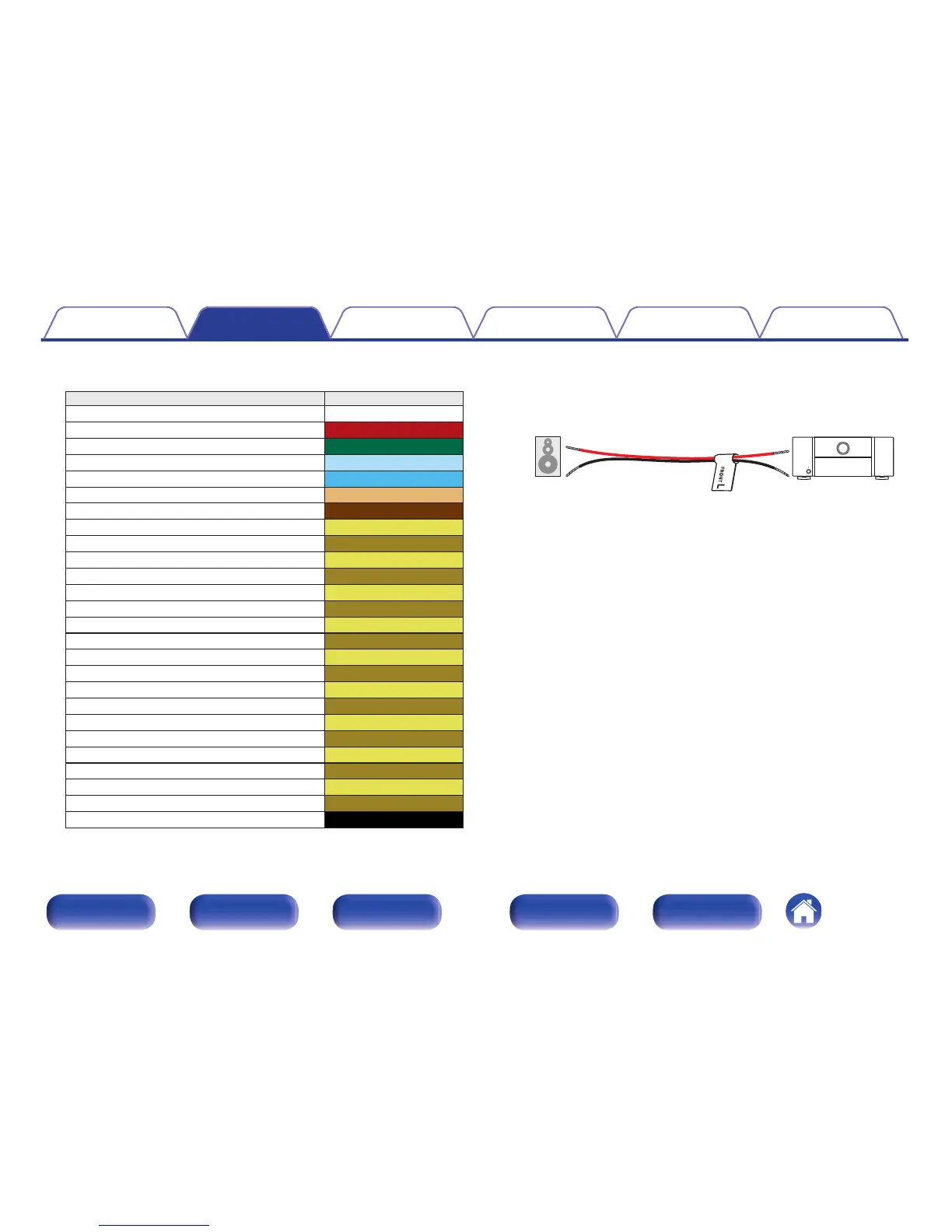
About the cable labels (supplied) for channel
identification
Channel Color
FRONT L White
FRONT R Red
CENTER Green
SURROUND L Light blue
SURROUND R Blue
SURROUND BACK L Beige
SURROUND BACK R Brown
FRONT WIDE L Light Yellow
FRONT WIDE R Yellow
FRONT HEIGHT L Light Yellow
FRONT HEIGHT R Yellow
TOP FRONT L Light Yellow
TOP FRONT R Yellow
TOP MIDDLE L Light Yellow
TOP MIDDLE R Yellow
TOP REAR L Light Yellow
TOP REAR R Yellow
REAR HEIGHT L Light Yellow
REAR HEIGHT R Yellow
FRONT DOLBY L Light Yellow
FRONT DOLBY R Yellow
SURROUND DOLBY L Light Yellow
SURROUND DOLBY R Yellow
BACK DOLBY L Light Yellow
BACK DOLBY R Yellow
SUBWOOFER Black
Refer to the table and attach the label to each speaker cable.
This makes it easier to connect the speakers to the power amp.
G How to attach the cable labels H
.



 To Next Page